Find your way around Phocas
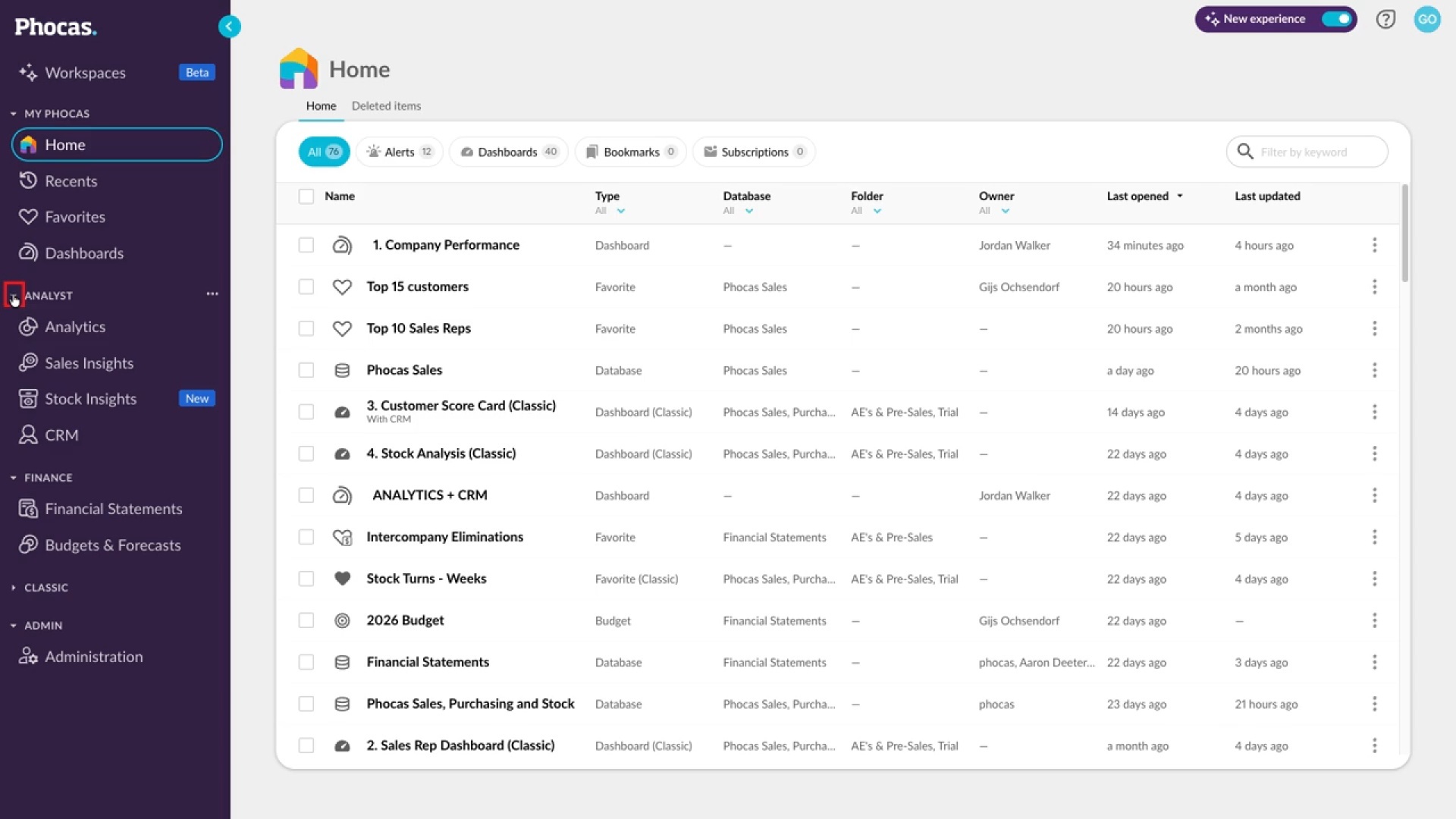
Learn how to navigate the menu on the left, where you can open products, recent items, favorites, and dashboards. You'll rearrange, rename, and collapse sections, pin favorites, and find Help and Support and your User Profile menu in the top bar.
Supporting documentation

Related video tutorials
 Platform
Set a dashboard as your home page
Learn how to save an important dashboard as your home page. Open the dashboard, use the arrow next to its name to choose Set as Home Dashboard, and confirm. The next time you log in to Phocas, that dashboard opens first, so you can get straight to the information you check most.
 Dashboards
Edit a dashboard
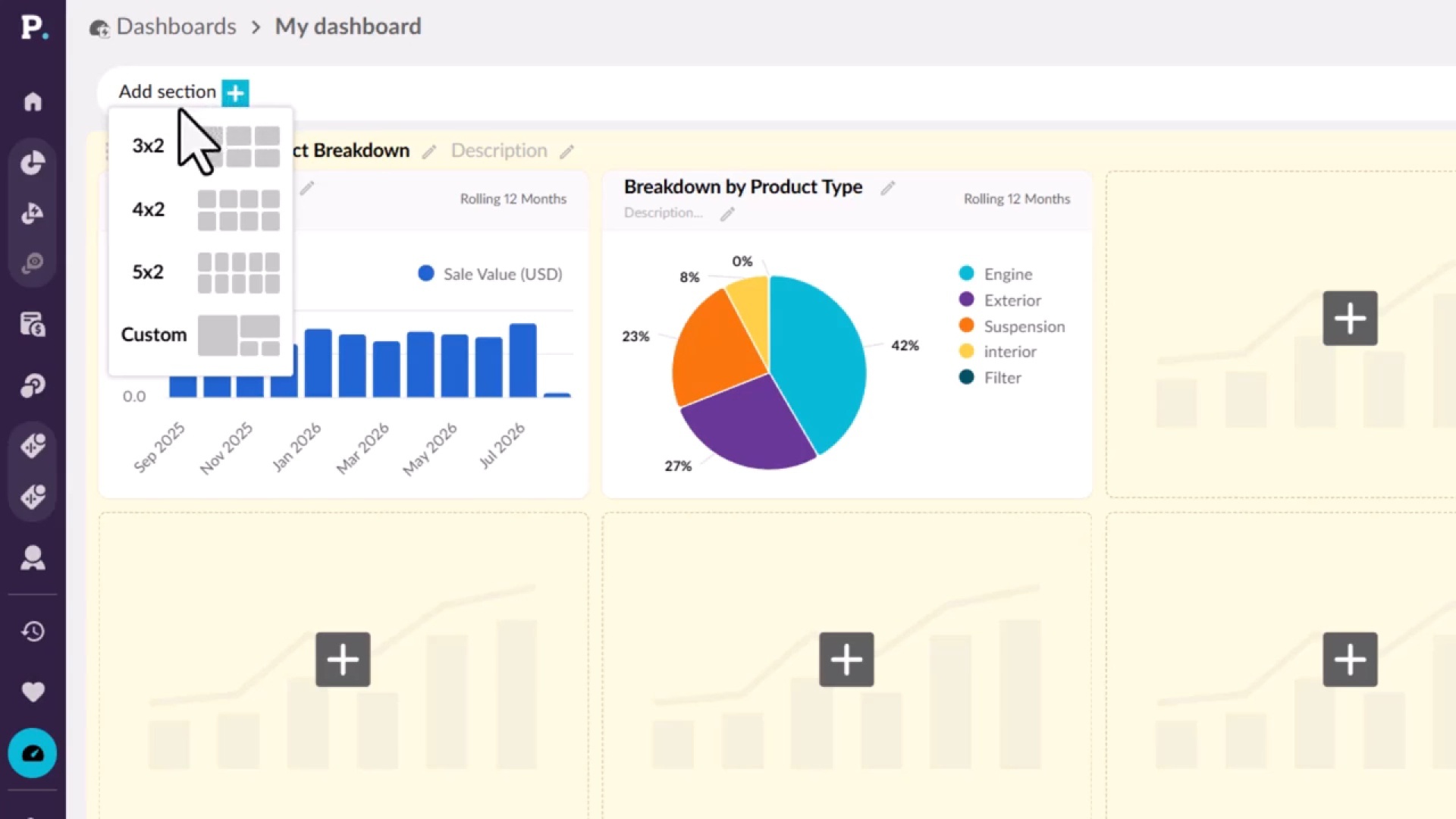
Learn how to shape a dashboard in edit mode, if you have permission to edit it. You'll add sections with preset or custom layouts, add and manage widgets, split a dashboard into tabs, and format its appearance. Your changes stay private until you publish them, and each publish saves a revision you can restore.
 Dashboards
Create a dashboard
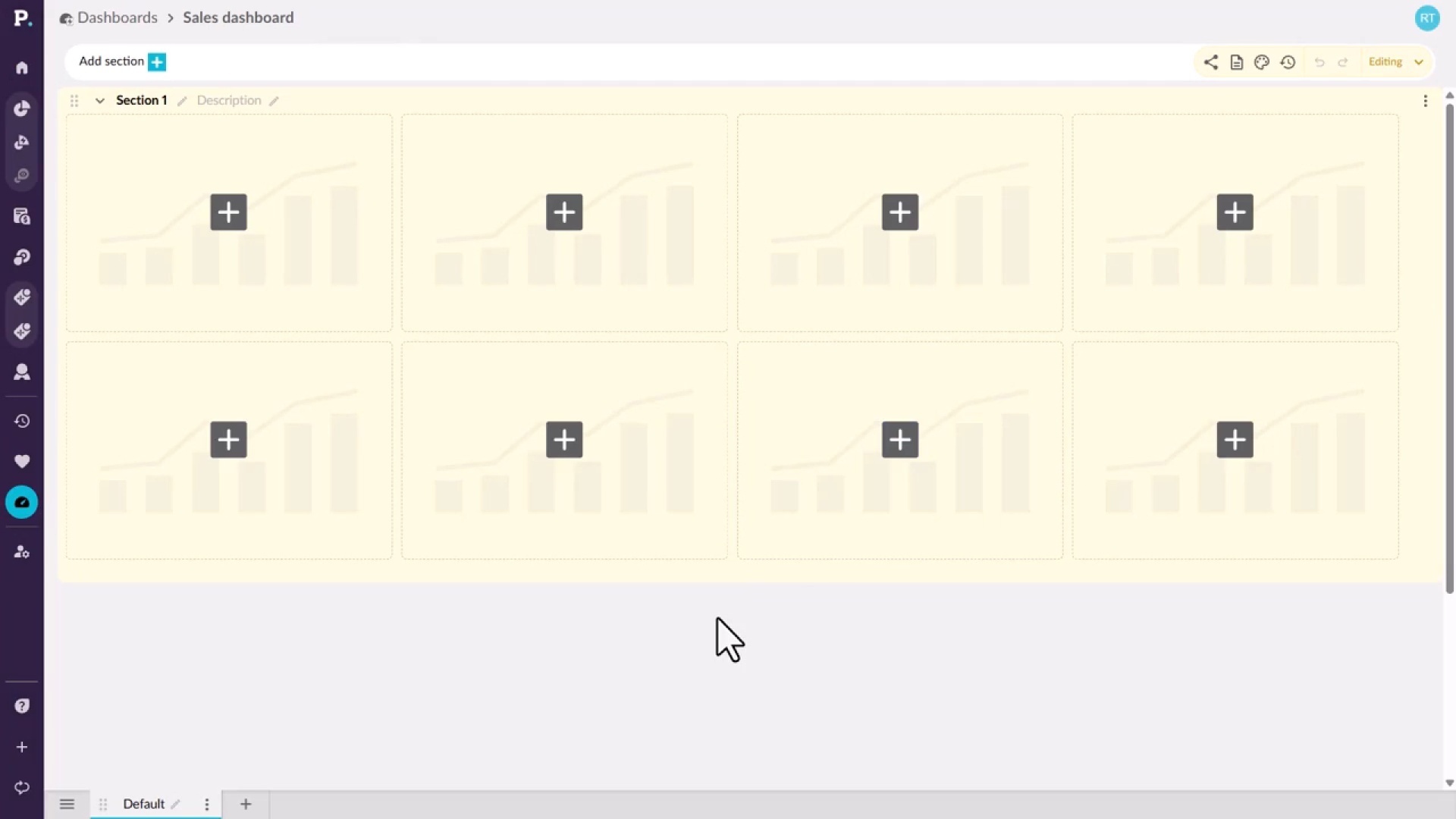
Learn how to start a new dashboard from the Dashboards tab on the homepage or from the side navigation menu. You give it a name and an optional description, which appears under the name on the homepage, then create it and open it, ready to build.
 Analytics
Switch modes
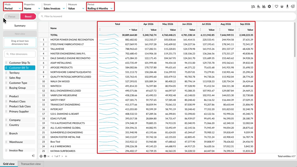
Learn how to change how data appears in the grid by switching between Period, Variance, Stream, Total, and Transaction modes. You'll also move between Summary and Dimension views, and see how your selections and filters carry across, so you can compare the same analysis in different ways.
