Reference a single account code in calculations
1:50 min
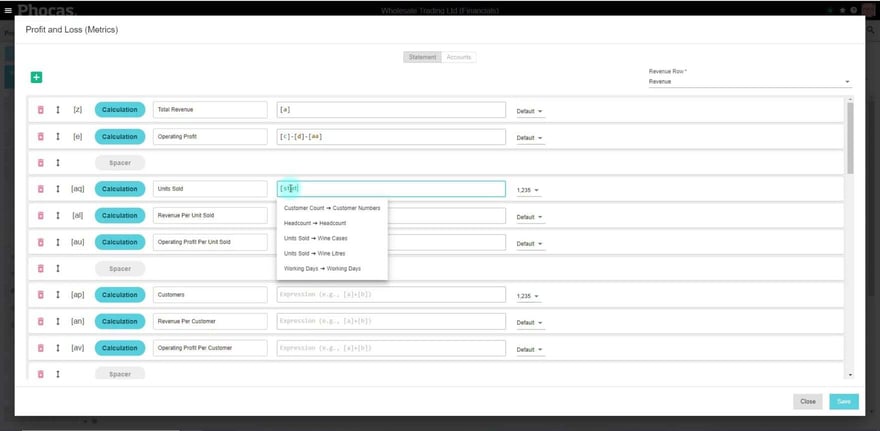
Learn how to display information for specific accounts in your financial statements, using the Account [acc] function to create calculations that reference single accounts within a statement.
Supporting documentation
Phocas product  Financial Statements
Financial Statements Category

Related video tutorials
.png?width=297&height=167&name=thumbnail%20(11).png) Financial Statements
Financial Statements Map accounts to a group
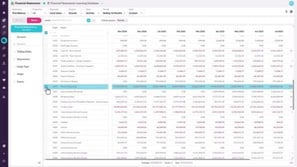
Learn how to map accounts to any new or updated groups in your financial statements, to make sure they display correctly in the grid.
2:40 min
 Financial Statements
 Set up your Trial Balance statement
Learn how to set up your trial balance statement and check end-of-period balances, total balances for Balance Sheet accounts, year-to-date balances for Profit and Loss accounts, and Retained Earnings excluding current-year Profit and Loss movements.
2:18 min
.png?width=297&height=167&name=thumbnail%20(10).png) Financial Statements
Financial Statements Edit a financial statement
Learn how to edit an existing financial statement to suit your business needs.
3:53 min
 Financial Statements
 Create a budget from within financial statements
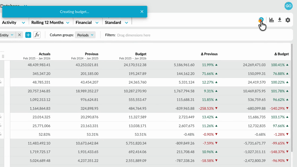
Learn how to quickly create a profit and loss budget from your financial statements using one click budgeting and start working in a ready-to-use workbook.
1:04 min
