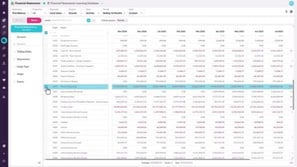
Map accounts to a group
2:40 min
.png?width=880&name=thumbnail%20(11).png)
Learn how to map accounts to any new or updated groups in your financial statements, to make sure they display correctly in the grid.
Supporting documentation
Phocas product  Financial Statements
Financial Statements Category

Related video tutorials
 Financial Statements
 Set up your Trial Balance statement
Learn how to set up your trial balance statement and check end-of-period balances, total balances for Balance Sheet accounts, year-to-date balances for Profit and Loss accounts, and Retained Earnings excluding current-year Profit and Loss movements.
2:18 min
 Financial Statements
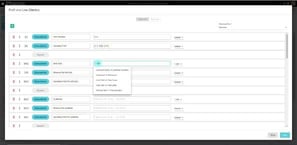
 Reference a single account code in calculations
Learn how to display information for specific accounts in your financial statements, using the Account [acc] function to create calculations that reference single accounts within a statement.
1:50 min
.png?width=297&height=167&name=thumbnail%20(10).png) Financial Statements
Financial Statements Edit a financial statement
Learn how to edit an existing financial statement to suit your business needs.
3:53 min
 Financial Statements
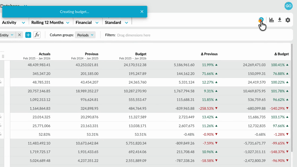
 Create a budget from within financial statements
Learn how to quickly create a profit and loss budget from your financial statements using one click budgeting and start working in a ready-to-use workbook.
1:04 min
