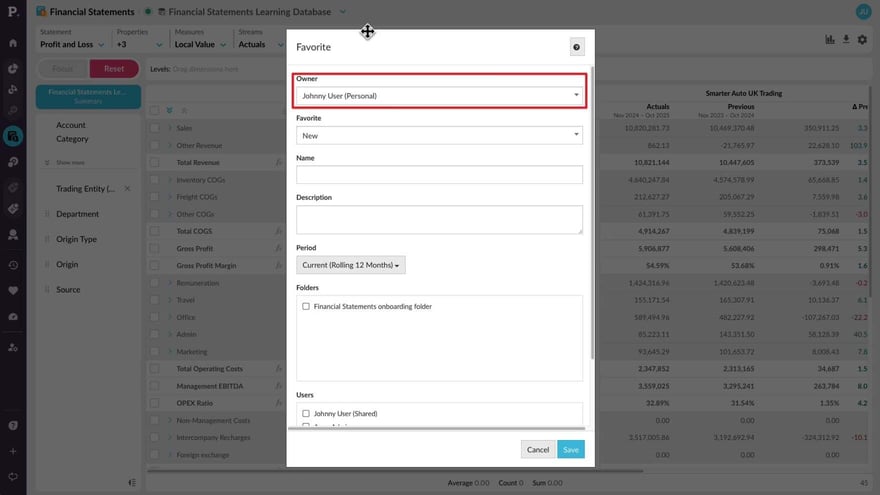
Save and share favorites
Supporting documentation
 Financial Statements
Related video tutorials
 Flex Modes
 Use alerts
Learn how to create and manage alerts in Phocas to keep track of important results and quickly see when something needs your attention. Set the metric to monitor, define red, yellow, and green thresholds, choose when notifications are triggered, and set up email delivery. You’ll also see how to test alerts before creating them, find them on the homepage, subscribe to shared alerts, and restore deleted alerts when needed.
 Flex Modes
 Save and share favorites
Learn how to save useful analysis views as favorites. This tutorial shows you how to create, update, share, and reuse favorites, as well as subscribe to receive them by email on a schedule.
.png?width=297&height=167&name=thumbnail%20(10).png) Financial Statements
Financial Statements Edit a financial statement
 Financial Statements
 Create a budget from within financial statements
Learn how to quickly create a profit and loss budget from your financial statements using one click budgeting and start working in a ready-to-use workbook.
