Combine inventory and sales to find dead stock
1:46 min
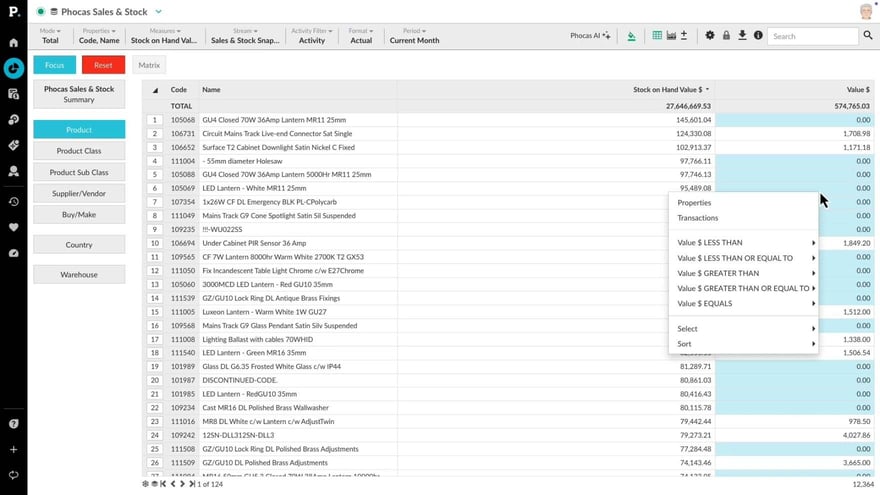
This video takes you into an inventory database. Learn how to combine inventory and sales values to quickly establish what dead stock is on the shelves.
Supporting documentation
Phocas product  Analytics
Analytics Category

Related video tutorials
 Analytics
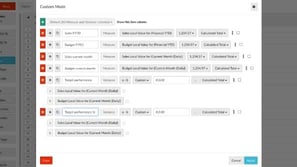
 Use custom mode to show target performance
Learn how to use custom mode to add columns to the Phocas grid to compare sales and budget, track sales rep performance, and customize how your data is displayed.
5:06 min
 Analytics
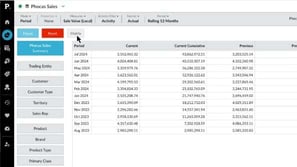
 Compare data with Matrix mode
Discover how to use a simple matrix tool to compare sales performance across regions, branches, or products side-by-side, and identify opportunities for cross-selling within your customer base.
1:46 min
 Analytics
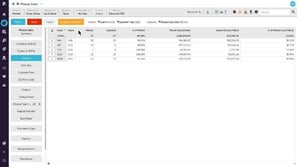
 Use Market Mode to analyze market penetration
With Market Mode, you compare a market segment to the overall market using market mode. Learn how to define a market and a segment and how to specify what entities you want to count and compare.
2:50 min
 Analytics
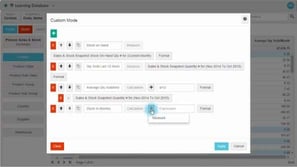
 Forecast months of stock on hand (custom mode)
Learn how to build a stock report that calculates the months of stock remaining, based on the average quantity sold and stock on hand. This is done by adding a new column with a few simple calculations.
2:21 min
