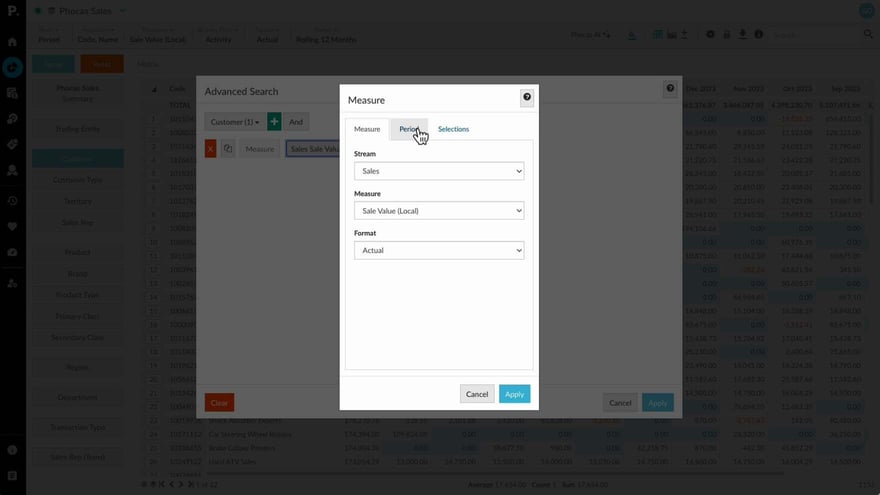
Perform an advanced search
Supporting documentation


Related video tutorials
 Flex Modes
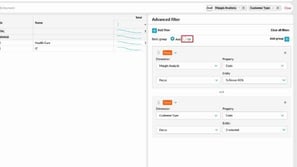
 Create an advanced filter
Learn how to use the Advanced Filter to take your analysis further and answer more complex questions. It’s a powerful way to refine your search results and uncover deeper insights in your data.
 Sales Insights
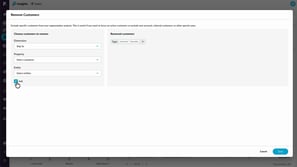
 Exclude customers from Sales Insights calculations
Learn how to use the Remove customers option to exclude specific customers from Insights calculations. You’ll see how exclusions immediately affect customer counts and revenue totals, and how removing customers differs from filtering by excluding them entirely from segmentation and Insights results.
 Sales Insights
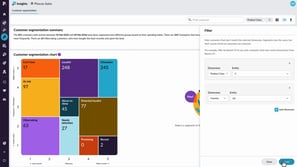
 Filter and resegment customers
Learn how to use filtering and re-segmenting to analyse your customers from different perspectives. This tutorial explains the difference between narrowing your view and recalculating customer behavior, helping you uncover deeper insights and identify opportunities within specific areas of your business.
 Flex Modes
 Compare data in a matrix
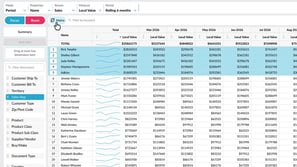
Learn how to filter and pivot rows at the same time, letting you view two dimensions side by side in a matrix. This makes it easy to compare your data and quickly spot any differences.
