Examine accounts receivable over 90 days
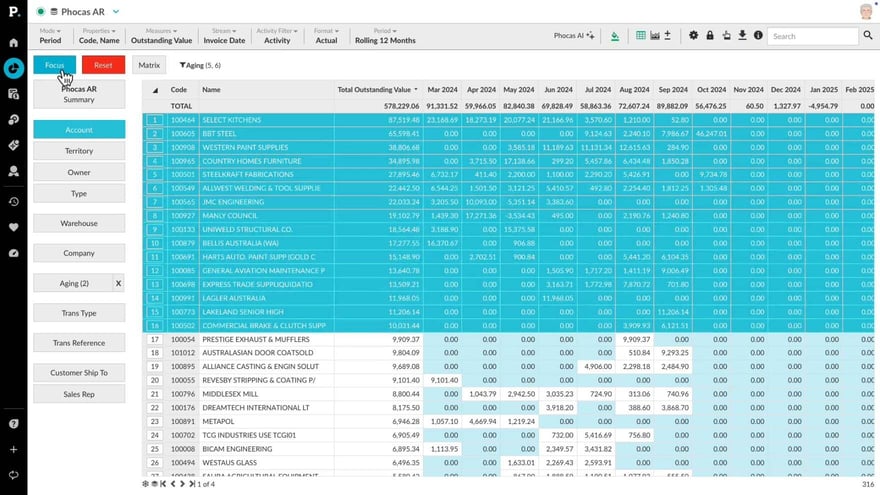
Learn how to examine an accounts receivable database to see which customers owe you money past 90 days. You'll select the aging ranges, focus on accounts above a chosen amount, break the balance down by account owner to know who to contact, and save the analysis as a favorite.
Supporting documentation


Related video tutorials
 CRM
View and update accounts in CRM
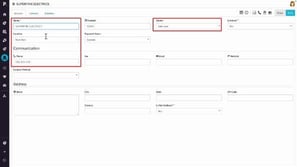
Learn how to view and update customer accounts in Phocas CRM, using filters and search to find them. Change an account's owner, manage its contacts and primary contact, and review its activities. Open the account's record in Phocas Analytics for sales history and trends, and create a new account manually, where only a name is mandatory.
 Sales Insights
Review a customer profile
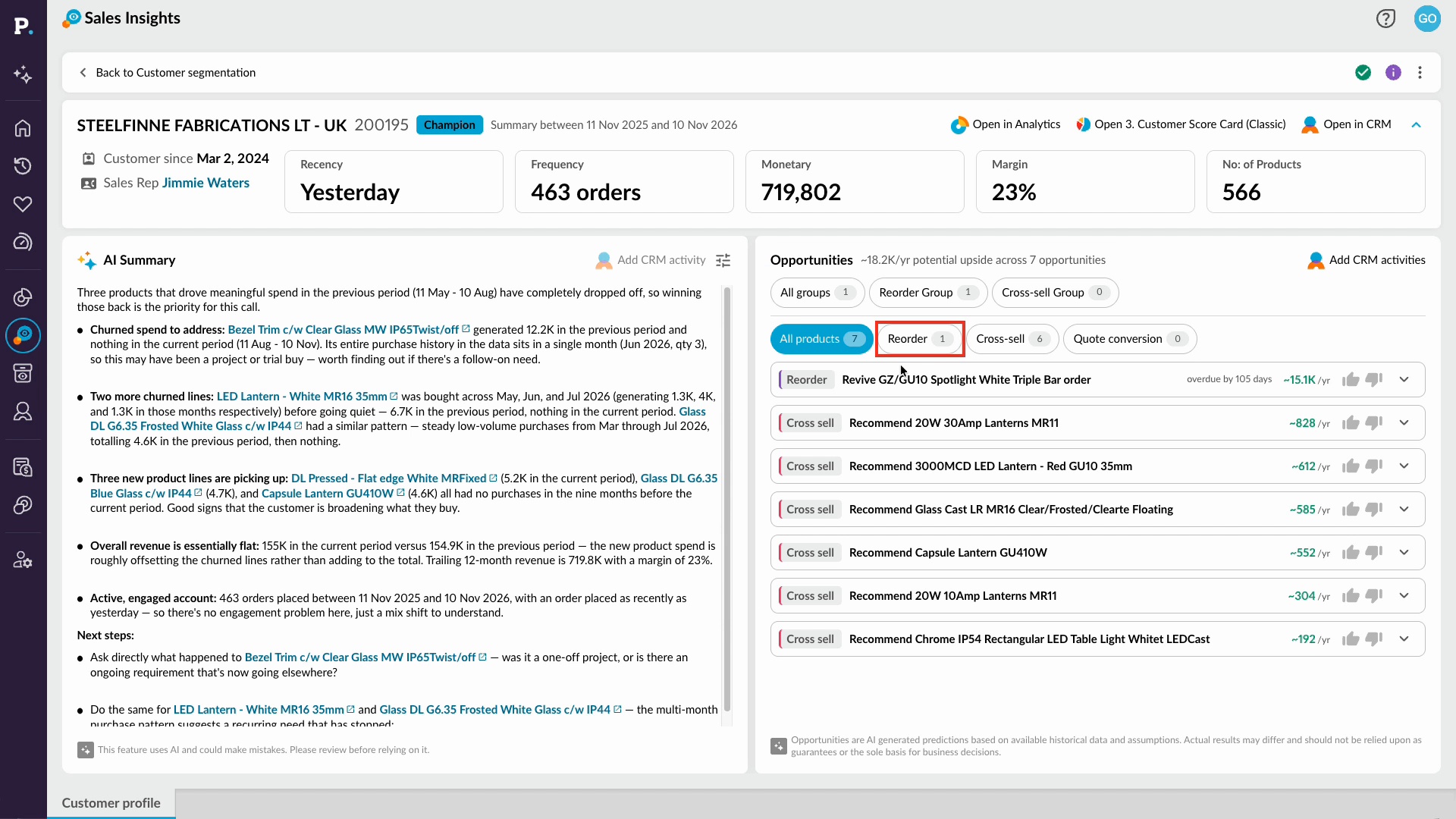
Learn how to review a customer's performance in their profile, from the summary and AI Summary to reorder and cross-sell opportunities. You'll also see how to open the data in Analytics and add a CRM activity, so you're ready for your next customer conversation.
 Analytics
See margin next to every sale
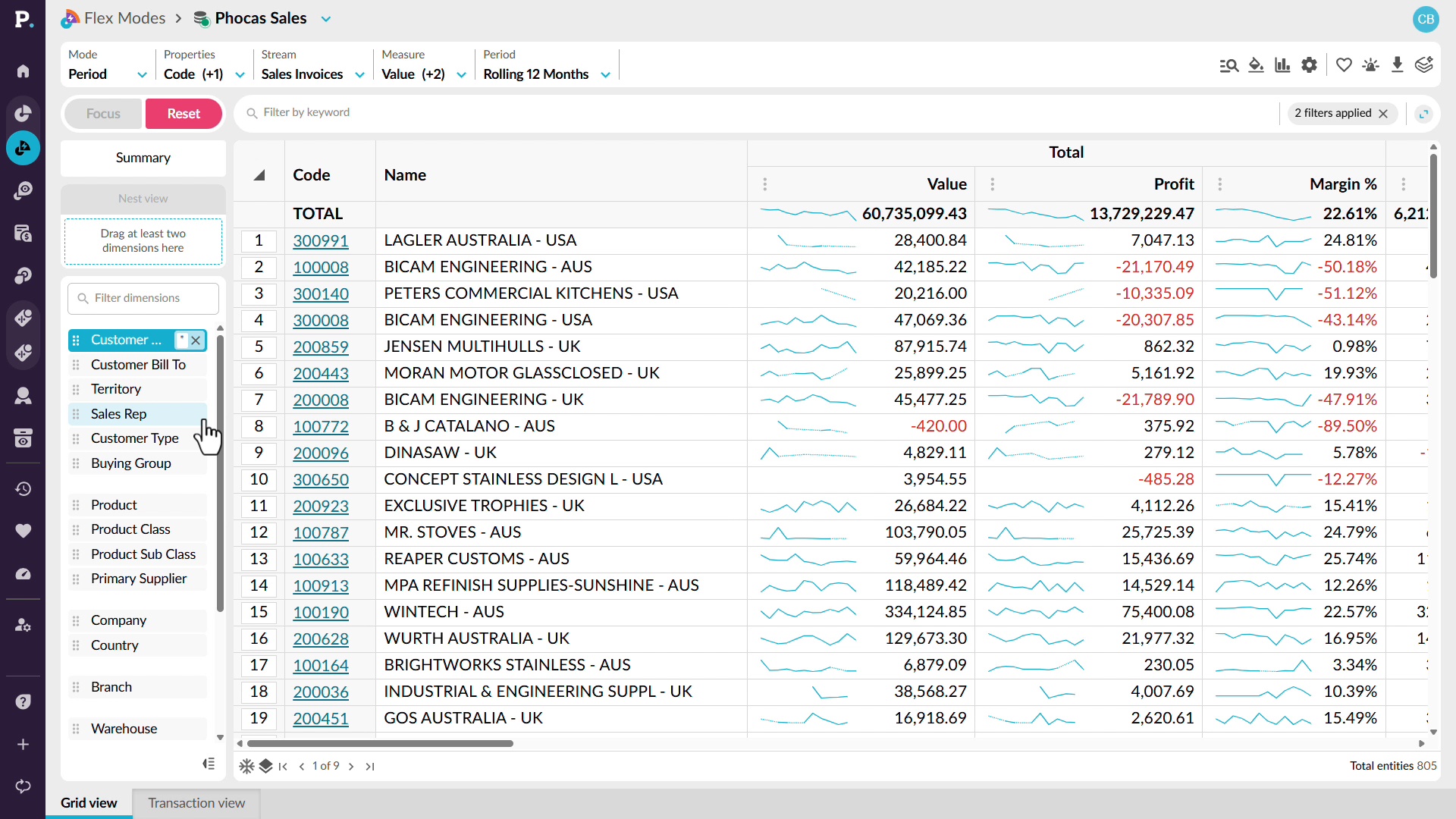
Learn how to see what you made, not only what you sold, by adding profit and margin next to sales in Analytics. Spot a dip in margin percentage over time, break it down by customer and month, and sort to find customers with negative margin. Then drill into the transactions behind them to help reps focus on worthwhile accounts and catch a bad discount early.
 Analytics
See cross-sell gaps across every account
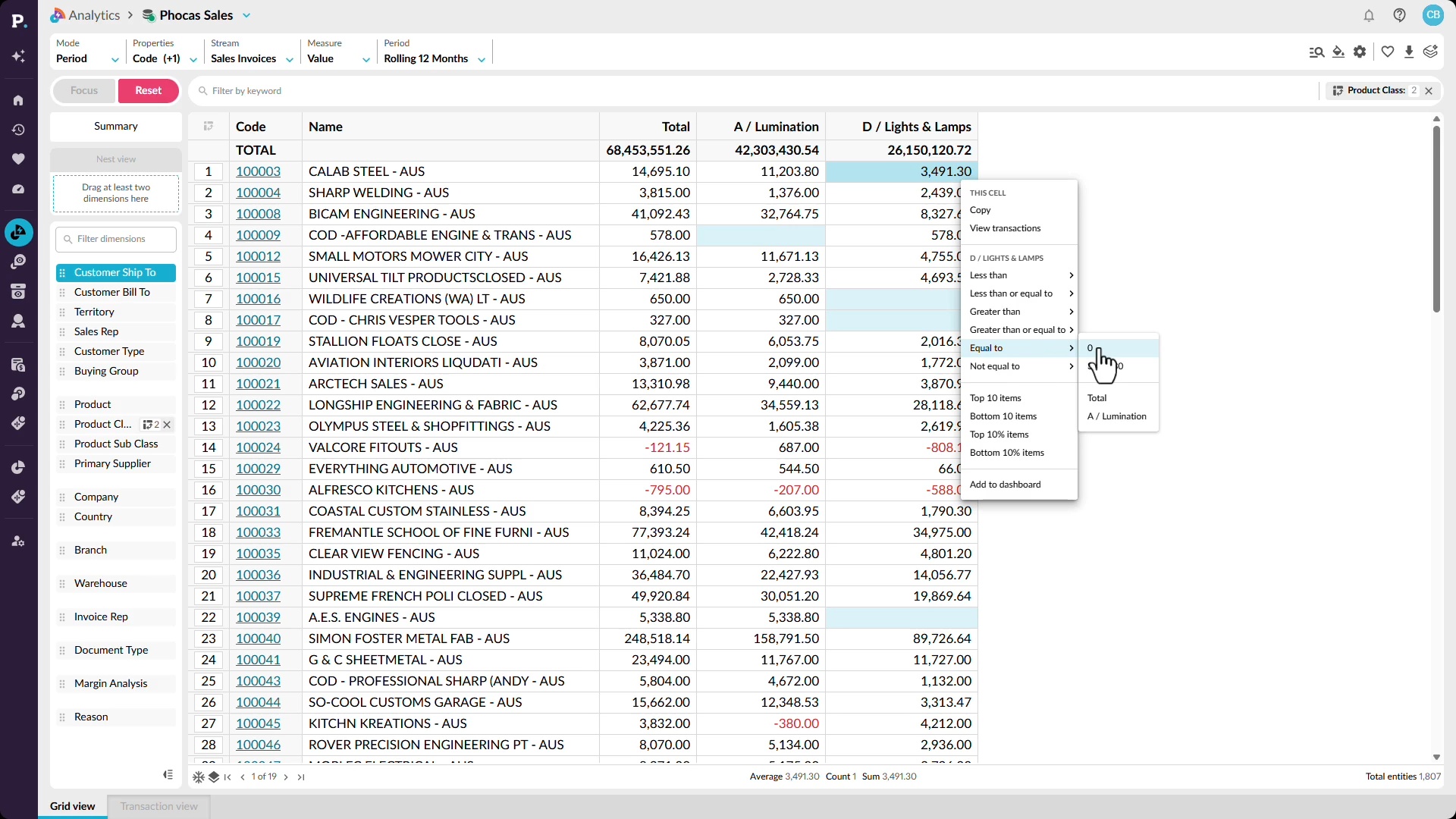
Learn how to identify cross-sell gaps across every account, not only the ones you remember. Ask Workspaces which customers buy one product class but not another to get a customer list, then use Analytics to compare two related product categories by customer and filter to customers with zero sales in one of them, so reps can walk in ready to sell more.