View and update accounts in CRM
2:49 min
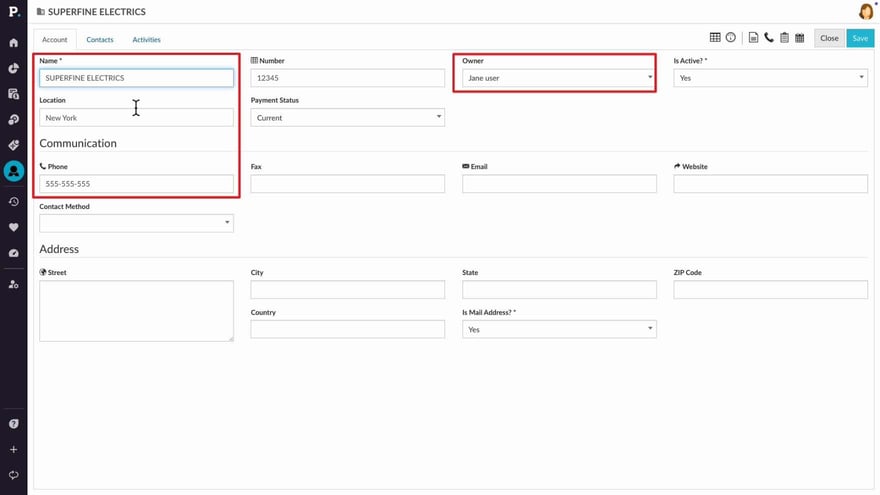
Manage customer accounts in CRM by filtering and locating specific accounts, updating ownership, and reviewing activity. You can also access analytics for deeper insight into performance and create new accounts manually when needed. This enables you to refine your sales strategy and make data-driven decisions while working with customer accounts.
Supporting documentation
Phocas product  CRM
CRM
CRM Category

Related video tutorials
 CRM
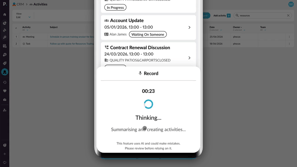
CRM Create activities with AI voice
Learn how to use AI voice-generated activities in Phocas CRM to quickly capture customer updates, meeting notes, and follow-up tasks. This tutorial shows you how to record an update, review and edit AI-generated activities, and add them to CRM from desktop or mobile.
2:44 min
 CRM
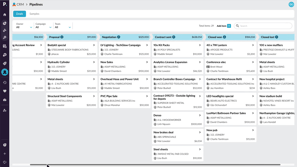
CRM Use pipelines to track sales progress
Learn how to use CRM pipelines to track sales items through each stage of your sales process. This tutorial shows you how to navigate and filter pipelines, add and update items, move cards between stages, and record activities to keep your pipeline current and focused.
2:59 min
 Sales Insights
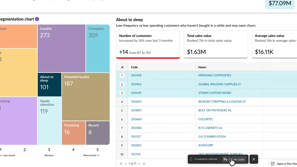
 Create CRM tasks from customer segments
Discover how to turn customer insights into action by identifying key segments and creating CRM tasks in bulk. This approach helps you stay organised, prioritise follow-ups, and manage customer activity more effectively.
2:02 min
 CRM
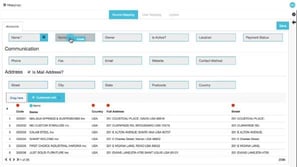
CRM Map accounts
The CRM mapping tool provides a simple way for administrators to push customer data into Phocas CRM, as accounts, without the need for scripts or extensive prep work.
4:04 min
