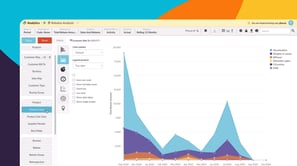
Get started with Rebates

4 videos in this learning module
4 videos in this learning module
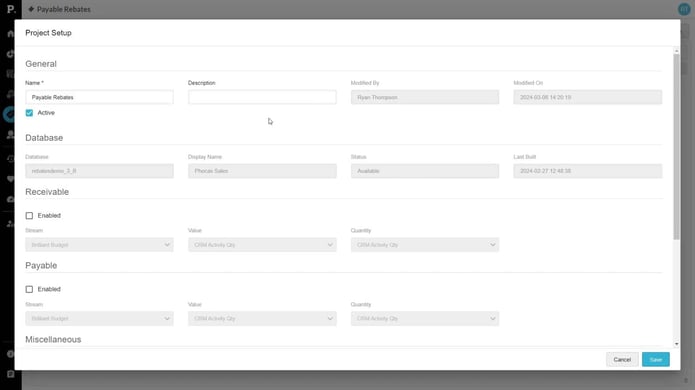
Create a project
Learn how to create a Rebates project from the Rebates Project page and set it up for adding rules. You choose the source database, enable receivable or payable rules, select the stream and the value and quantity measures for your brackets, set calculation and display precision, and optionally assign a group.
Supporting documentation
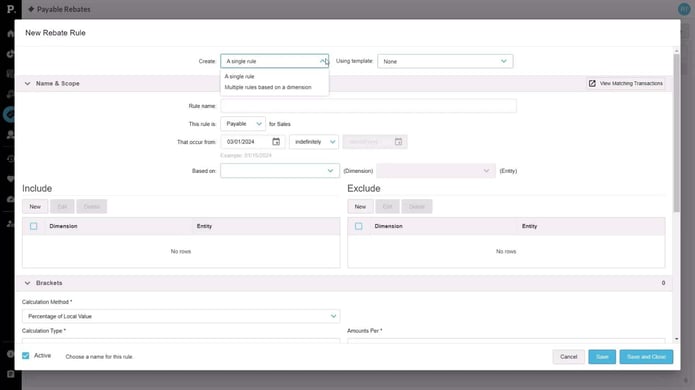
Create a rule (initial setup)
Learn how to start a new rebate rule from the Rules tab of your project. You can create a single rule, create multiple rules based on a database dimension, or reuse settings from a template, then give the rule a unique name, choose its type, set the validation period, select its dimension and entity, and limit it with includes and excludes.
Supporting documentation
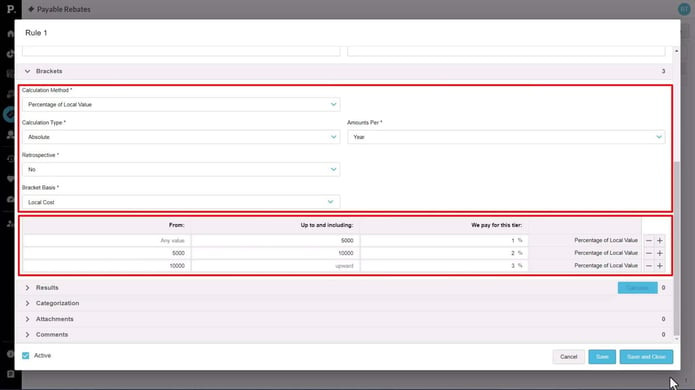
Configure brackets
Learn how to configure the Brackets section of a rebate rule. You set bracket conditions such as calculation method, calculation type, retrospective, and the basis measure, then define tiers with From, And, and Up To and Including values that reflect either a monetary amount or a unit count, depending on the measure.
Supporting documentation
Calculate rules
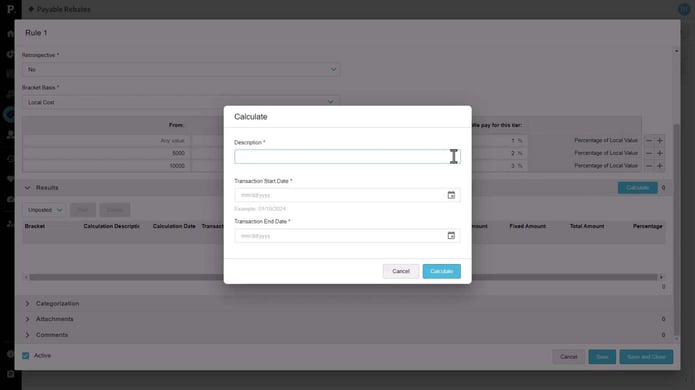
Learn how to calculate a saved rebate rule from the results section of the rule setup. You describe the calculation, enter start and end dates to set which transactions are included, and then review the results. From there, you can post them to your Rebates Analysis database, delete them, or recalculate and overwrite them.