Chase the numbers down yourself
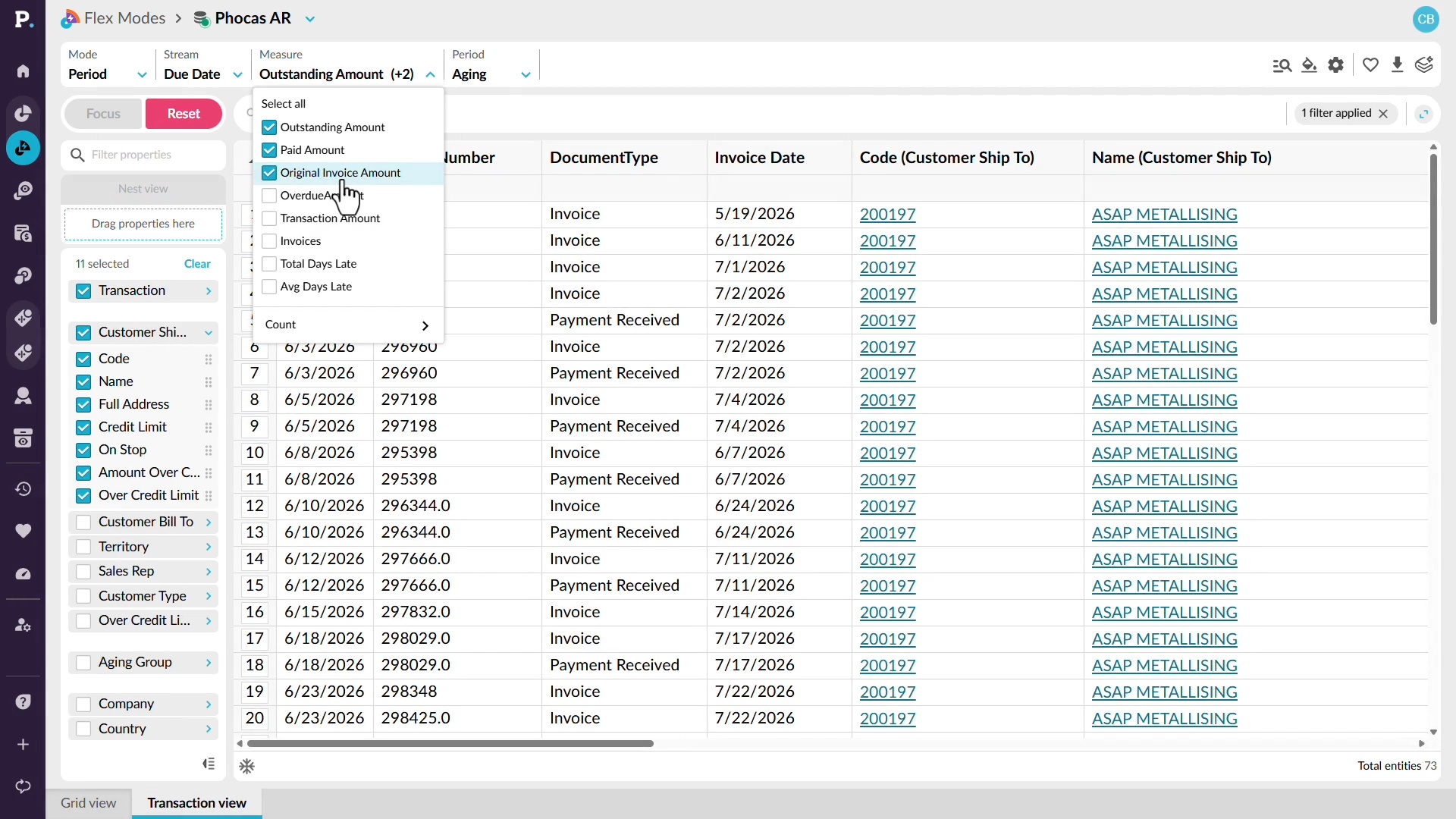
Investigate outstanding receivables without relying on another team to find the detail for you. See how to switch to an aging view, identify customers with the highest outstanding balances, and move from summary figures into the transactions behind them. You can then focus on a specific customer and review outstanding invoices alongside information such as credit limits, payments, and original invoice amounts. This gives you the context you need to understand what is contributing to the balance and follow it through to the underlying detail.
Supporting documentation

Related video tutorials
 Analytics
See margin next to every sale
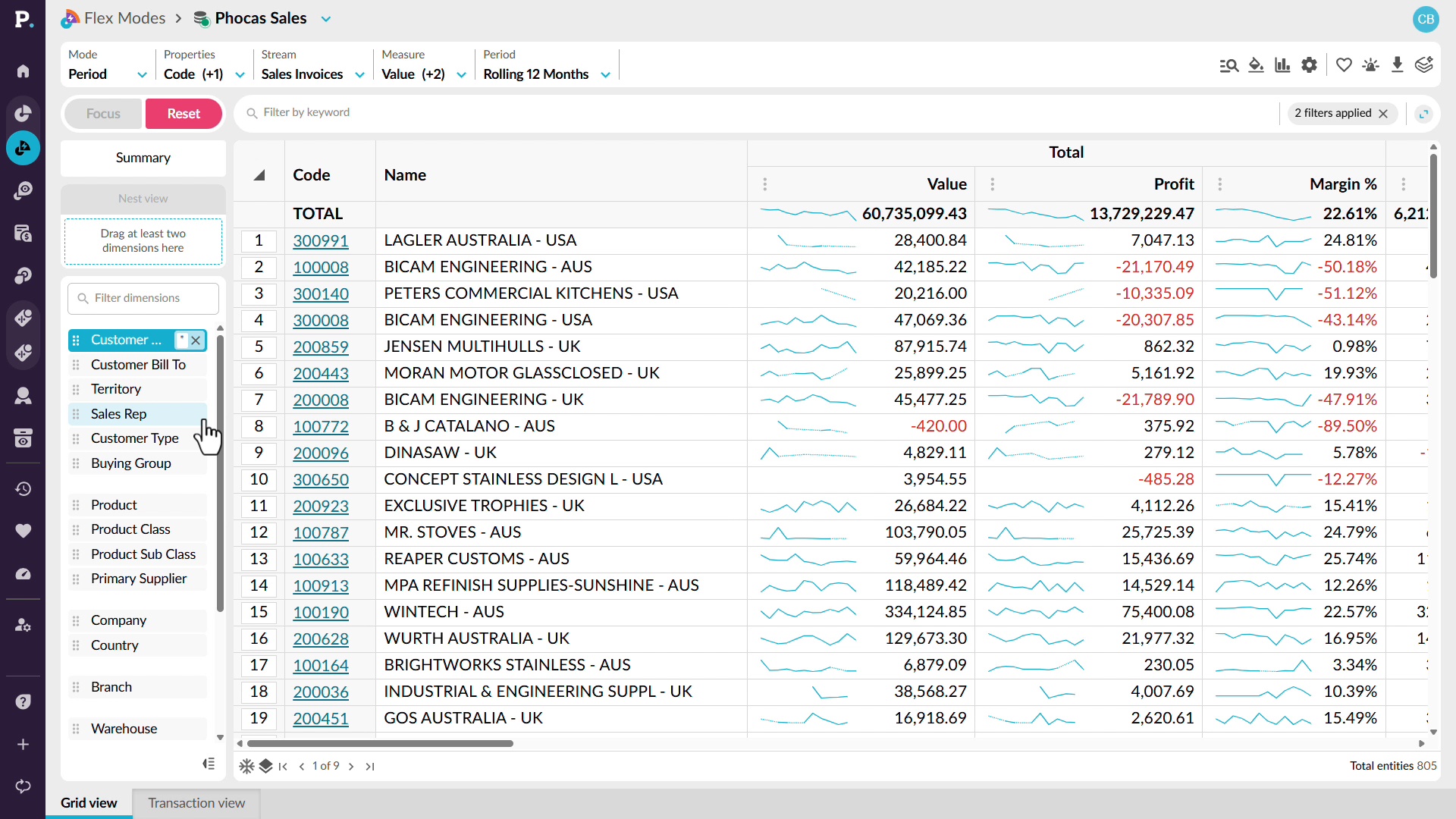
Look beyond sales revenue to understand the profitability behind your results. See how to add profit and margin alongside sales so you can compare revenue and profitability in the same analysis. You can identify periods where margin is falling, move into customer-level detail, and sort the results to find the accounts contributing most to the change. From there, drill into the underlying transactions to identify low-margin or unprofitable sales and review the discounts or individual transactions behind them.
 Analytics
See the whole business, not a slice
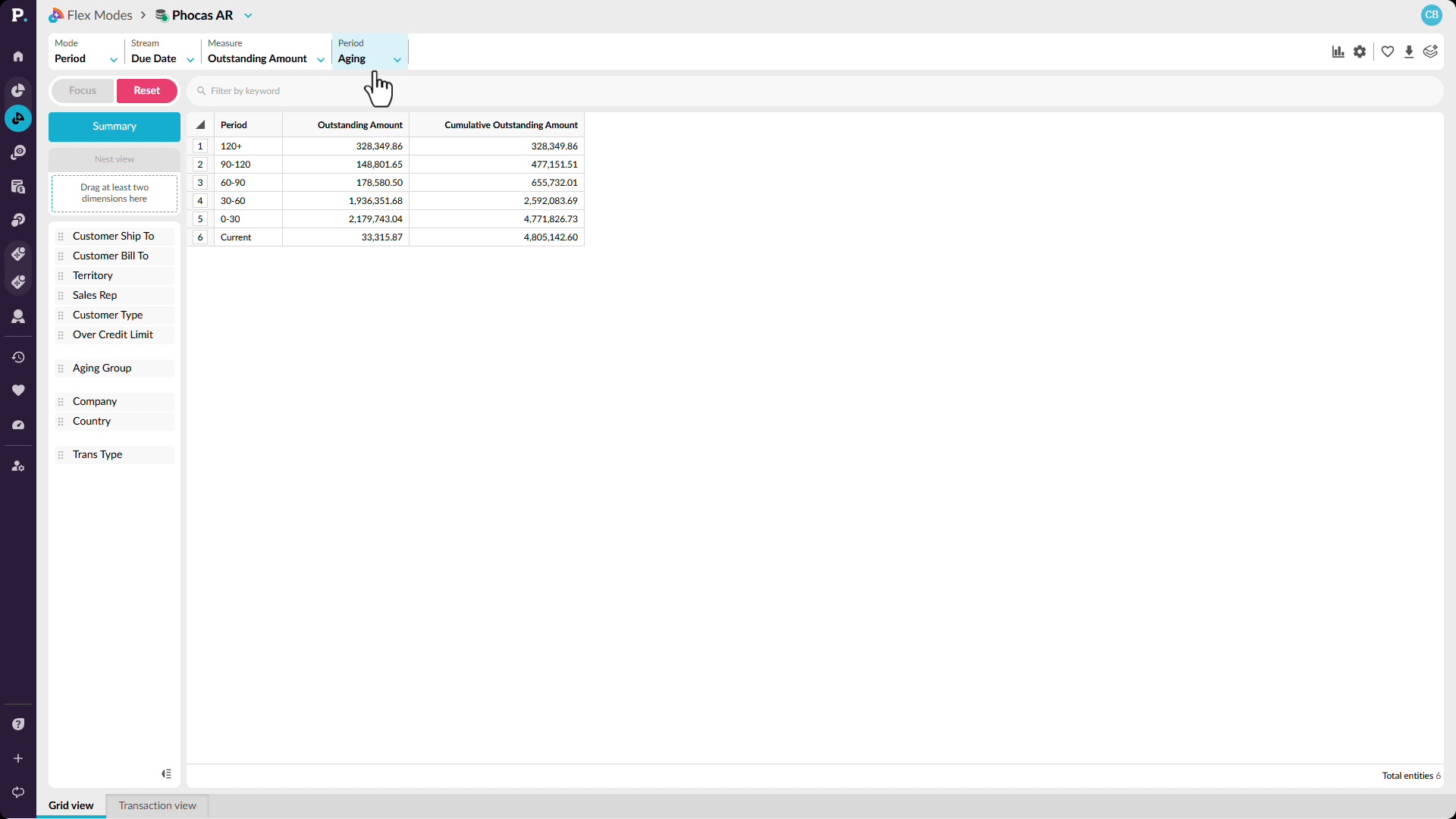
See receivables across the wider business and quickly narrow in on the areas that need attention. Start with an aging view that brings outstanding amounts from across entities, branches, product lines, and customers into one analysis. You’ll see how to switch the view to compare trading entities, focus on a specific aging bucket, and then move down to the customers contributing to that balance. By filtering for overdue amounts, you can identify accounts receivable risk earlier and understand where it sits before it reaches your financial reporting.
 CRM
View and update accounts in CRM

 Analytics (Classic)
