Manage contacts and leads
3:01 min
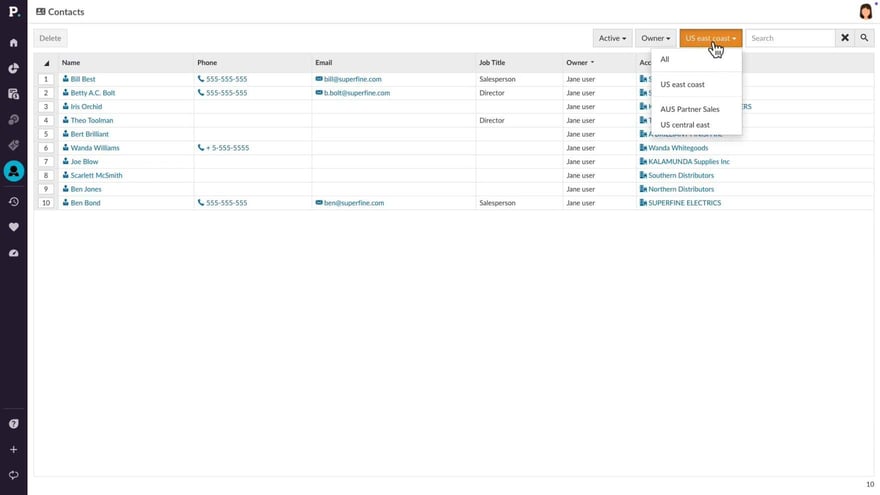
Learn how to manage contacts and leads in CRM, including filtering and updating contact details, while also tracking activities and converting leads to contacts. You can create new contacts and leads, add tasks and notes, and link them to accounts. By converting leads to contacts, you can maintain a seamless record of interactions and details.
Supporting documentation
Phocas product  CRM
CRM
CRM Category

Related video tutorials
 CRM
CRM Manage campaigns
Learn how to view, edit, and create campaigns in Phocas CRM. You can monitor progress by tracking activities and updating campaign details, while also using filters and search options to find specific campaigns. By managing campaigns, you can stay organized and focused on your seasonal promotions or product launches.
2:07 min
 CRM
CRM Add an activity
Learn how to add notes, log calls, schedule meetings, and track tasks for your CRM accounts, contacts, or leads. Assign them to team members, attach files, and include important details to keep everything organized.
2:56 min
 CRM
CRM Manage activities in My agenda
Learn how to get the most out of the My Agenda feature, to stay organised and keep CRM up to date.
2:23 min
 CRM
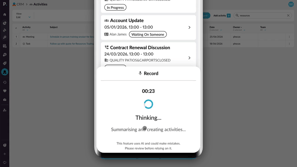
CRM Create activities with AI voice
Learn how to use AI voice-generated activities in Phocas CRM to quickly capture customer updates, meeting notes, and follow-up tasks. This tutorial shows you how to record an update, review and edit AI-generated activities, and add them to CRM from desktop or mobile.
2:44 min
