Exclude customers from Sales Insights calculations
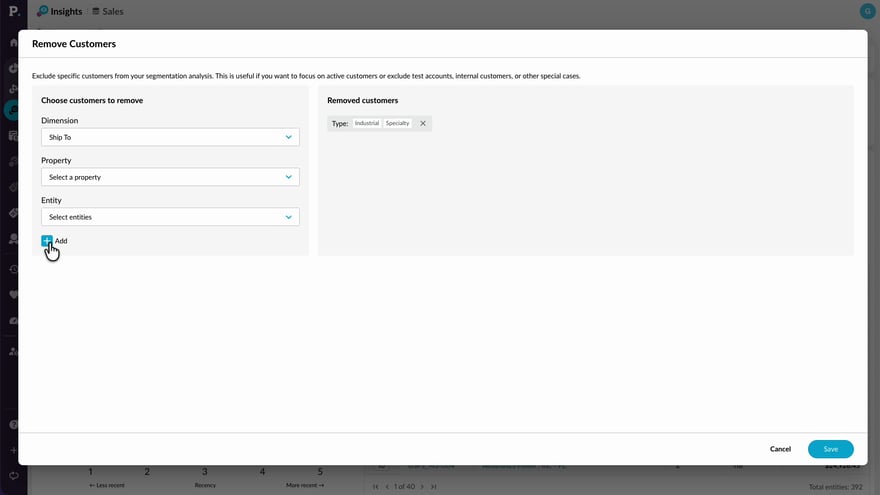
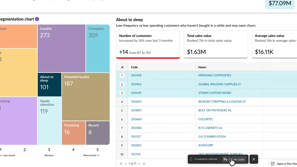
Learn how to use the Remove customers option to exclude specific customers from Insights calculations. You’ll see how exclusions immediately affect customer counts and revenue totals, and how removing customers differs from filtering by excluding them entirely from segmentation and Insights results.
Supporting documentation
 Sales Insights
Related video tutorials
 Sales Insights
 Filter and resegment customers
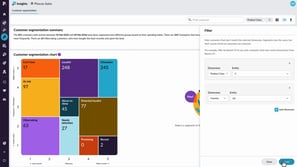
Learn how to use filtering and re-segmenting to analyse your customers from different perspectives. This tutorial explains the difference between narrowing your view and recalculating customer behavior, helping you uncover deeper insights and identify opportunities within specific areas of your business.
 Sales Insights
 Set up a database
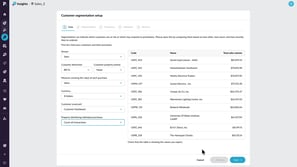
Learn how to configure a database for Customer segmentation in Insights. This tutorial walks through selecting your data, setting segmentation groups, and defining Frequency, Monetary, and Recency thresholds so you can start analyzing customer behavior.
 Sales Insights
 Edit threshold sets for specific customer groups
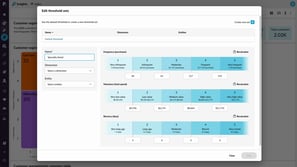
Discover how to make your customer segmentation more accurate by using threshold sets. Learn how to customise thresholds for different groups and ensure your insights reflect how each part of your business performs.
 Sales Insights
 Create CRM tasks from customer segments
Discover how to turn customer insights into action by identifying key segments and creating CRM tasks in bulk. This approach helps you stay organised, prioritise follow-ups, and manage customer activity more effectively.
