Sort and summarize your data
2:13 min
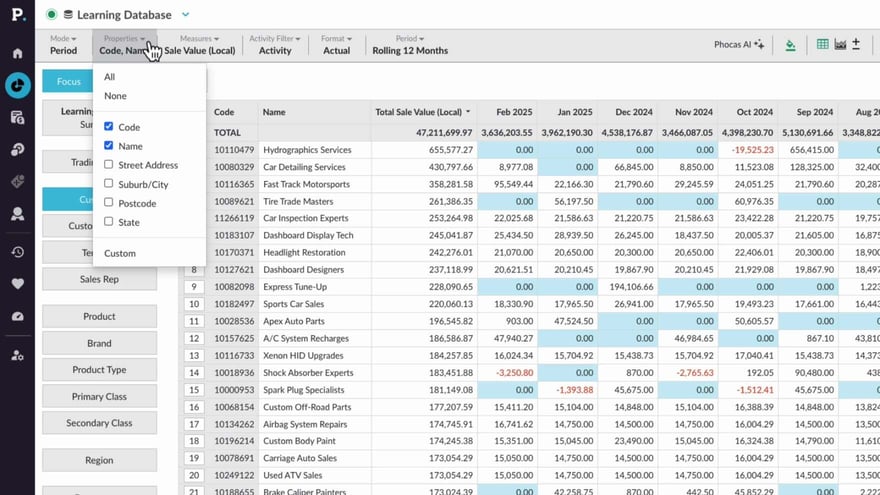
Learn how you can use the summary view and properties menu to summarize selected data, or narrow the view for a more detailed analysis.
Supporting documentation

Related video tutorials
 Flex Modes
 Add and manage columns
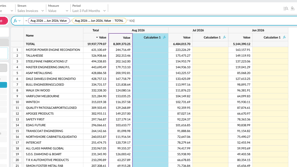
Learn how to add and manage columns in the grid to shape your analysis. This tutorial covers adding measure and calculation columns, adjusting number formats, and organizing or removing columns so the grid shows the information you need.
2:45 min
 Flex Modes
 Filter data (Flex Modes)
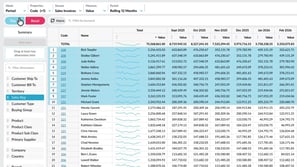
Learn how to quickly find what you need by filtering data using the Focus button and keyword search options in Flex Modes.
2:39 min
 Analytics
 Narrow your search by entity or property
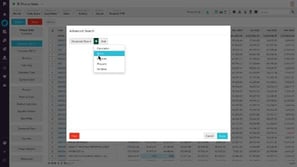
See how advanced search helps you quickly filter your data for a clearer starting point. Learn how to apply entity and property search rules to quickly narrow things down.
2:18 min
 Analytics
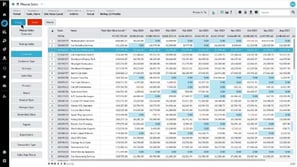
 Focus on data
Learn how to drill down into detailed data to uncover valuable insights for your business. You'll also discover how to filter data and focus on specific information to sharpen your analysis.
2:03 min
