Create an advanced filter
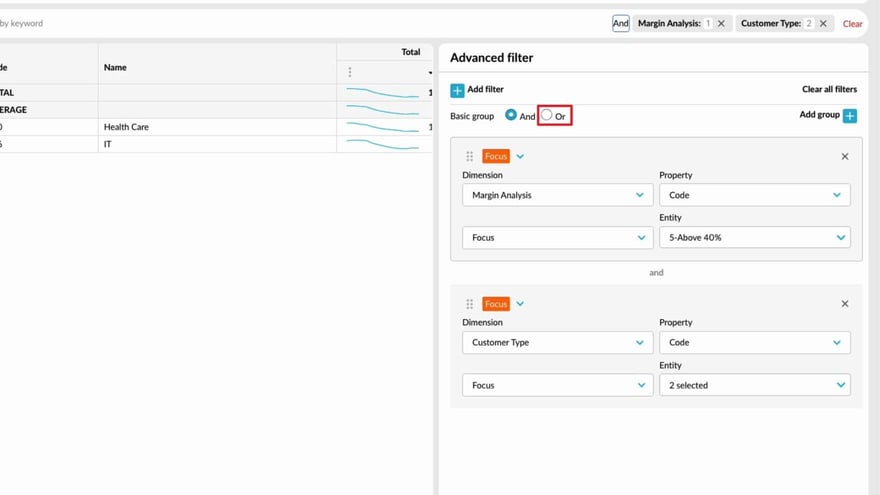
Learn how to use the Advanced Filter to take your analysis further and answer more complex questions. It’s a powerful way to refine your search results and uncover deeper insights in your data.
Supporting documentation

Related video tutorials
 Flex Modes
 Compare data in a matrix
Learn how to filter and pivot rows at the same time, letting you view two dimensions side by side in a matrix. This makes it easy to compare your data and quickly spot any differences.
 Flex Modes
 Filter data (Flex Modes)
 Analytics
 Perform an advanced search
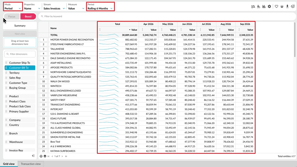 Flex Modes
 Switch modes
Learn how to switch between modes and views to analyze your data in different ways. See how Period, Variance, Stream, Total, and Transaction modes change what appears in the grid, and how Summary and Dimension views help you move between an overall result and more detailed analysis. You’ll also see how selections and filters can carry across supported views, so you can compare the same data from different perspectives without rebuilding your setup.
