Create CRM tasks from customer segments
1:24 min
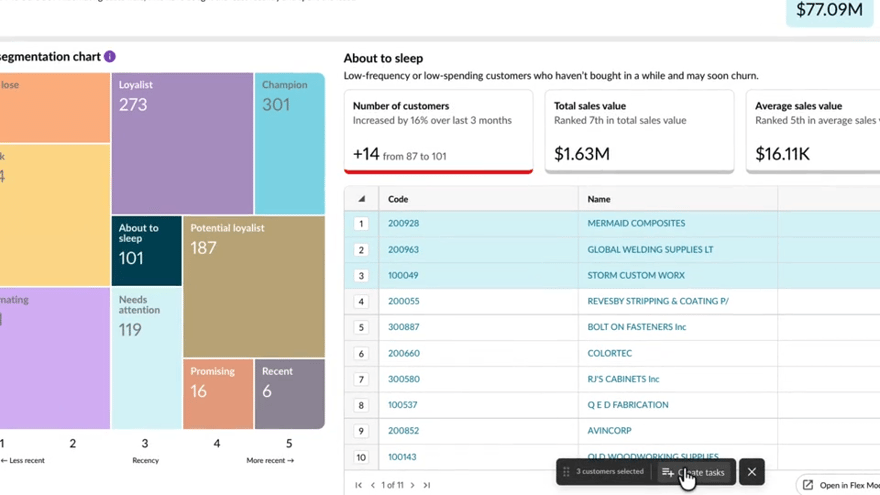
Discover how to turn customer insights into action by identifying key segments and creating CRM tasks in bulk. This approach helps you stay organised, prioritise follow-ups, and manage customer activity more effectively.
Supporting documentation
Phocas product  Sales Insights
Sales Insights Category

Related video tutorials
 Sales Insights
 Set up a database
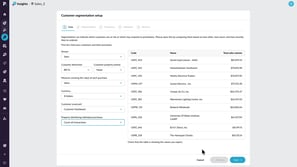
Learn how to configure a database for Customer segmentation in Insights. This tutorial walks through selecting your data, setting segmentation groups, and defining Frequency, Monetary, and Recency thresholds so you can start analyzing customer behavior.
2:32 min
 CRM
CRM Create activities with AI voice
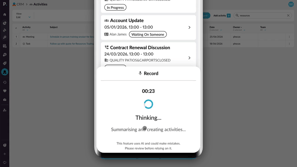
Learn how to use AI voice-generated activities in Phocas CRM to quickly capture customer updates, meeting notes, and follow-up tasks. This tutorial shows you how to record an update, review and edit AI-generated activities, and add them to CRM from desktop or mobile.
2:44 min
 CRM
CRM Use pipelines to track sales progress
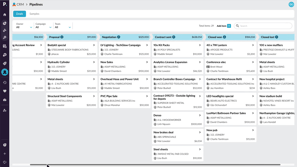
Learn how to use CRM pipelines to track sales items through each stage of your sales process. This tutorial shows you how to navigate and filter pipelines, add and update items, move cards between stages, and record activities to keep your pipeline current and focused.
2:59 min
 Sales Insights
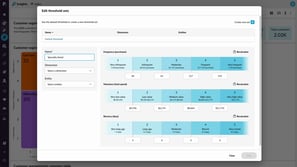
 Edit threshold sets for specific customer groups
Discover how to make your customer segmentation more accurate by using threshold sets. Learn how to customise thresholds for different groups and ensure your insights reflect how each part of your business performs.
2:00 min
