Review a customer profile
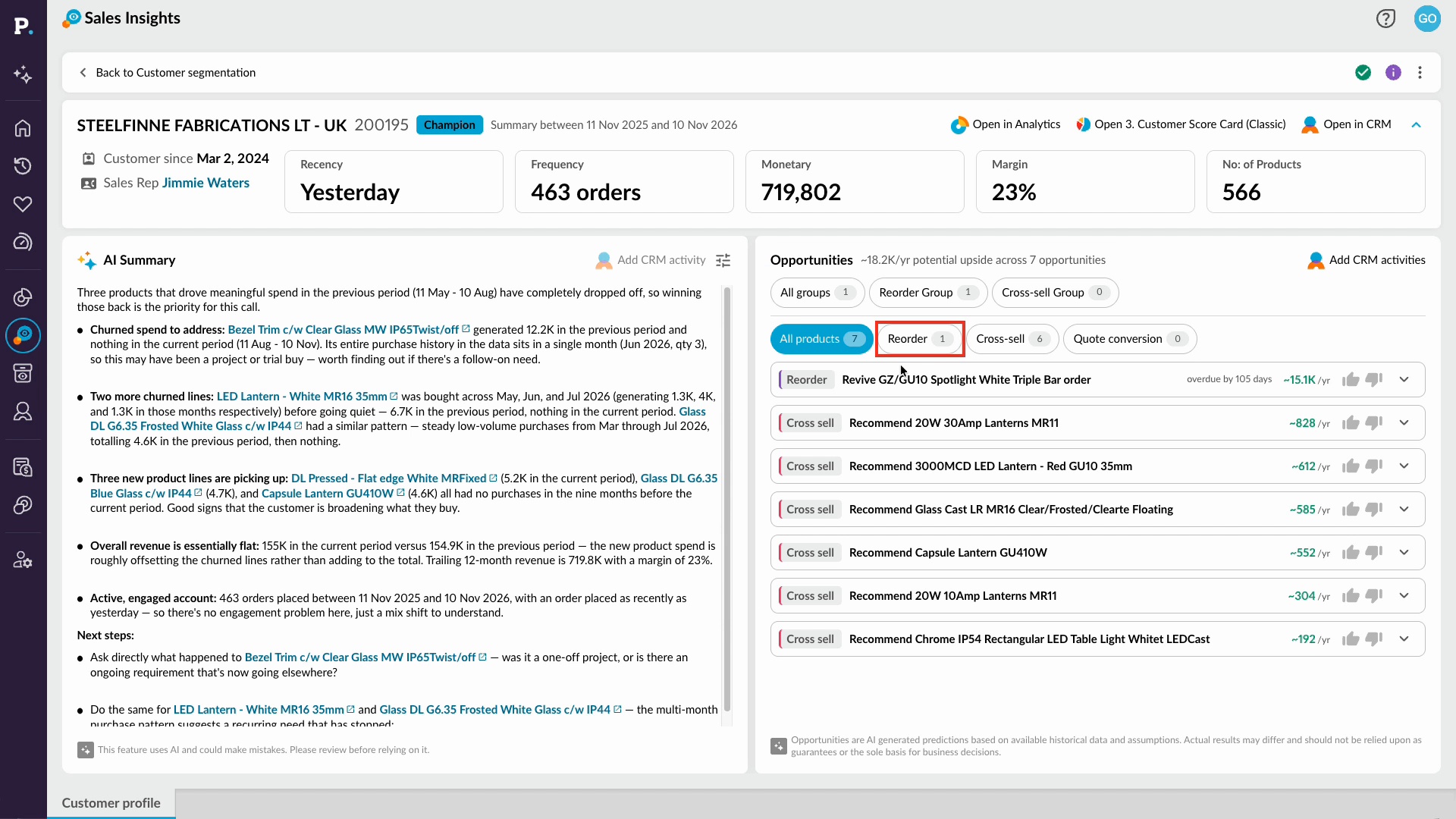
Learn how to review a customer's performance in their profile, from the summary and AI Summary to reorder and cross-sell opportunities. You'll also see how to open the data in Analytics and add a CRM activity, so you're ready for your next customer conversation.
Supporting documentation

Related video tutorials
 Sales Insights
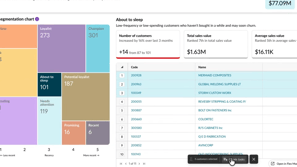
Create CRM tasks from customer segments
Learn how to turn a customer segment into follow-up work by selecting customers from the grid and choosing Create CRM Activities. You choose the activity type, fill in details such as subject, owner, dates, campaign, and status, and then review the new tasks in the CRM activities list, where each one includes summary context from Sales Insights.
 Sales Insights
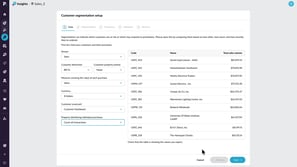
Set up a database
Learn how to configure a sales database as an administrator so you can use customer segmentation in Sales Insights. You select the sales transaction data, customer dimension, and sales value measure, choose five or 10 customer groups, and review the suggested frequency, monetary, and recency thresholds, which you can adjust to suit your business.
 CRM
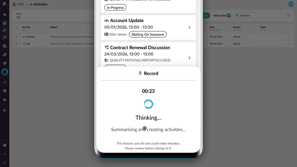
Create activities with AI voice
Learn how to use AI voice generated activities in CRM to capture customer updates by speaking instead of typing. You record your update, review the transcription and the activities Phocas suggests, such as a meeting, business note, or follow-up task, then edit them, clear any you don't want, and add them to CRM on desktop or mobile.
 CRM
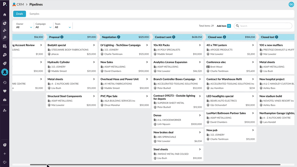
Use pipelines to track sales progress
Learn how to track deals, bids, quotes, projects, and other sales items as they move through the stages of a CRM pipeline. Switch between pipelines, filter the board by owner, campaign, or team, and search for items. Add new items, update their details, drag cards between stages, and log activities such as meetings, phone logs, and tasks to keep the pipeline current.
