Manage default database restrictions
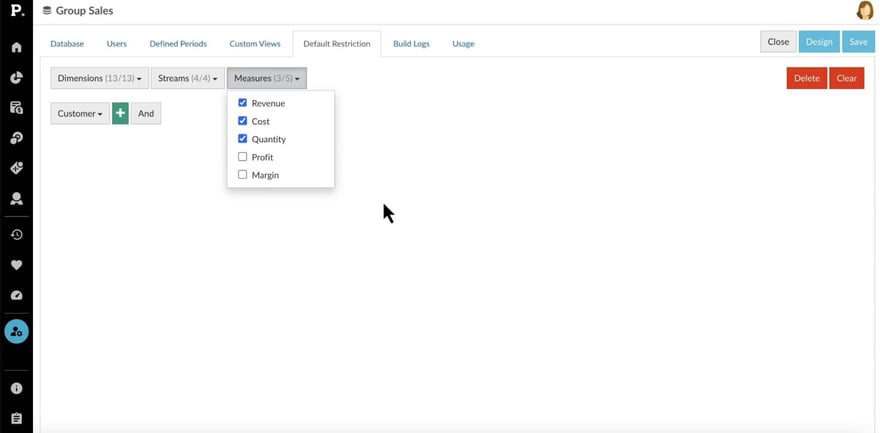
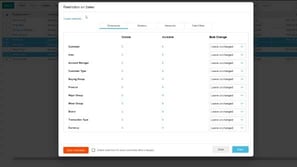
Learn how to manage default restrictions for all users with access to a database, making it easy to set up a secure, default configuration.
Supporting documentation
 Platform
Related video tutorials
 Platform
 Edit a profile
Learn how to assign and edit profiles, from organization profiles you can apply to multiple users to user specific profiles tailored to individuals.
 Platform
 Add an organization profile
Discover the default profiles you can assign, such as Administrator, Advanced, Basic, and Viewer, and find out how you can create custom organization profiles to better suit your needs.
 Platform
 Manage folders
Learn how to organize user favorites and dashboards into folders within a database. Discover how to create, rename, or delete folders and manage access permissions for each one.
 Platform
 Update users in bulk
Learn how to save time by applying settings, permissions and database restrictions to multiple users at once using Bulk Update. This is often the next step after importing users.
