See margin next to every sale
2:02 min
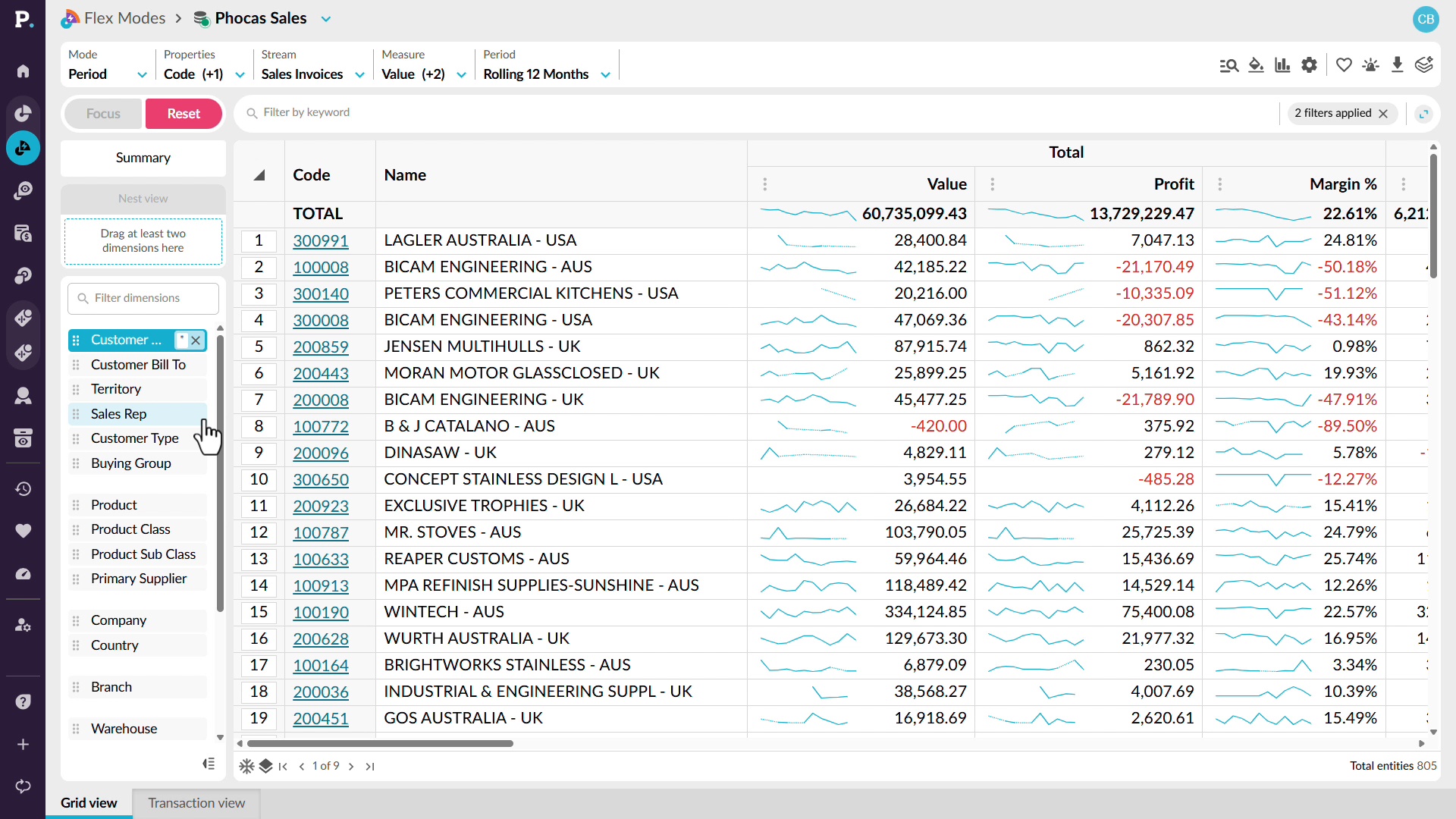
Learn how to see what you made, not only what you sold, by adding profit and margin next to sales in Analytics. Spot a dip in margin percentage over time, break it down by customer and month, and sort to find customers with negative margin. Then drill into the transactions behind them to help reps focus on worthwhile accounts and catch a bad discount early.
Supporting documentation
Phocas product
Category
Tags

Related video tutorials
 Analytics
Find where the value really is
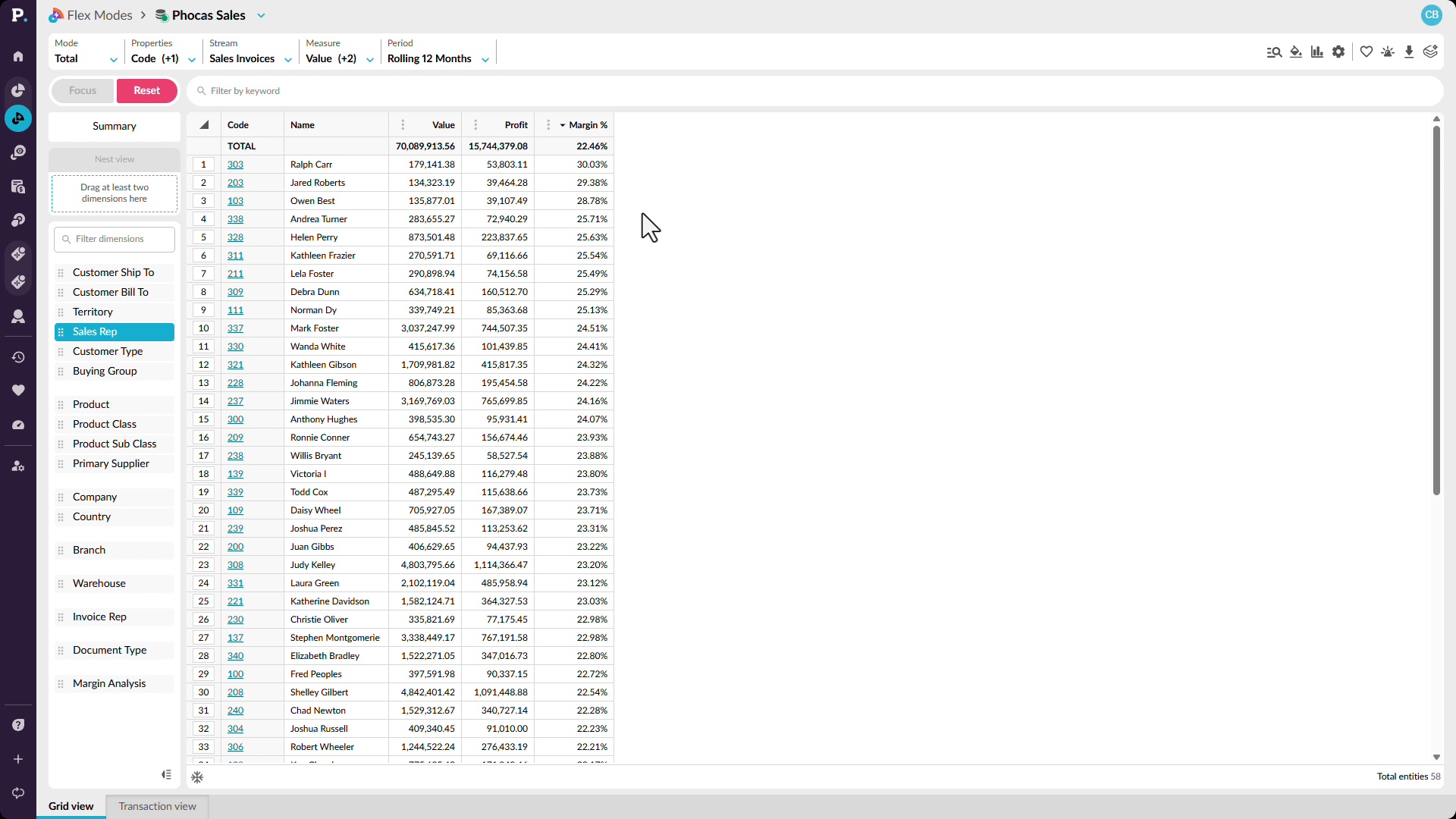
Learn how to tell your biggest customers and sellers apart from your most profitable ones. You'll add profit and margin percentage to a sales view, break the trend out by sales rep, and drill into product categories to find the items that are costing you margin.
2:44 min
 Analytics
Project month-end sales
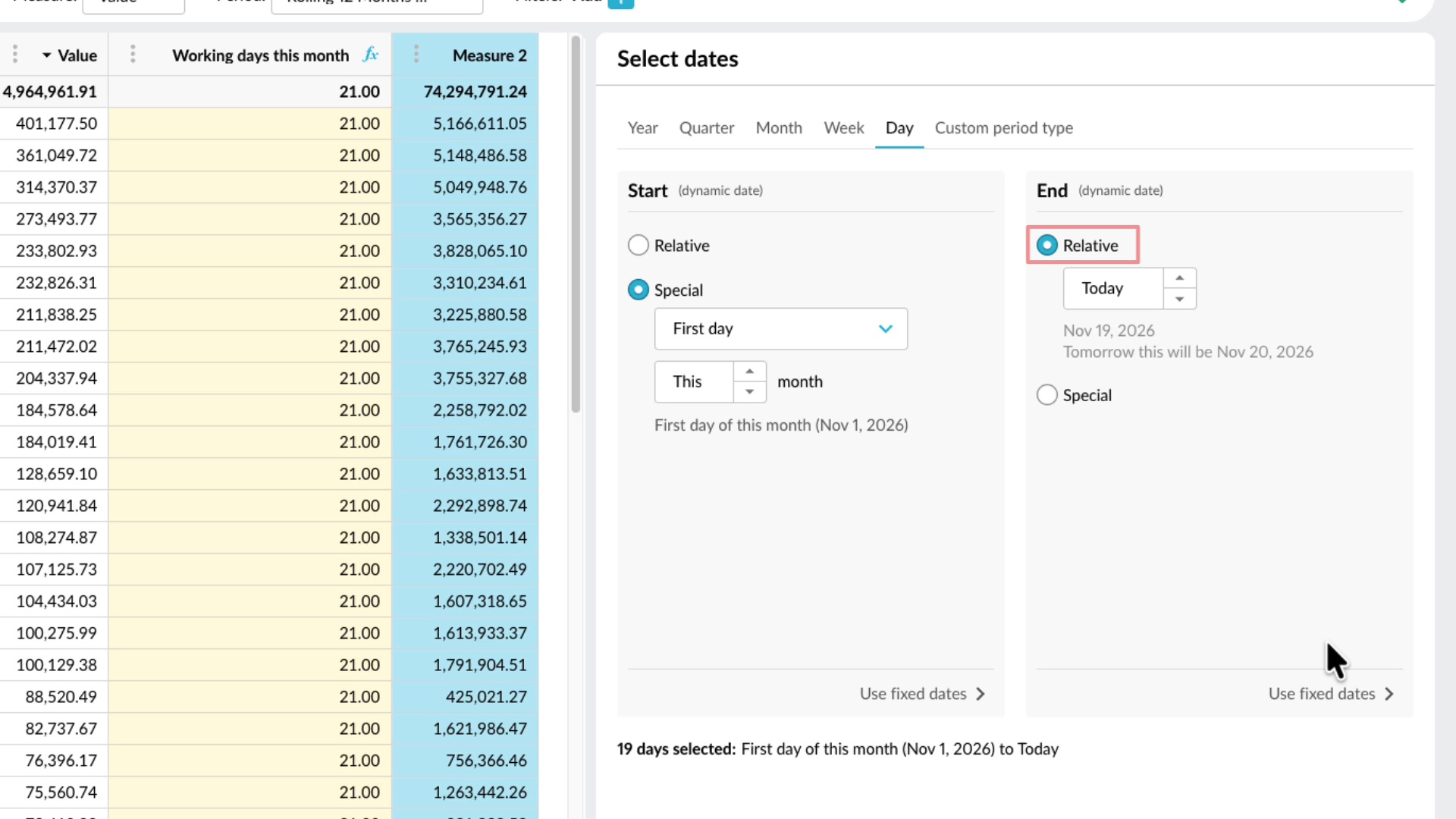
Learn how to estimate month-end sales from your average sales per working day. You add calculation columns that count working days, use dynamic dates to keep the month-to-date range current, and multiply the daily average by the working days in the month. The result is a projected month-end figure for each sales rep that updates as the month progresses.
3:02 min
 Analytics
See cross-sell gaps across every account
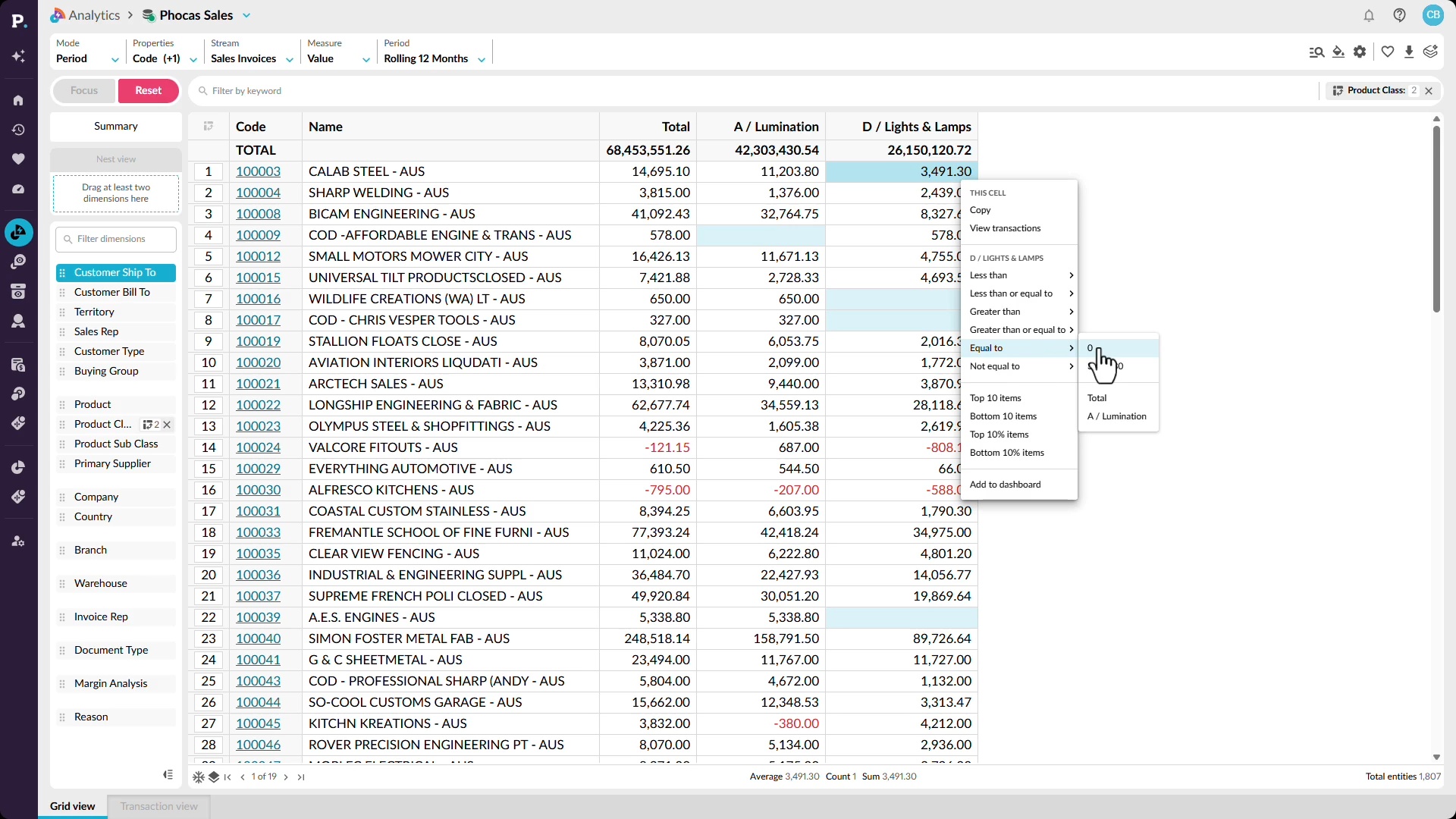
Learn how to identify cross-sell gaps across every account, not only the ones you remember. Ask Workspaces which customers buy one product class but not another to get a customer list, then use Analytics to compare two related product categories by customer and filter to customers with zero sales in one of them, so reps can walk in ready to sell more.
2:46 min
 Analytics
See churn risk across your whole patch
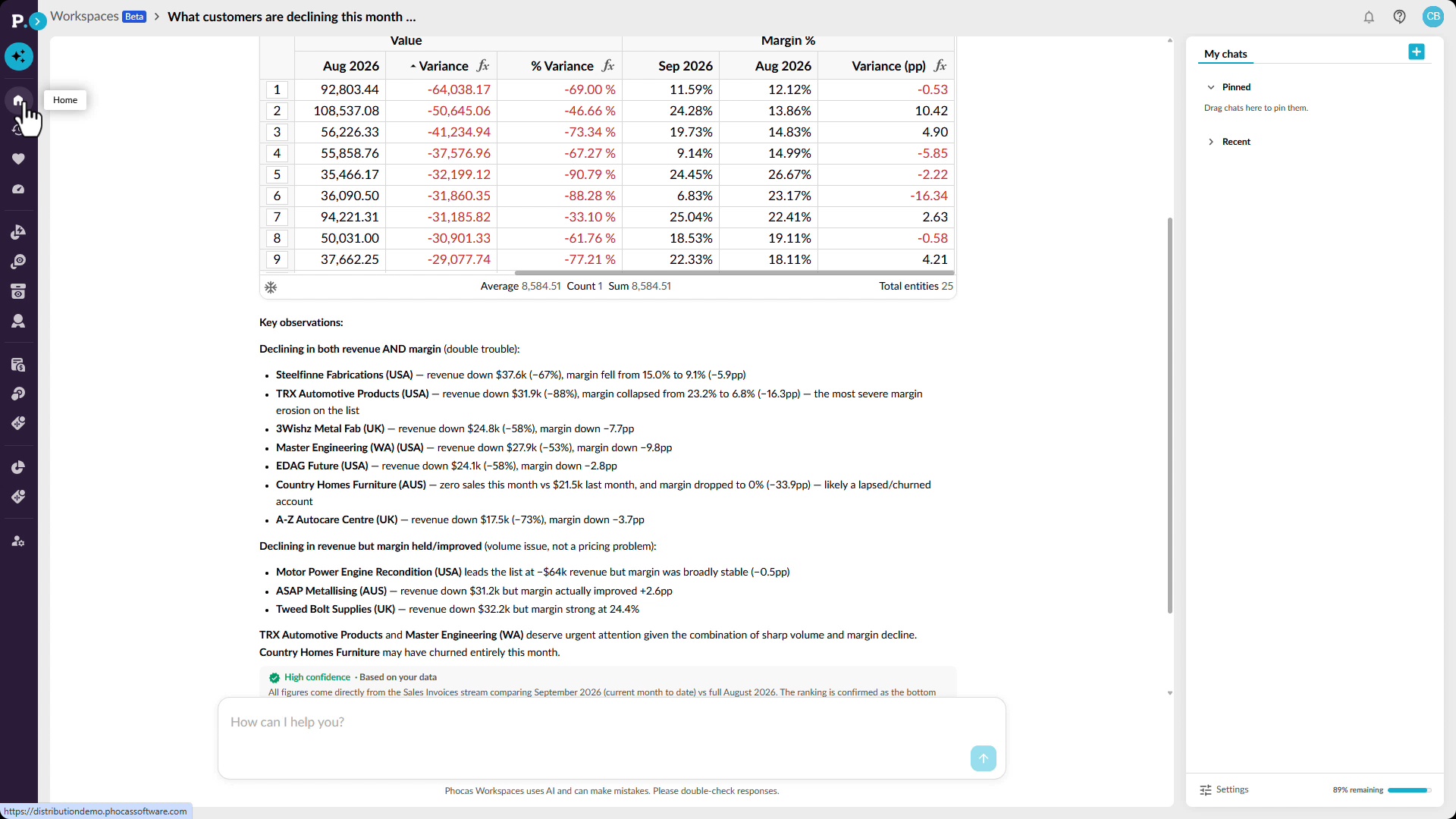
Learn how to see which customers are slipping and who to call first. Ask Workspaces which customers are declining in sales and margin this month, then compare month over month in Analytics to surface customers whose sales fell across three consecutive months. You can make the report dynamic so it updates as new sales come in, and share it with your reps.
3:11 min