Special Edition: CRM
2 sessions in this series
Phocas CRM has had a significant update — new design, mobile-first layout, AI Voice logging, and a direct connection to Sales Insights. This special edition PUG training runs over two sessions, one for sales managers and one for reps, built to show you how to get the most out of what's new, in the context of how you actually work.
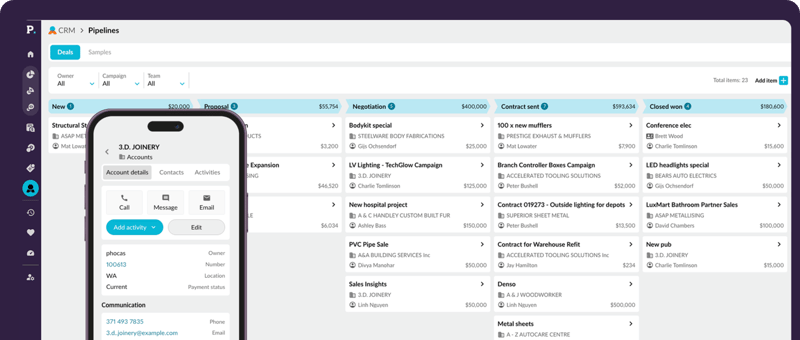
CRM for Sales Managers
Now on-demand
By the end of this session, you'll know how to use the updated CRM and Sales Insights together to manage your team's pipeline and account activity with confidence — not just what the features do, but how to build them into the way you run your week.
Watch now

Samuel Russell
Technical Pre-sales Consultant
Phocas Software

Katie Horgan
Product Marketing Manager
- Review your team's deals by stage, rep, and account in one view using the visual pipeline — and move opportunities forward with drag and drop
- Use the activity log to see where follow-up is needed across your team, and assign tasks in bulk directly from a Sales Insights segment
- Spot at-risk and high-value accounts in Sales Insights and act on them immediately — create tasks for your reps without ever leaving the segment view
- Set up the two-way Outlook calendar sync so your team's meetings flow into CRM automatically — reducing the manual logging burden on reps
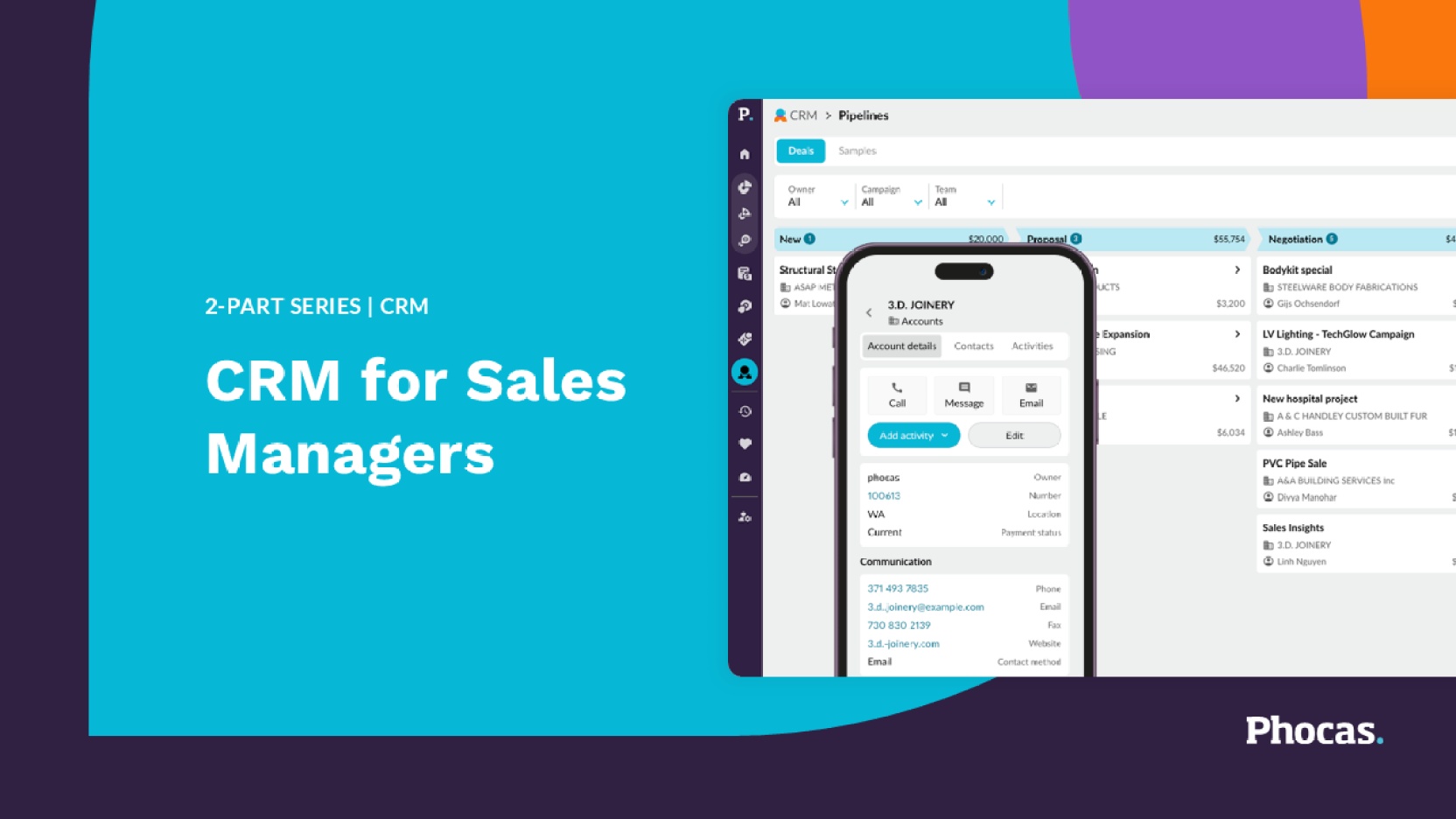
CRM for Sales Reps
Now on-demand
By the end of this session, you'll be confident using the new Phocas CRM in your day-to-day on your phone, in the field, and without the admin overhead that makes logging feel like a second job.
Watch now
Samuel Russell
Technical Pre-sales Consultant
Phocas Software
Katie Horgan
Product Marketing Manager
- Use the full CRM from your phone or tablet — accounts, contacts, activities, pipeline, and filters all work the same as desktop
- Log calls, meetings, and visits on the go so your activity is up to date before you leave the car park
- Move deals through the visual pipeline and log activity in the moment — so nothing falls through the cracks
- Use Sales Insights to review your accounts by segment, know who needs attention before your next call, and create follow-up tasks directly from the segment view — without leaving Insights
You might also like
View all
Budgets & Forecasts
Join our 4-part Phocas User Group (PUG) training series and take your budgeting and forecasting to the next level. From setting up your first budget workbook and managing workflows, to connecting your P&L, balance sheet, and cashflow; and using that complete model to stress-test your assumptions and plan for what's ahead.
Learn more
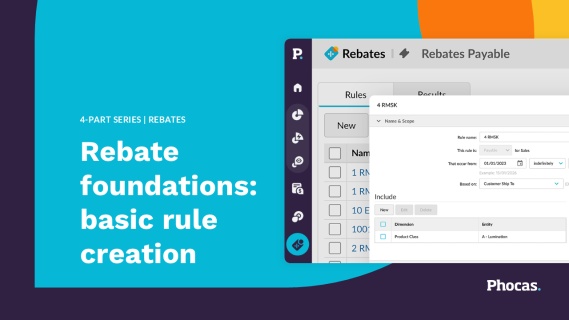
Rebates
This 4-part Phocas User Group (PUG) series is designed to help you master rebate management. Learn how to automate calculations, gain full visibility into supplier and customer programs, and identify near-miss opportunities that maximize profitability. Move beyond manual spreadsheets to strategic insights that protect margins and drive growth.
Learn more
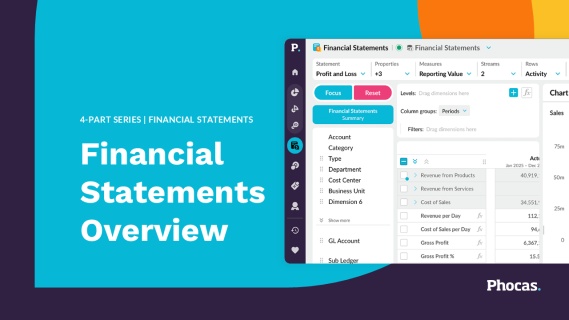
Financial Statements
This 4-part Phocas User Group (PUG) series is designed to help finance teams unlock the full potential of Financial Statements. Learn how to analyze performance, streamline month-end reporting, track variances, and deliver actionable insights across your business.
Learn more
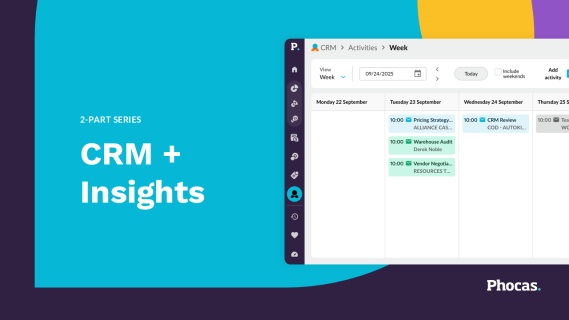
CRM + Insights
This 2-part Phocas User Group (PUG) series is designed to help sales teams unlock the full potential of CRM and Insights to drive smarter, more proactive selling. Whether you're leading a team or managing your own pipeline, you'll learn how to use data to stay ahead of customer needs, streamline daily workflows, and focus on what matters most. Even if you're not currently using CRM or Insights, we encourage you to attend and explore how these tools can help you and your team sell smarter and faster.
Learn more
