Manage users and access
 Platform
 9 videos in this learning module
Add users
Clone a user
Importing users with CSV Import
Update users in bulk
Reset and expire passwords
Edit a profile
Manage a user's database access and restrictions
Add an organization profile
Monitor user activity
9 videos in this learning module
Add users
Clone a user
Importing users with CSV Import
Update users in bulk
Reset and expire passwords
Edit a profile
Manage a user's database access and restrictions
Add an organization profile
Monitor user activity
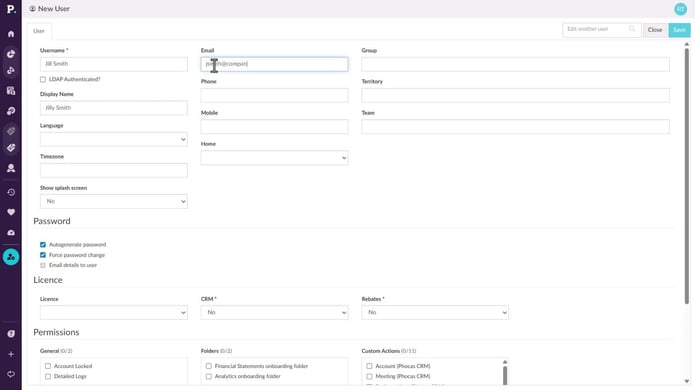
Add users
This video for Phocas administrators takes you through some simple steps to create a new user in Phocas, including assigning a profile, giving access to a database, and cloning existing users to save time when setting up new users.
Supporting documentation
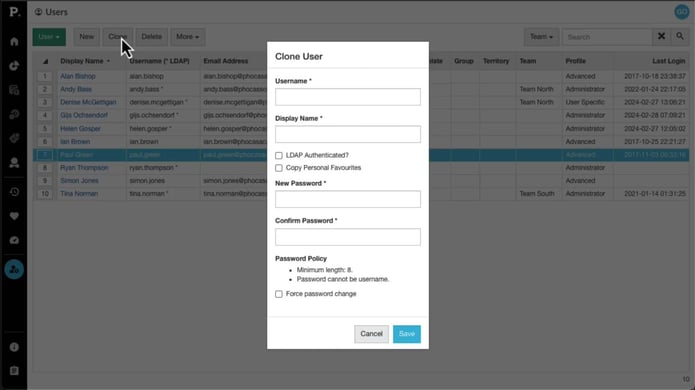
Clone a user
Discover how the Clone feature allows you to quickly create a new user by copying the settings from an existing user, saving you time and eliminating the need to manually configure everything from scratch.
Supporting documentation
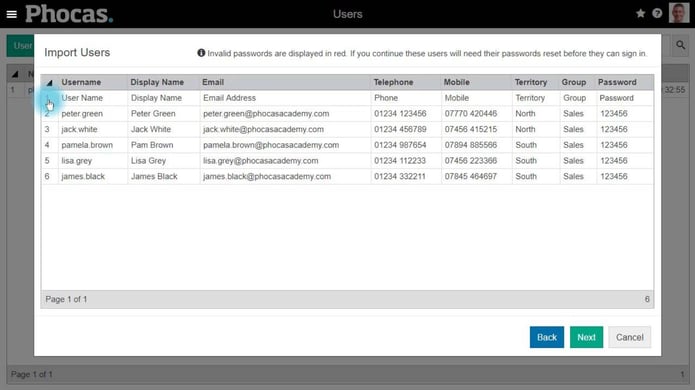
Importing users with CSV Import
Supporting documentation
Update users in bulk
Learn how to save time by applying settings, permissions and database restrictions to multiple users at once using Bulk Update. This is often the next step after importing users.
Supporting documentation
Reset and expire passwords
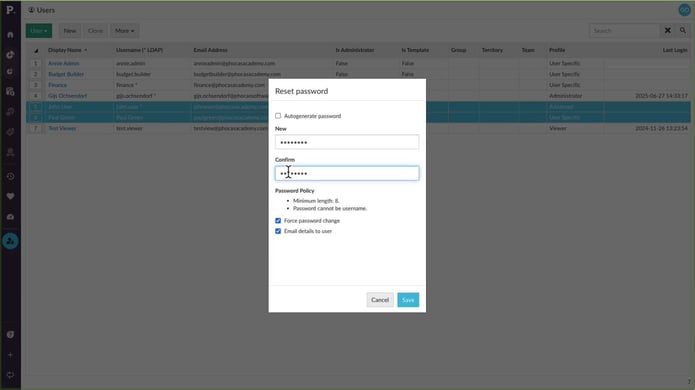
Learn how you can reset user passwords for single or multiple users, and force users to change passwords at their next login.
Supporting documentation
Edit a profile
Learn how to assign and edit profiles, from organization profiles you can apply to multiple users to user specific profiles tailored to individuals.
Supporting documentation
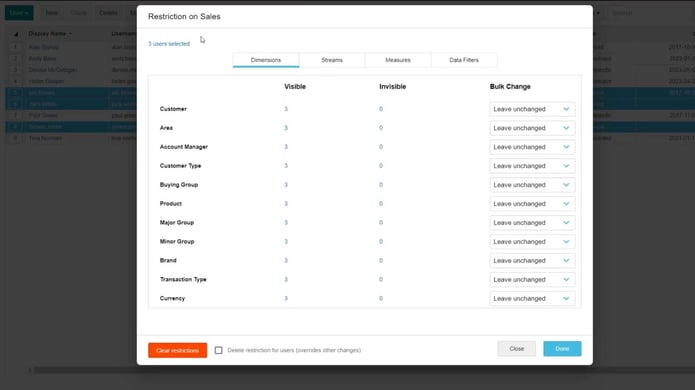
Manage a user's database access and restrictions
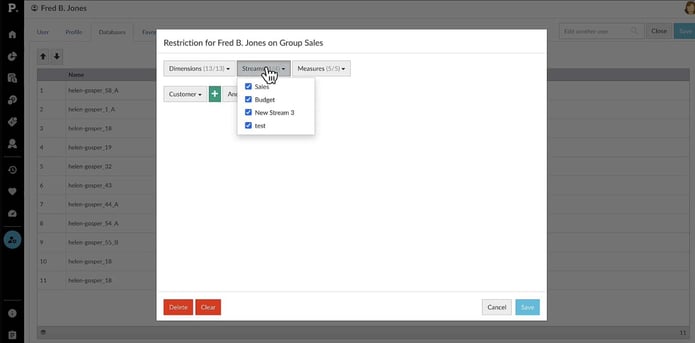
Learn how to apply user restrictions in Phocas to control what data individuals or groups can access, so you can ensure users only see the information relevant to their role.
Supporting documentation
Add an organization profile
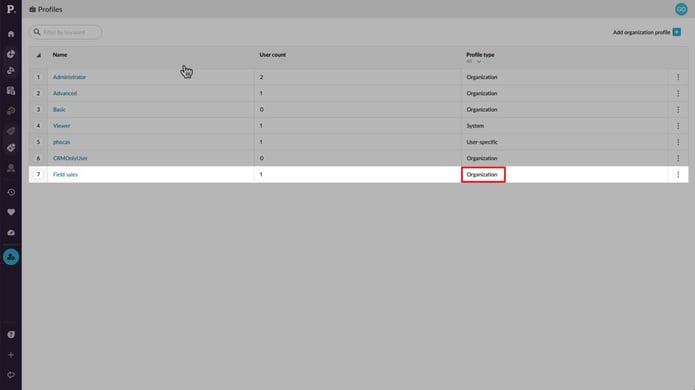
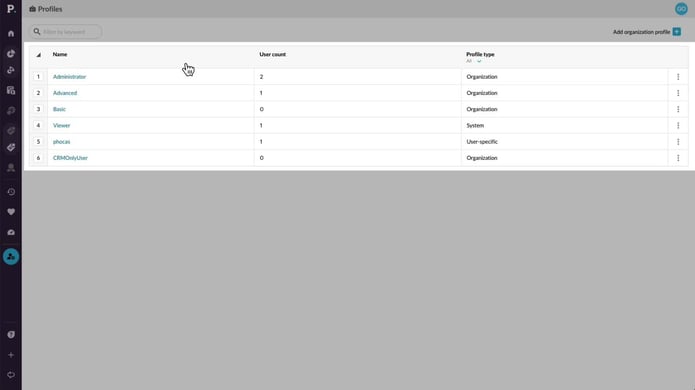
Discover the default profiles you can assign, such as Administrator, Advanced, Basic, and Viewer, and find out how you can create custom organization profiles to better suit your needs.
Supporting documentation
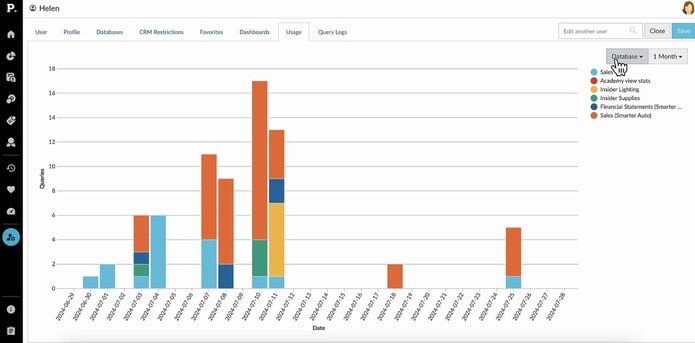
Monitor user activity
Learn how to monitor your team's Phocas usage and gain insights into the databases they’re accessing, the favorites and dashboards they’ve created, and the queries they’ve run.
Supporting documentation
Platform 
Related learning modules
 Platform
 Manage content and folders
 Platform