Get started with CRM
10:39 minutes total learning time
This module covers accessing your agenda, activities, and the CRM dashboard in Phocas CRM, as well as adding activities and using AI voice to quickly capture meeting notes and follow up tasks, helping you and your team stay on top of customer management.
Phocas product  CRM
CRM
CRM 4 videos in this learning module
1
Manage activities in My agenda
2:23
2
Add an activity
2:56
3
Create activities with AI voice
2:44
4
Use the CRM analysis dashboard
2:36
4 videos in this learning module
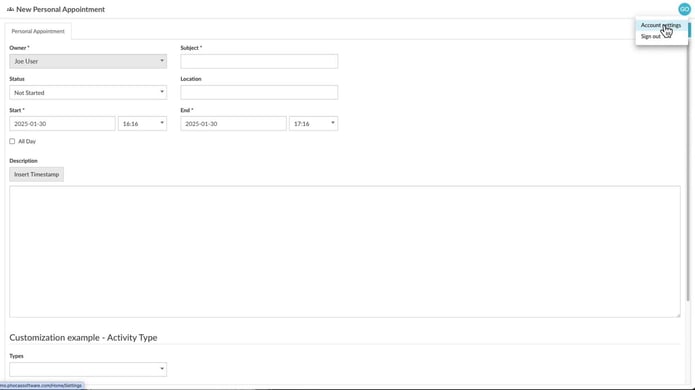
1
Manage activities in My agenda
2:23
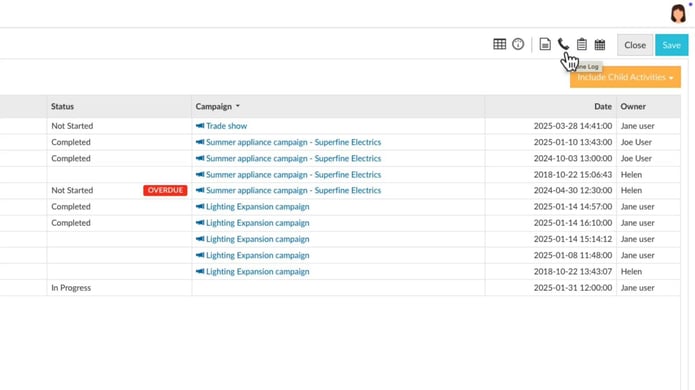
2
Add an activity
2:56
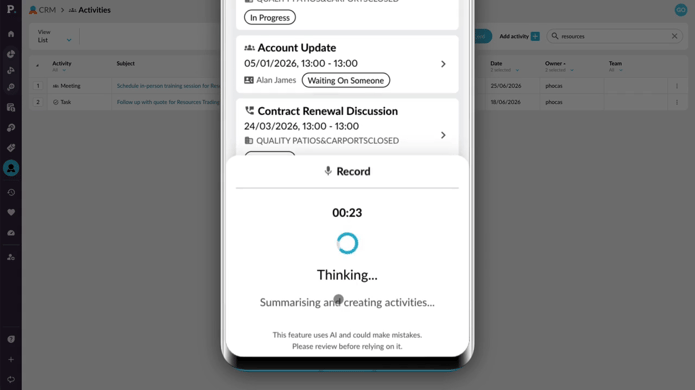
3
Create activities with AI voice
2:44
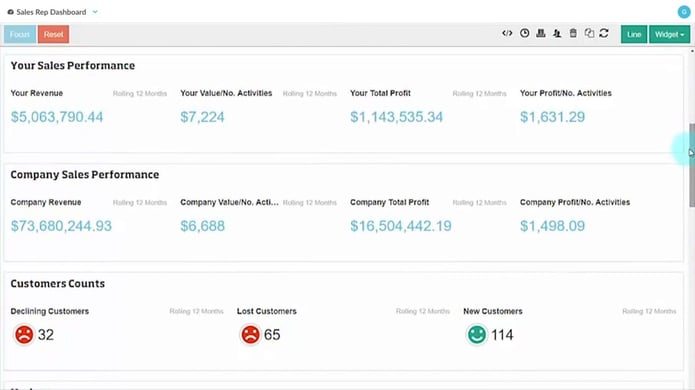
4
Use the CRM analysis dashboard
2:36
Manage activities in My agenda
Learn how to get the most out of the My Agenda feature, to stay organised and keep CRM up to date.
Supporting documentation
Add an activity
Learn how to add notes, log calls, schedule meetings, and track tasks for your CRM accounts, contacts, or leads. Assign them to team members, attach files, and include important details to keep everything organized.
Supporting documentation
Create activities with AI voice
Learn how to use AI voice-generated activities in Phocas CRM to quickly capture customer updates, meeting notes, and follow-up tasks. This tutorial shows you how to record an update, review and edit AI-generated activities, and add them to CRM from desktop or mobile.
Supporting documentation
Use the CRM analysis dashboard
Learn about the benefits of setting up a simple CRM dashboard in Phocas. Combine data from your CRM database with sales results for a bird’s eye view of the value that your activities are generating.
Supporting documentation
Phocas product
CRM 
Related learning modules
 CRM
CRM Manage CRM items
This module covers creating and editing accounts, campaigns, contacts, and pipelines in Phocas CRM, helping you and your team stay on top of customer management and sales opportunities.
4 videos
11:03 min
CRM Set up and connect CRM
This module takes you through connecting your Microsoft 365 calendar and setting up CRM account mapping. These videos introduce key steps to help keep your activities and data aligned.
2 videos
6:29 min
