Manage CRM items
11:03 minutes total learning time
This module covers creating and editing accounts, campaigns, contacts, and pipelines in Phocas CRM, helping you and your team stay on top of customer management and sales opportunities.
Phocas product  CRM
CRM
CRM 4 videos in this learning module
1
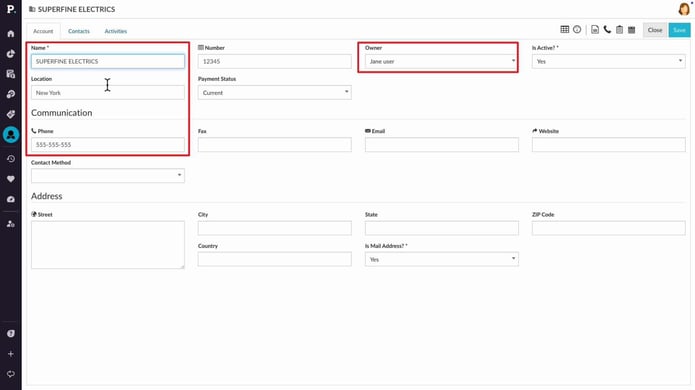
View and update accounts in CRM
2:56
2
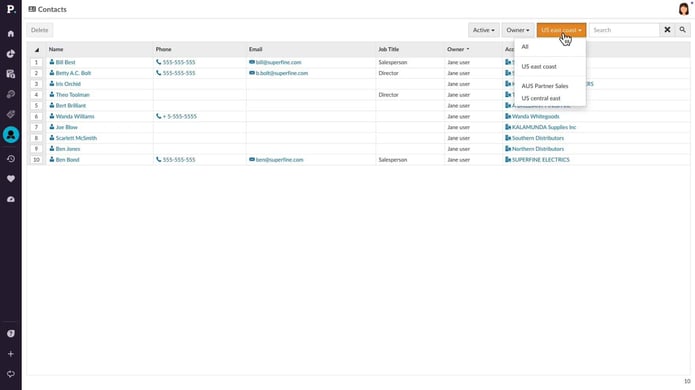
Manage contacts and leads
3:01
3
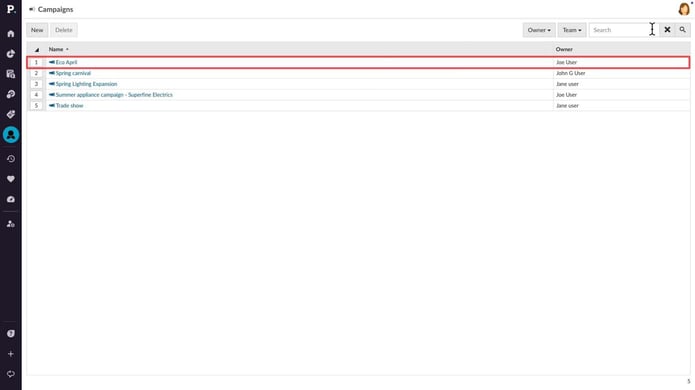
Manage campaigns
2:07
4
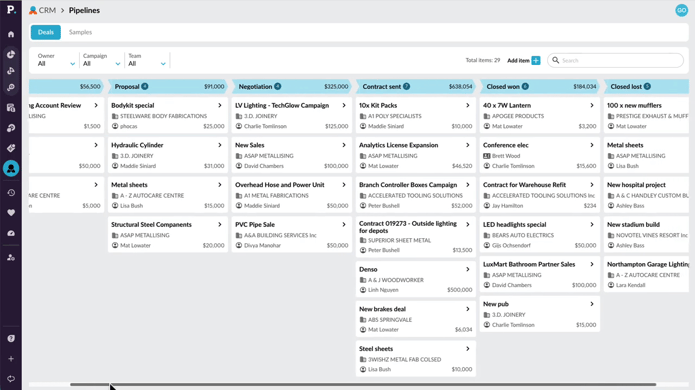
Use pipelines to track sales progress
2:59
4 videos in this learning module
1
View and update accounts in CRM
2:56
2
Manage contacts and leads
3:01
3
Manage campaigns
2:07
4
Use pipelines to track sales progress
2:59
View and update accounts in CRM
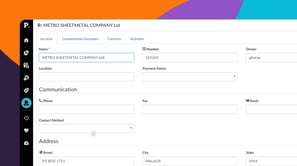
Manage customer accounts in CRM by filtering and locating specific accounts, updating ownership, and reviewing activity. You can also access analytics for deeper insight into performance and create new accounts manually when needed. This enables you to refine your sales strategy and make data-driven decisions while working with customer accounts.
Supporting documentation
Manage contacts and leads
Learn how to manage contacts and leads in CRM, including filtering and updating contact details, while also tracking activities and converting leads to contacts. You can create new contacts and leads, add tasks and notes, and link them to accounts. By converting leads to contacts, you can maintain a seamless record of interactions and details.
Supporting documentation
Manage campaigns
Learn how to view, edit, and create campaigns in Phocas CRM. You can monitor progress by tracking activities and updating campaign details, while also using filters and search options to find specific campaigns. By managing campaigns, you can stay organized and focused on your seasonal promotions or product launches.
Supporting documentation
Use pipelines to track sales progress
Learn how to use CRM pipelines to track sales items through each stage of your sales process. This tutorial shows you how to navigate and filter pipelines, add and update items, move cards between stages, and record activities to keep your pipeline current and focused.
Supporting documentation
Phocas product
CRM 
Related learning modules
 CRM
CRM Get started with CRM
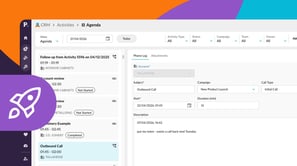
This module covers accessing your agenda, activities, and the CRM dashboard in Phocas CRM, as well as adding activities and using AI voice to quickly capture meeting notes and follow up tasks, helping you and your team stay on top of customer management.
4 videos
10:39 min
 CRM
CRM Set up and connect CRM
This module takes you through connecting your Microsoft 365 calendar and setting up CRM account mapping. These videos introduce key steps to help keep your activities and data aligned.
2 videos
6:29 min
