Create a nested view
1:52 min
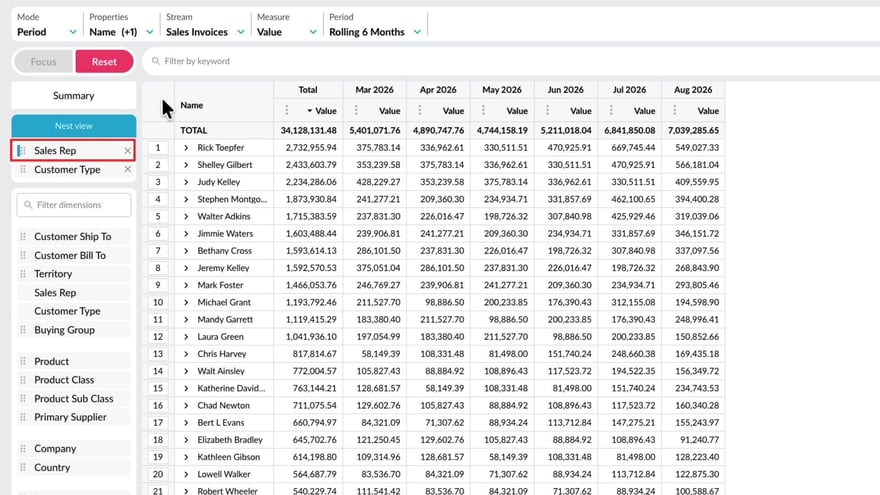
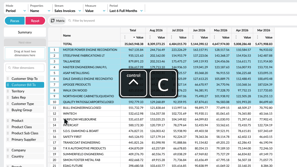
With the nest view feature in Flex Modes, you can add dimensions as levels in the grid, making your data easier to interpret. This lets you see how different items contribute to the overall results and build reports where you define the hierarchy of the data on display.
Supporting documentation
Phocas product  Flex Modes
Flex Modes Category

Related video tutorials
 Flex Modes
 Apply conditional formatting
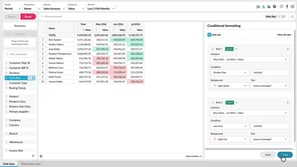
Learn how to use conditional formatting to quickly highlight key values in the grid. In Flex Modes, you can apply rules that change the text or background color based on cell values. It’s a great way to make trends and outliers stand out without needing to sort or filter.
2:37 min
 Analytics
 Add levels (grid nesting)
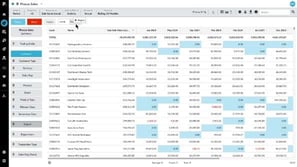
Learn how to bring together related data from different dimensions as an expandable report in the Phocas grid using the 'nest' feature. Grid nesting allows you to display up to three levels of detail, grouped by dimension.
1:59 min
 Analytics
 Gain more screen space and other tips
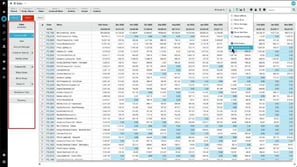
Learn how to streamline the grid for extra screen space and explore useful features like freezing the properties column, copying and pasting data, and various export options.
3:21 min
 Flex Modes
 Copy or export data
Learn how to copy or export data from the grid when you want to continue working with it outside Phocas. See how to copy selected cells or rows into a spreadsheet, or export a wider set of data as a CSV or XLSX file. You’ll also see how Excel exports retain features such as conditional formatting and nested rows, helping you carry more of your current view into Excel.
1:47 min
