Copy or export data
1:47 min
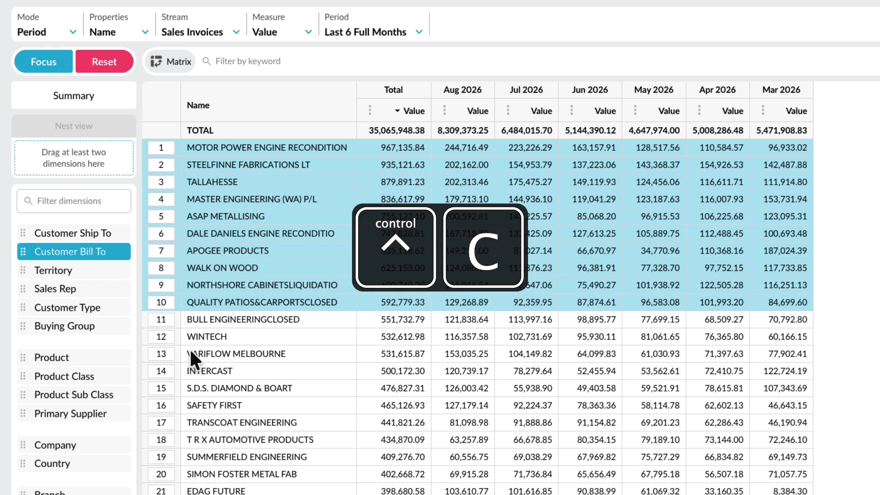
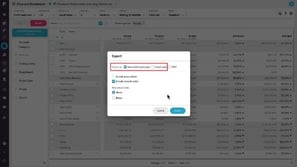
Learn how to copy or export data from the grid when you want to continue working with it outside Phocas. See how to copy selected cells or rows into a spreadsheet, or export a wider set of data as a CSV or XLSX file. You’ll also see how Excel exports retain features such as conditional formatting and nested rows, helping you carry more of your current view into Excel.
Supporting documentation
Phocas product  Flex Modes
Flex Modes Category

Related video tutorials
 Budgets & Forecasts
 Publish a budget
Learn how to publish your completed budget or forecast data to the underlying database, making it available for dashboards, analysis, and reporting, or export it to Excel for use elsewhere.
2:54 min
 Flex Modes
 Create a nested view
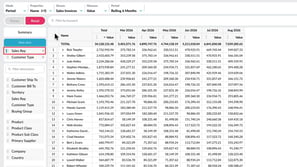
With the nest view feature in Flex Modes, you can add dimensions as levels in the grid, making your data easier to interpret. This lets you see how different items contribute to the overall results and build reports where you define the hierarchy of the data on display.
1:52 min
 Flex Modes
 Apply conditional formatting
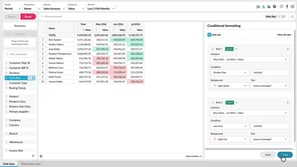
Learn how to use conditional formatting to quickly highlight key values in the grid. In Flex Modes, you can apply rules that change the text or background color based on cell values. It’s a great way to make trends and outliers stand out without needing to sort or filter.
2:37 min
 Financial Statements
 Copy or export financial information
Discover how you can export your financial data, or copy specific parts to use in other applications.
1:40 min
