Filter data (Financial Statements)
1:43 min
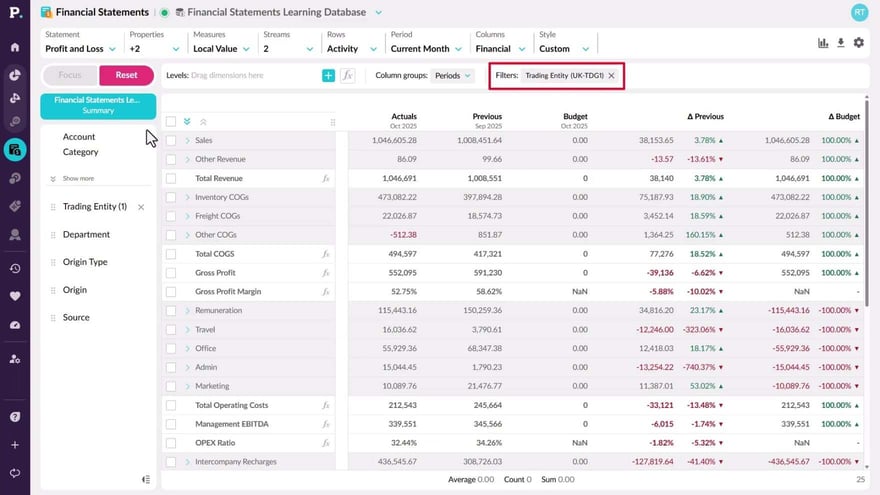
Filtering helps you move from a broad view of your financial statements to a sharper level of detail. You can narrow the data by keyword or by using dimensions like department or product, which enables you to focus on specific segments or categories. By applying filters, you can drill deeper into your financial statements and gain a clearer understanding of your data.
Supporting documentation
Phocas product  Financial Statements
Financial Statements Category

Related video tutorials
 Financial Statements
 View and explore dashboards
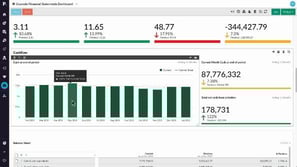
Discover just how user-friendly a Phocas Financial Statements dashboard can be! Learn how to make simple selections, narrow your focus, clear filters, and reset the dashboard with ease.
2:29 min
.png?width=297&height=167&name=thumbnail%20(10).png) Financial Statements
Financial Statements Edit a financial statement
Learn how to edit an existing financial statement to suit your business needs.
3:53 min
 Financial Statements
 Create a budget from within financial statements
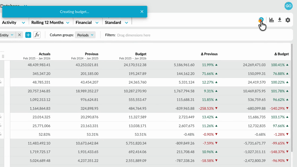
Learn how to quickly create a profit and loss budget from your financial statements using one click budgeting and start working in a ready-to-use workbook.
1:04 min
 Sales Insights
 Exclude customers from Sales Insights calculations
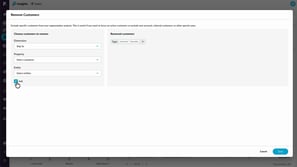
Learn how to use the Remove customers option to exclude specific customers from Insights calculations. You’ll see how exclusions immediately affect customer counts and revenue totals, and how removing customers differs from filtering by excluding them entirely from segmentation and Insights results.
2:30 min
