Phocas AI
1:20 min
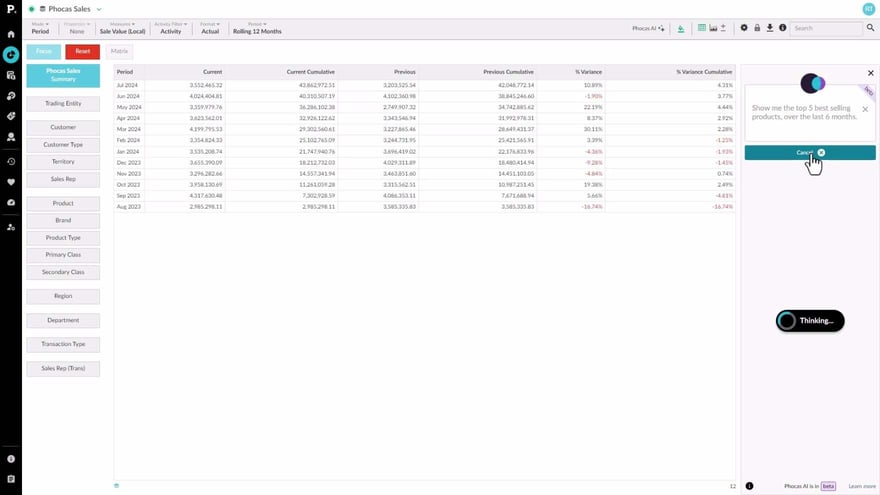
Phocas AI makes it easy to get quick answers and insights by letting you ask questions that relate to your business databases. This is especially useful for new or occasional users who might not be familiar with all the features. You can ask questions in your own words and see the steps taken to get the results, helping you learn along the way.
Supporting documentation

Related video tutorials
 Flex Modes
 Create an advanced filter
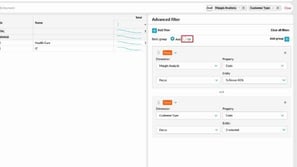
Learn how to use the Advanced Filter to take your analysis further and answer more complex questions. It’s a powerful way to refine your search results and uncover deeper insights in your data.
4:21 min
 Platform
 Get started as a Viewer
Viewer licenses are for users who mainly need to view data rather than analyze it. Learn where to find and open the assets available to you as a Viewer.
1:08 min
 Analytics
 Narrow your search by entity or property
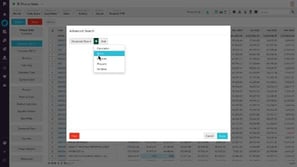
See how advanced search helps you quickly filter your data for a clearer starting point. Learn how to apply entity and property search rules to quickly narrow things down.
2:18 min
 Analytics
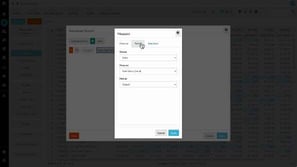
 Perform an advanced search
Advanced search helps users build detailed reports by applying specific filters to narrow down data. Users can set multiple rules and combine them with conditions like AND or OR to customize and refine their search results. This feature is ideal for creating precise reports or favorites based on specific criteria.
3:32 min
