Use your Sales database to drive the budget
4:59 min
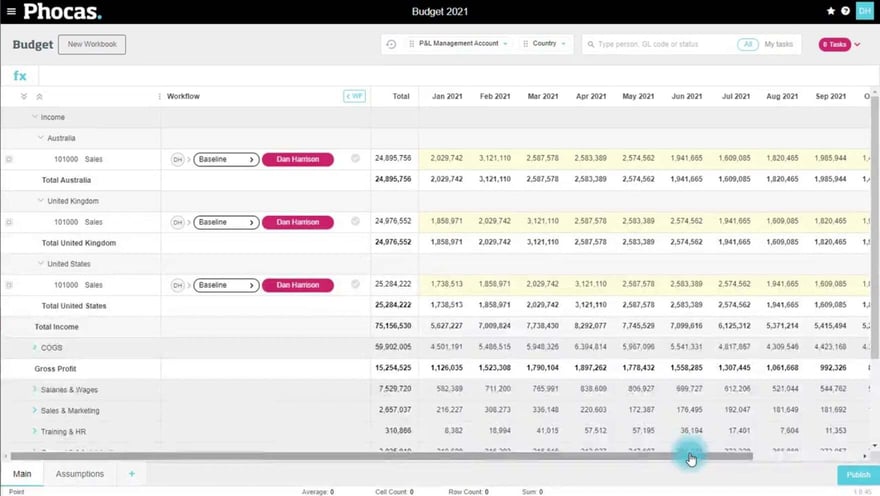
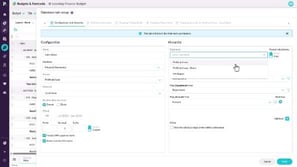
In this video for the Finance Office, Dan shows you how to connect the budget to your Sales database using the Database Driver tab. This pulls in detailed revenue information, which you can map to your financial data and use as the basis to drive the budget. Dan also takes you through adding an additional level of detail that allows you to budget by Sales Rep and product class.
Phocas product  Budgets & Forecasts
Budgets & Forecasts Category

Related video tutorials
 Analytics
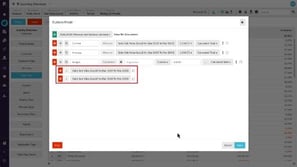
 Generate a budget based on previous sales (custom mode)
Learn how to use custom mode to build next year’s budget based on the past two years’ sales, and take forecasting further by analyzing individual reps and their product classes.
2:49 min
 Analytics
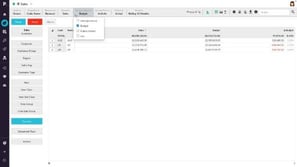
 Track sales rep performance against budget
Learn how to add a budget stream to your sales analysis, enabling you to drill into your sales figures to see how your budget is tracking. In a few steps, see which sales reps are performing well - and which ones aren't.
1:32 min
 Financial Statements
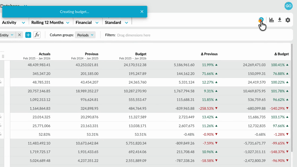
 Create a budget from within financial statements
Learn how to quickly create a profit and loss budget from your financial statements using one click budgeting and start working in a ready-to-use workbook.
1:04 min
 Budgets & Forecasts
 Add detail to your budget
Learn how to expand your budget or forecast workbook by adding new worksheet tabs with additional levels, entities, accounts, and categories. The process is the same for both budgets and forecasts, and requires Budgets & Forecasts and Manage Budgets & Forecasts permissions.
2:38 min
