 Budgets & Forecasts
 Smarter Tax Season Planning in Phocas
You're already running your Financial Statements in Phocas — which means you're closer to a fully connected planning process than you might think. This walkthrough shows you exactly what it looks like to bring Budgets & Forecasts on top of the numbers you already have.
Watch now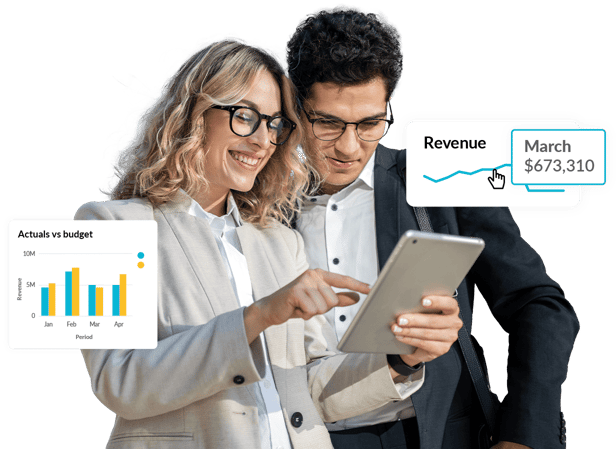
Join our pre-sales team for a live walkthrough of Phocas Budgets & Forecasts on top of the data you already have, so you can make manual, static budgeting a thing of the past.
Because your Financial Statements are already live in Phocas, there's no data migration, no manual exports, and no starting from scratch. We'll show you how to build your budget and rolling forecasts directly on top of your existing actuals, and what that means for your tax season planning cycle.
In this session, we'll walk through:
- Connecting Budgets & Forecasts to your live Financial Statements so your plan always reflects current actuals
- Eliminating the "export to Excel" cycle that silos data and breaks version control
- Building contingency scenarios you can act on when costs shift — without rebuilding your model
- Giving department managers ownership of inputs while maintaining full auditability across every change
You might also like
View all
Stock Insights: for confident inventory decisions
An exclusive first look at Stock Insights. See exactly what's tied up in dead stock, where risk hides in your best sellers, and how to negotiate with vendors on equal footing.

Taking control of your rebate program
Rebate programs are supposed to drive growth. Too often they've quietly become a spreadsheet nobody fully trusts. Get the numbers right, and rebates start paying off again.
Freeing the cash hiding in your warehouse
Slow-moving inventory isn't just a warehouse problem. It's cash your business can't use anywhere else. Find out how to unlock it.
Reporting from boardroom to branch
Your board wants the big picture. Your regional managers want to know how their area is performing. Your branch managers want to only see their own data. Keep everyone happy with one report, not three.
