Get started with Budgets & Forecasts
4 videos in this learning module
4 videos in this learning module
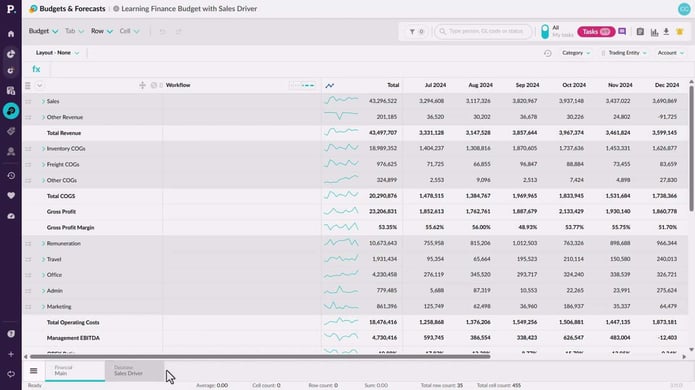
Take a tour of Budgets & Forecasts
Learn how to open Budgets and Forecasts from the Phocas menu, find the workbook you need, and move between its worksheet tabs. You'll see how editable rows, the workflow column, and the tasks panel support collaboration, and how a finished workbook can be finalized, exported, or published with full traceability.
Supporting documentation
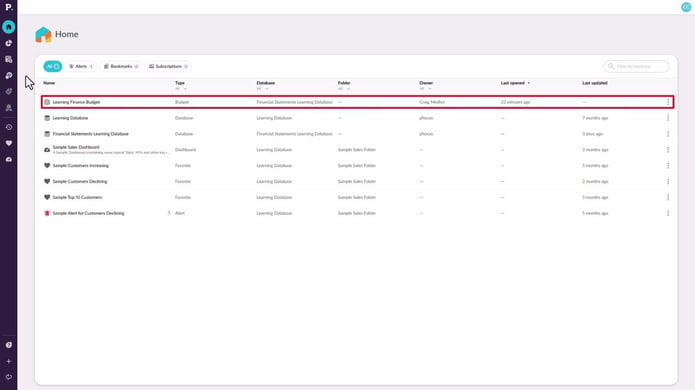
Access the budget and your tasks
Learn how to find the budget or forecast rows that an administrator or owner has assigned to you. If email notifications are enabled, you receive a message with a link to sign in to Phocas, and you can then open the worksheet, check your task count, and select an assigned section to begin working.
Supporting documentation
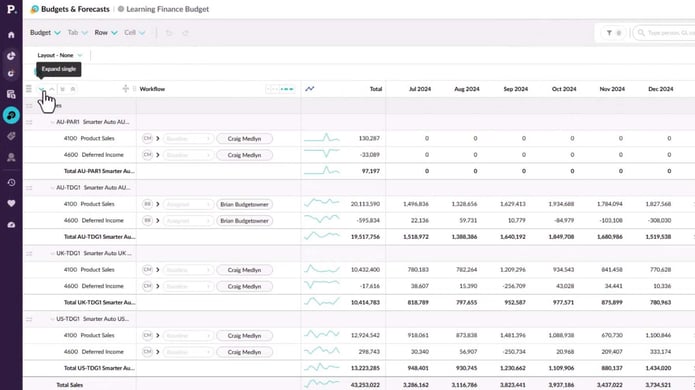
Change the grid layout
Learn how to expand or collapse rows, switch between pruned and unpruned views, and use the flat view to see more rows at once. You can also resize the workflow column, hide sparklines in total columns, and group columns into periods such as fortnights or quarters to make data entry easier.
Supporting documentation
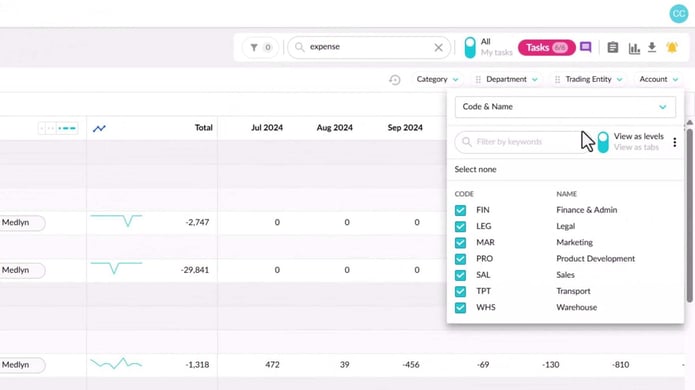
Filter the data
Learn how to narrow the data in a worksheet using the all or my tasks toggle, keyword search with wildcards, and condition filters that use rules on specific columns. You can also filter by dimension, reorder dimensions, switch to tab view to work through entities one at a time, and save some of these settings as a layout.
Supporting documentation

Related learning modules
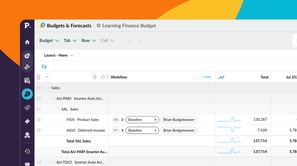
 Budgets & Forecasts
Manage budgets and forecasts
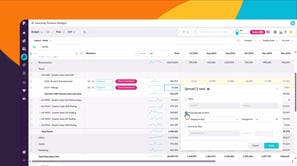 Budgets & Forecasts
Work with budget data
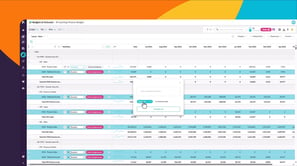 Budgets & Forecasts