Manage budgets and forecasts
22:28 minutes total learning time
This module shows you how to create, customize, and maintain your organization’s budget and forecast workbooks, so you can keep financial planning clear, accurate, and efficient.
Phocas product  Budgets & Forecasts
Budgets & Forecasts 7 videos in this learning module
1
Create a budget workbook
3:09
2
Add detail to your budget
2:38
3
Set up comparison rows
3:14
4
Publish a budget
2:54
5
Budget by region and branch
6:13
6
Create a forecast
1:23
7
How to handle key variables, such as currency, in the budget
2:57
7 videos in this learning module
1
Create a budget workbook
3:09
2
Add detail to your budget
2:38
3
Set up comparison rows
3:14
4
Publish a budget
2:54
5
Budget by region and branch
6:13
6
Create a forecast
1:23
7
How to handle key variables, such as currency, in the budget
2:57
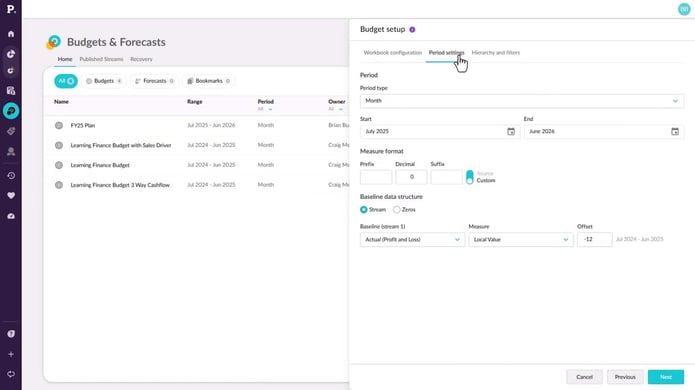
Create a budget workbook
Learn how to create structured, collaborative budget workbooks in Phocas Budgets & Forecasts, so you can confidently kick off the budgeting process.
Supporting documentation
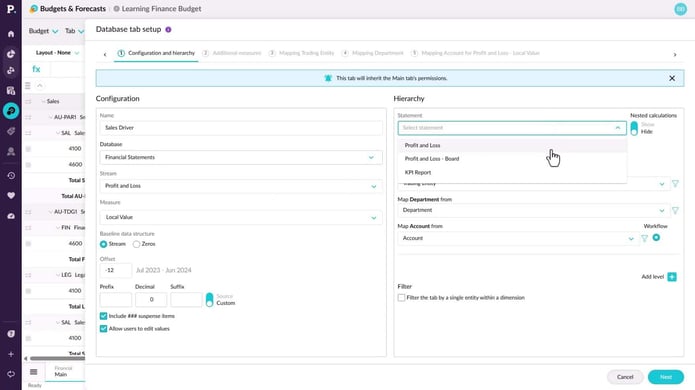
Add detail to your budget
Learn how to expand your budget or forecast workbook by adding new worksheet tabs with additional levels, entities, accounts, and categories. The process is the same for both budgets and forecasts, and requires Budgets & Forecasts and Manage Budgets & Forecasts permissions.
Supporting documentation
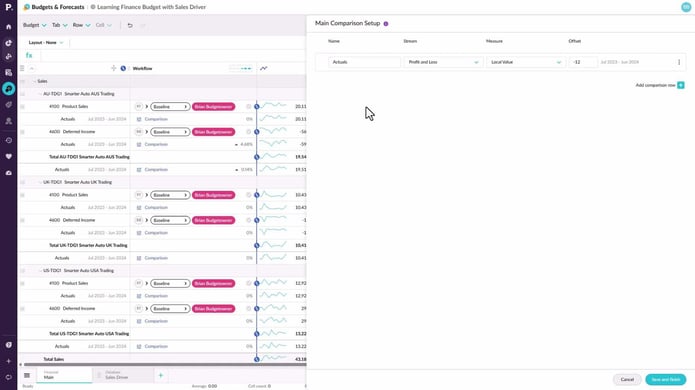
Set up comparison rows
Learn how to set up comparison rows, such as last year’s actuals or forecasts, to give your team context for smarter, data-driven budget edits with instant variance insights.
Supporting documentation
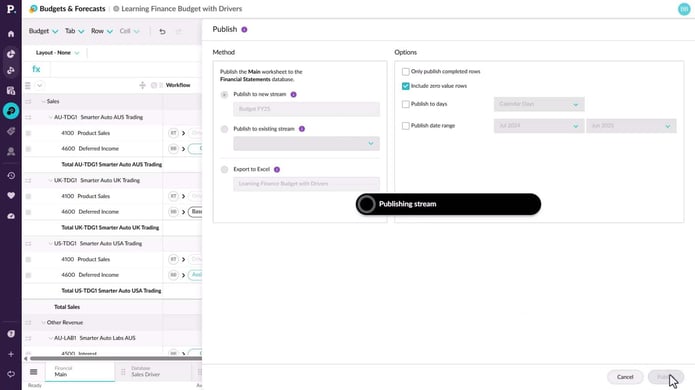
Publish a budget
Learn how to publish your completed budget or forecast data to the underlying database, making it available for dashboards, analysis, and reporting, or export it to Excel for use elsewhere.
Supporting documentation
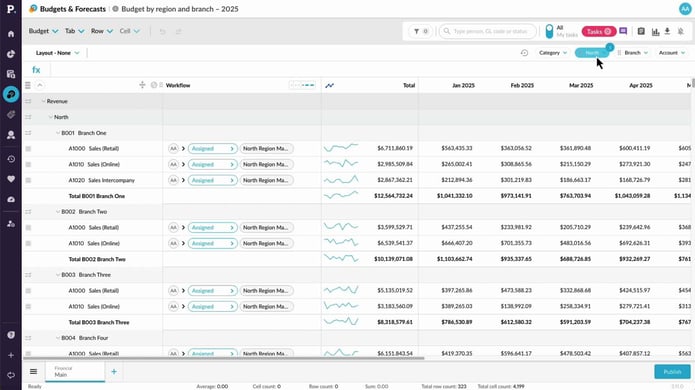
Budget by region and branch
Easily manage your budgets at both the regional and branch level by using the Financial Statements and Budgets & Forecasts modules together. They’re designed to work seamlessly, giving you a flexible, all-in-one solution for all kinds of budgeting needs.
Supporting documentation
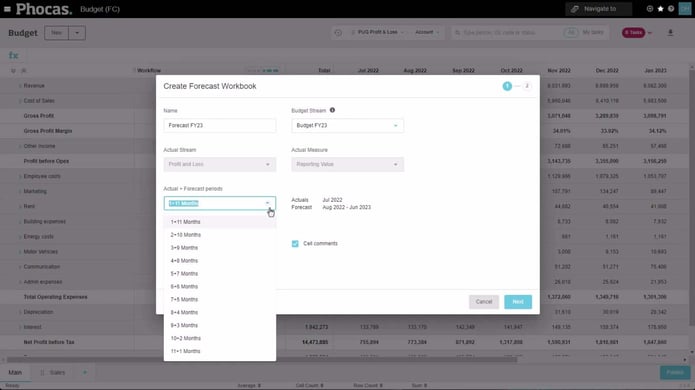
Create a forecast
This video shows how to convert a budget into a forecast. It is suitable for users who have permission to manage budgets and forecasts.
Supporting documentation
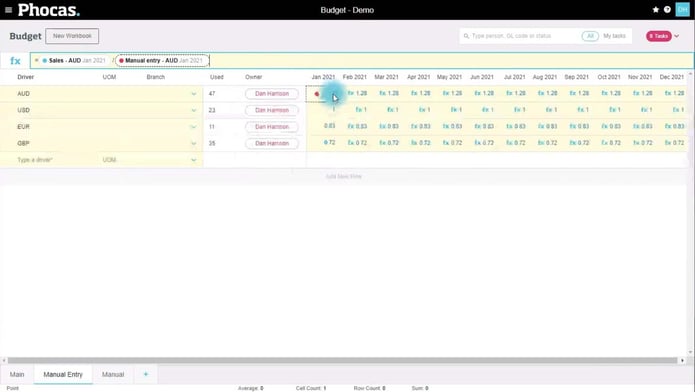
How to handle key variables, such as currency, in the budget
Variables such as inflation, exchange rates, price adjustments and so on can impact multiple areas of the budget. In this video Dan shows you how to use a Manual Entry tab to cater for a multi-currency situation. He covers tips such as putting the currencies into working lines on the budget worksheet.
Phocas product
Budgets & Forecasts 
Related learning modules
 Budgets & Forecasts
 Get started with Budgets & Forecasts
This module for beginners helps you get started in Phocas Budgets & Forecasts. Learn about the grid, filtering, how you can enter data and submit it for approval, and more.
4 videos
9:18 min
 Budgets & Forecasts
 Work with budget data
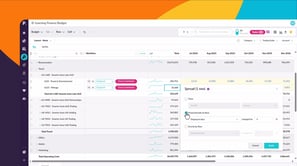
Learn to work with budget data and discover how to edit values, use formulas, and structure your data to build and manage budgets effectively.
5 videos
16:16 min
 Budgets & Forecasts
 Use workflows to collaborate
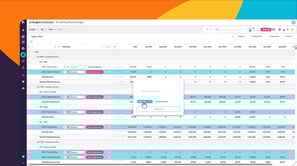
This module takes you through working with workflows in Budgets & Forecasts. Learn how to assign and manage tasks, contribute to the workflow, delegate responsibility, and track progress.
5 videos
17:58 min
