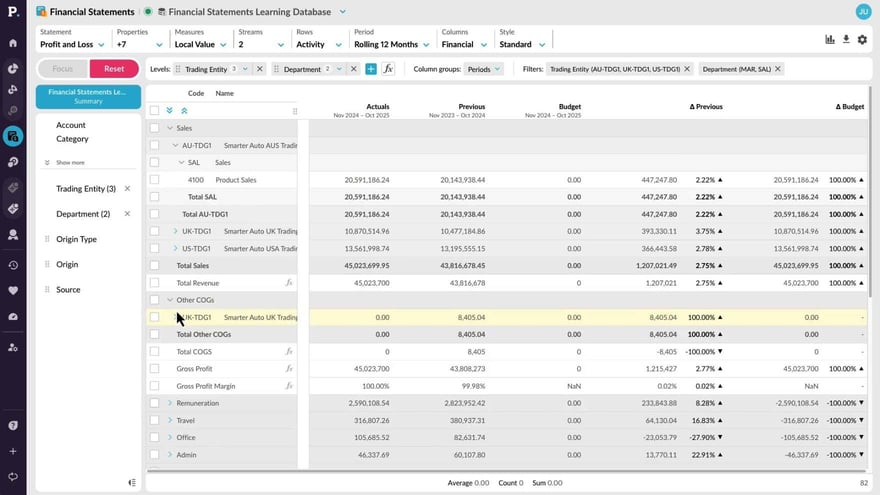
Manage statement levels
Supporting documentation
 Financial Statements
Related video tutorials
 Flex Modes
 Copy or export data
Learn how to copy or export data from the grid when you want to continue working with it outside Phocas. See how to copy selected cells or rows into a spreadsheet, or export a wider set of data as a CSV or XLSX file. You’ll also see how Excel exports retain features such as conditional formatting and nested rows, helping you carry more of your current view into Excel.
.png?width=297&height=167&name=thumbnail%20(10).png) Financial Statements
Financial Statements Edit a financial statement
 Financial Statements
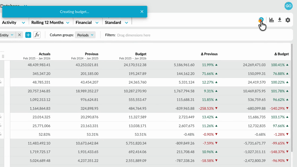
 Create a budget from within financial statements
Learn how to quickly create a profit and loss budget from your financial statements using one click budgeting and start working in a ready-to-use workbook.
 Financial Statements
 Set up elimination journals
Learn how to set up and post elimination journals in Phocas Financial Statements. This video covers the full elimination workflow, from creating an elimination entity and enabling elimination-only accounts to posting journals in Data Entry. It also shows how eliminations are kept separate from ERP actuals, helping you report clearly while maintaining a clean audit trail.
