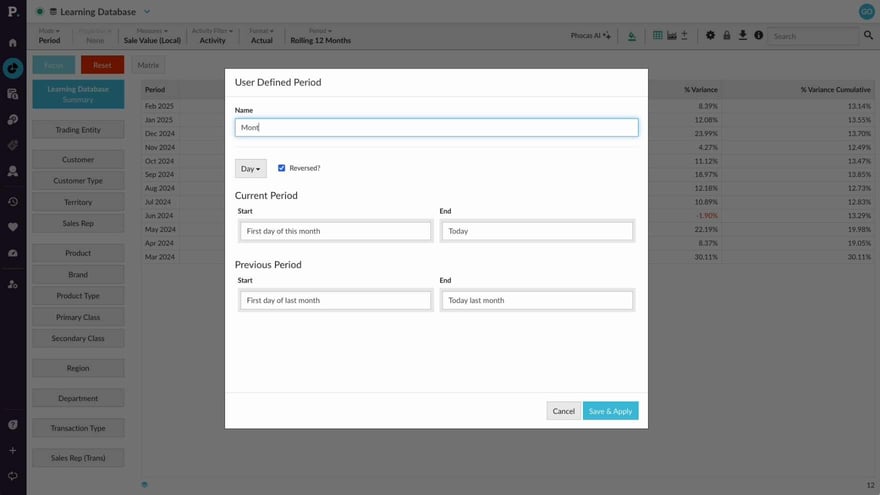
Add your own defined period
Supporting documentation
 Analytics
Related video tutorials
 Flex Modes
 Change the period (Flex Modes)
Learn how to change the period of your analysis so you can focus on the time frame that matters. See how to select from available periods, create fixed date ranges for specific reporting needs, and use dynamic user-defined periods that update automatically as time moves forward. This helps you compare and review data across the right dates without having to recreate your period settings each time.
 Analytics
 Apply a custom period
 Analytics
 Set your default period for a database
 Flex Modes
 Switch modes
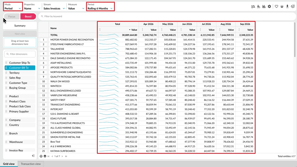
Learn how to switch between modes and views to analyze your data in different ways. See how Period, Variance, Stream, Total, and Transaction modes change what appears in the grid, and how Summary and Dimension views help you move between an overall result and more detailed analysis. You’ll also see how selections and filters can carry across supported views, so you can compare the same data from different perspectives without rebuilding your setup.
