Change the period (Financial Statements)
2:21 min
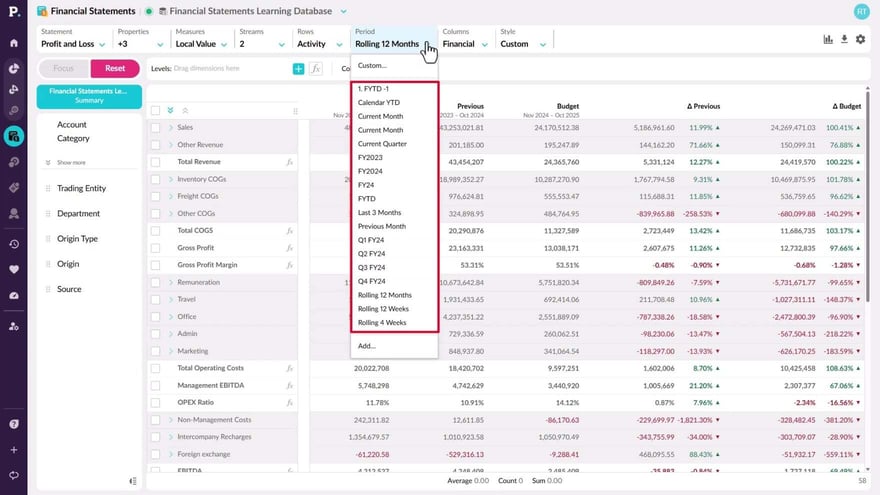
Learn how to adjust time periods in your financial data to suit your analysis needs. This allows you to compare current data with previous periods for better insights.
Supporting documentation
Phocas product  Financial Statements
Financial Statements Category

Related video tutorials
 Analytics
 Apply a custom period
Custom periods are temporary date ranges used for analysis without being saved. See how to apply them to review specific timeframes, like a sales promotion. Custom periods can include full months, partial months, or a custom range of dates, depending on the available period types in the database.
1:27 min
 Financial Statements
 Apply a custom period (Financial Statements)
Discover how to set custom periods—temporary date ranges you can apply to your financial data analysis. Custom periods are especially useful when you want to analyze data for specific timeframes, such as during a sales promotion or other one-off events.
1:44 min
 Analytics
 Change the period
Learn about using periods (date ranges) in Phocas. In this video Tina shows you how to choose a pre-defined period, apply a custom period or add a defined period for your own use.
2:23 min
 Flex Modes
 Change the period (Flex Modes)
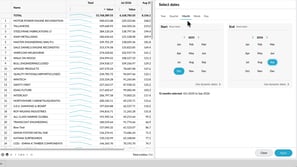
Learn how to change the period of your analysis so you can focus on the time frame that matters. See how to select from available periods, create fixed date ranges for specific reporting needs, and use dynamic user-defined periods that update automatically as time moves forward. This helps you compare and review data across the right dates without having to recreate your period settings each time.
2:32 min
