Design your own database
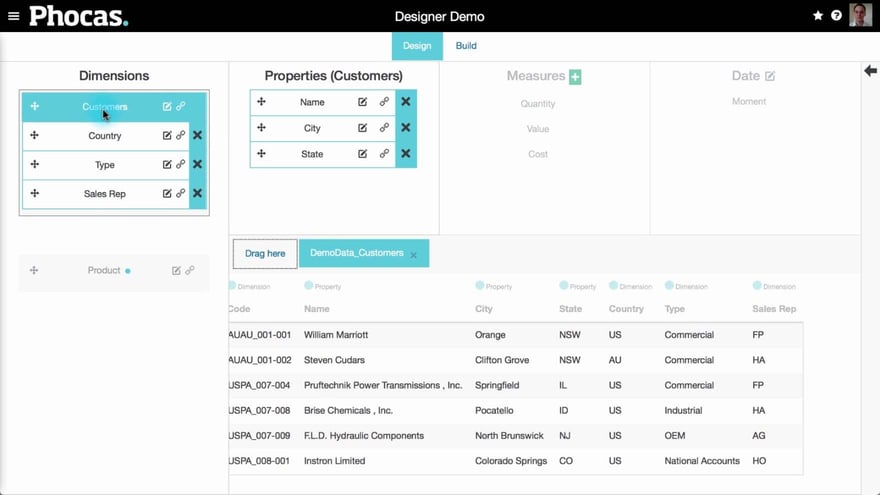
Supporting documentation

Related video tutorials
 Platform
 Manage default database restrictions
Learn how to manage default restrictions for all users with access to a database, making it easy to set up a secure, default configuration.
 Platform
 Set defined periods for a database
As an administrator, you can control which defined periods (date ranges) appear in the Period dropdown for each database in Phocas. Learn how to create a new period with a dynamic 'offset' date range for automatic updates, or select from a list of pre-built periods.
 Platform
 Monitor user activity
Learn how to monitor your team's Phocas usage and gain insights into the databases they’re accessing, the favorites and dashboards they’ve created, and the queries they’ve run.
 Platform
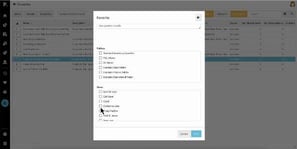
 Manage favorites, dashboards, and subscriptions
Learn how to manage and share favorites and dashboards with users, and discover how to subscribe them to email notifications to keep them updated on important changes in key data.
 Analytics
  Financial Statements
  Budgets & Forecasts
  Rebates
  CRM
CRM  Sales Insights