Answer important business questions
14:53 minutes total learning time
This module takes you through how to answer key business questions in Phocas Analytics. These videos cover analysing sales, tracking performance, managing inventory, and identifying opportunities using your data.
Phocas product  Analytics
Analytics 7 videos in this learning module
1
Forecast months of stock on hand (custom mode)
2:21
2
Create a 'low margin' alert
3:31
3
Combine inventory and sales to find dead stock
1:46
4
Generate a budget based on previous sales (custom mode)
2:49
5
What did I sell yesterday? (using transaction mode)
1:37
6
Examine accounts receivable over 90 days
1:17
7
Track sales rep performance against budget
1:32
7 videos in this learning module
1
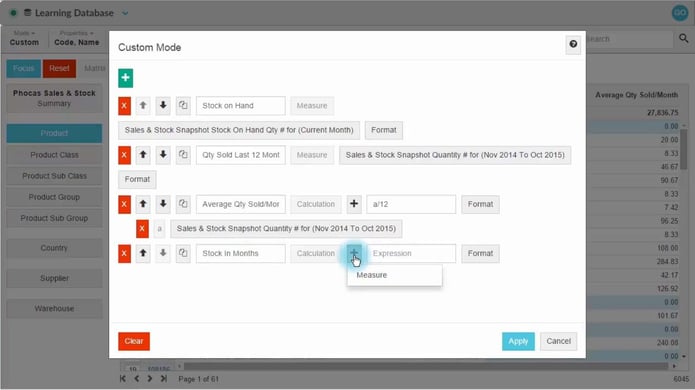
Forecast months of stock on hand (custom mode)
2:21
2
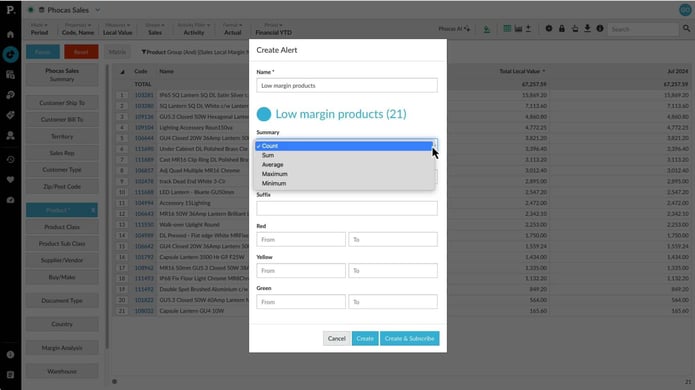
Create a 'low margin' alert
3:31
3
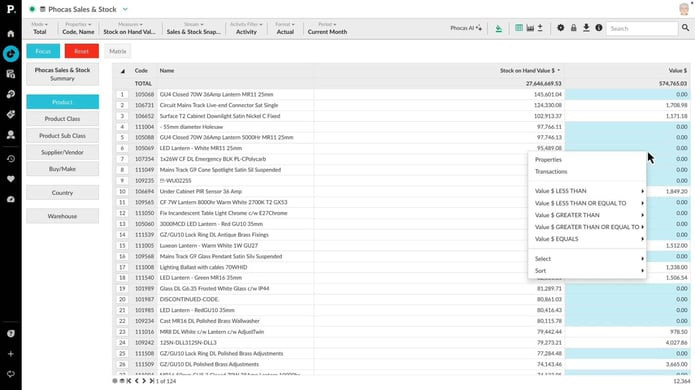
Combine inventory and sales to find dead stock
1:46
4
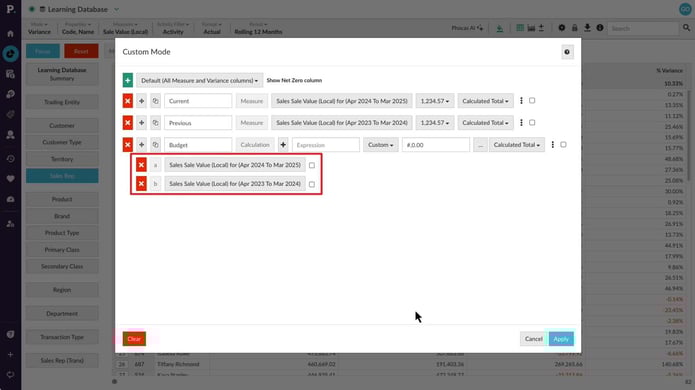
Generate a budget based on previous sales (custom mode)
2:49
5
What did I sell yesterday? (using transaction mode)
1:37
6
Examine accounts receivable over 90 days
1:17
7
Track sales rep performance against budget
1:32
Forecast months of stock on hand (custom mode)
Learn how to build a stock report that calculates the months of stock remaining, based on the average quantity sold and stock on hand. This is done by adding a new column with a few simple calculations.
Supporting documentation
Create a 'low margin' alert
In this video, learn how to build a low margin report using advanced search - and then create a color-coded alert for your dashboard or home page.
Supporting documentation
Combine inventory and sales to find dead stock
This video takes you into an inventory database. Learn how to combine inventory and sales values to quickly establish what dead stock is on the shelves.
Supporting documentation
Generate a budget based on previous sales (custom mode)
Learn how to use custom mode to build next year’s budget based on the past two years’ sales, and take forecasting further by analyzing individual reps and their product classes.
Supporting documentation
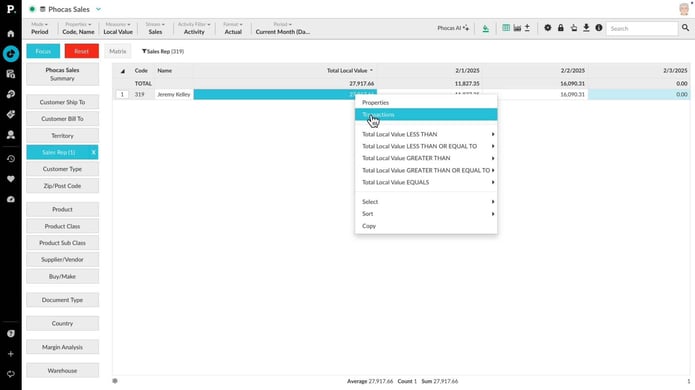
What did I sell yesterday? (using transaction mode)
A common question is 'What did I sell yesterday?' or 'What did my reps sell yesterday?'. Learn how to drill down to transactions on a particular date, for a particular person, region or product.
Supporting documentation
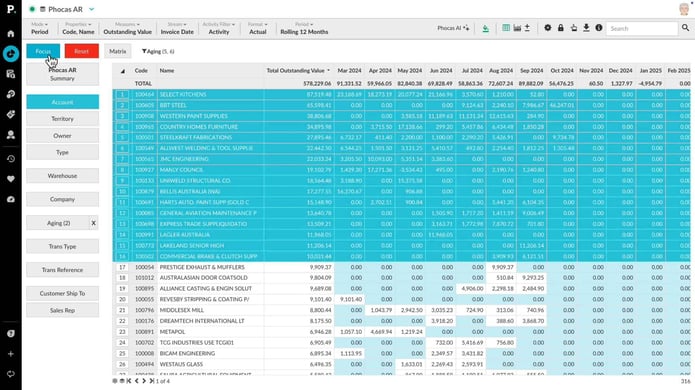
Examine accounts receivable over 90 days
Who owes you money? In this video, we show you how easy it is to examine an Accounts Receivable database to see identify accounts that are past 90 days due - along with their account owners.
Supporting documentation
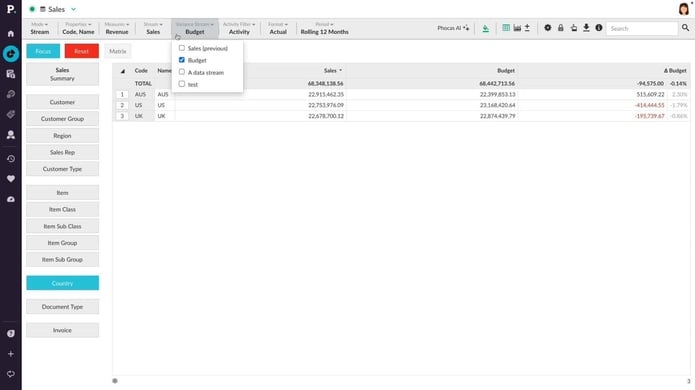
Track sales rep performance against budget
Learn how to add a budget stream to your sales analysis, enabling you to drill into your sales figures to see how your budget is tracking. In a few steps, see which sales reps are performing well - and which ones aren't.
Supporting documentation
Phocas product
Analytics 
Related learning modules
 Analytics
 Get started with Analytics
This module for beginners takes you through getting started in Phocas Analytics and doing some simple analysis to get fast results from your data. These videos introduce you to features that you will be using every day.
7 videos
15:33 min
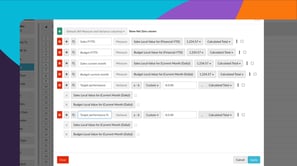 Analytics
 Explore and analyze data
Learn how you can explore and analyze your data in Phocas Analytics. Discover how to compare data, refine your view, and use advanced tools to uncover insights and understand performance.
11 videos
27:48 min
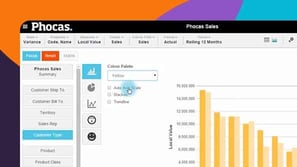 Analytics
 View data in charts and dashboards
Switching from grid to chart view opens up options for various graphical presentation of your data. This module covers basic chart setup through to advanced configuration, with a detailed look at some chart types.
6 videos
14:04 min
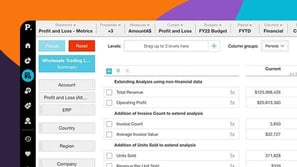 Analytics
 Work more efficiently
This module takes you through key grid customization features in Phocas. These videos help you tailor your workspace and improve how you work with data.
5 videos
9:39 min
