Explore and analyze data
27:48 minutes total learning time
Learn how you can explore and analyze your data in Phocas Analytics. Discover how to compare data, refine your view, and use advanced tools to uncover insights and understand performance.
Phocas product  Analytics
Analytics 11 videos in this learning module
1
Compare data with Matrix mode
1:46
2
Add levels (grid nesting)
1:59
3
Add your own defined period
4:55
4
Apply a custom period
1:27
5
Perform an advanced search
3:32
6
Narrow your search by entity or property
2:18
7
Use Matrix Variance and Matrix Share mode
3:13
8
Use Market Mode to analyze market penetration
2:50
9
Compare multiple data streams
1:54
10
Show positive or negative variance
1:41
11
Sort and summarize your data
2:13
11 videos in this learning module
1
Compare data with Matrix mode
1:46
2
Add levels (grid nesting)
1:59
3
Add your own defined period
4:55
4
Apply a custom period
1:27
5
Perform an advanced search
3:32
6
Narrow your search by entity or property
2:18
7
Use Matrix Variance and Matrix Share mode
3:13
8
Use Market Mode to analyze market penetration
2:50
9
Compare multiple data streams
1:54
10
Show positive or negative variance
1:41
11
Sort and summarize your data
2:13
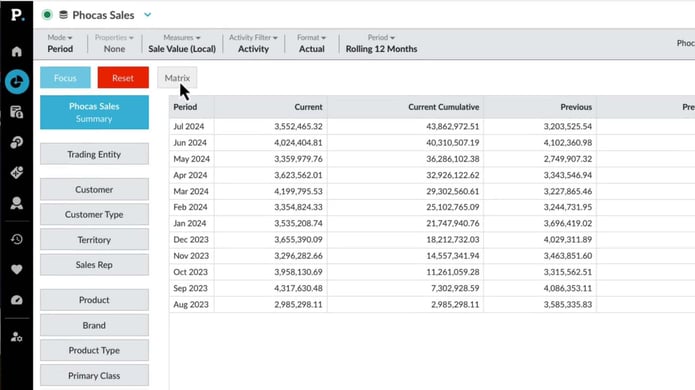
Compare data with Matrix mode
Discover how to use a simple matrix tool to compare sales performance across regions, branches, or products side-by-side, and identify opportunities for cross-selling within your customer base.
Supporting documentation
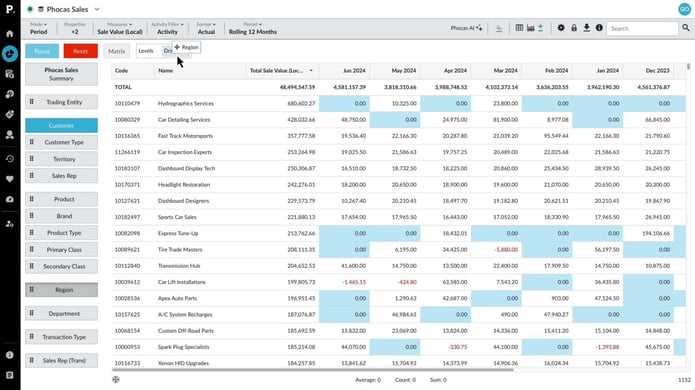
Add levels (grid nesting)
Learn how to bring together related data from different dimensions as an expandable report in the Phocas grid using the 'nest' feature. Grid nesting allows you to display up to three levels of detail, grouped by dimension.
Supporting documentation
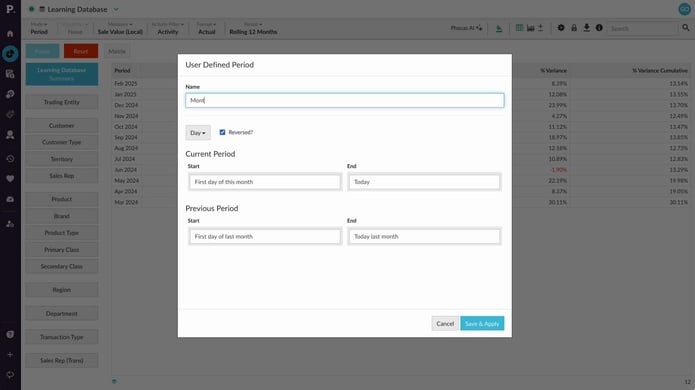
Add your own defined period
Learn how to create custom user-defined "month to date" or "calendar year to date" periods from scratch and save them as new defined periods. Since they’re your custom periods, you’ll have complete control to edit or delete them whenever necessary.
Supporting documentation
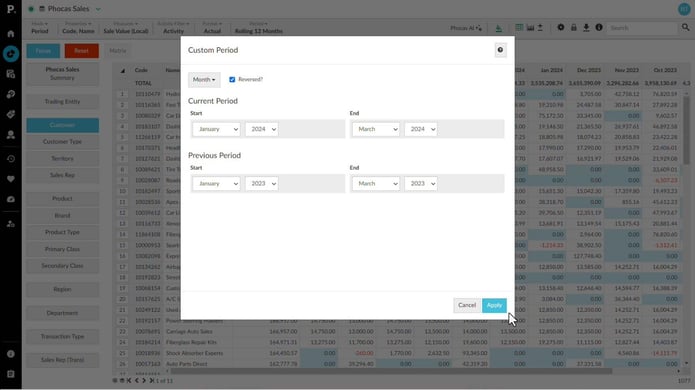
Apply a custom period
Custom periods are temporary date ranges used for analysis without being saved. See how to apply them to review specific timeframes, like a sales promotion. Custom periods can include full months, partial months, or a custom range of dates, depending on the available period types in the database.
Supporting documentation
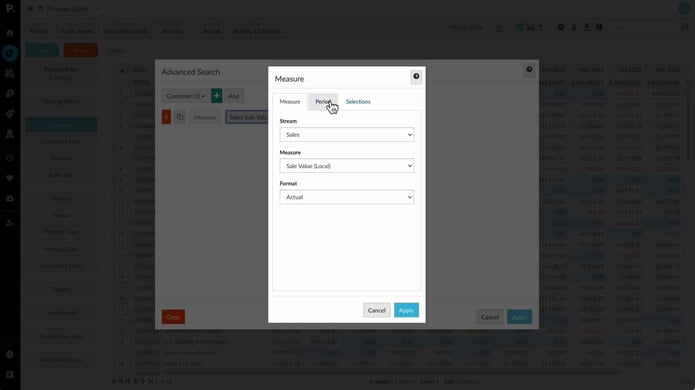
Perform an advanced search
Advanced search helps users build detailed reports by applying specific filters to narrow down data. Users can set multiple rules and combine them with conditions like AND or OR to customize and refine their search results. This feature is ideal for creating precise reports or favorites based on specific criteria.
Supporting documentation
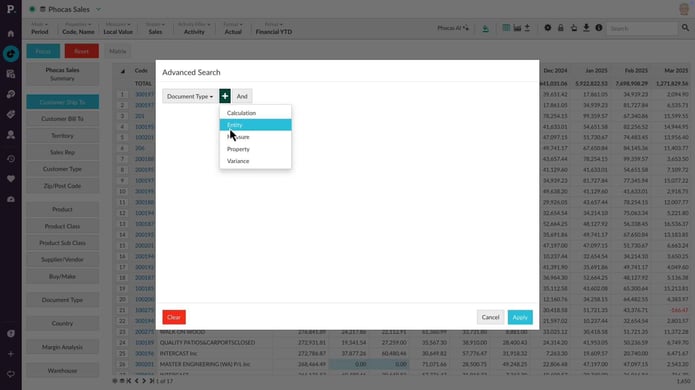
Narrow your search by entity or property
See how advanced search helps you quickly filter your data for a clearer starting point. Learn how to apply entity and property search rules to quickly narrow things down.
Supporting documentation
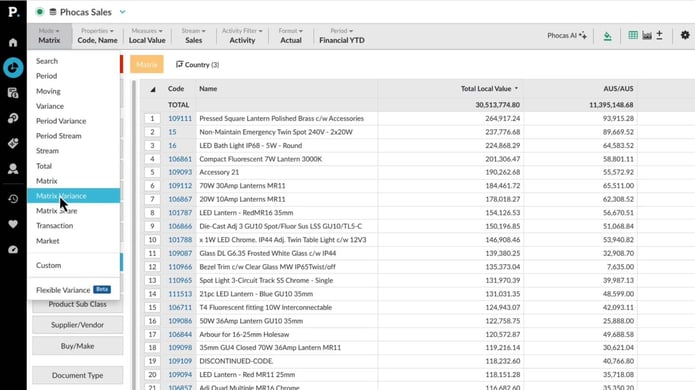
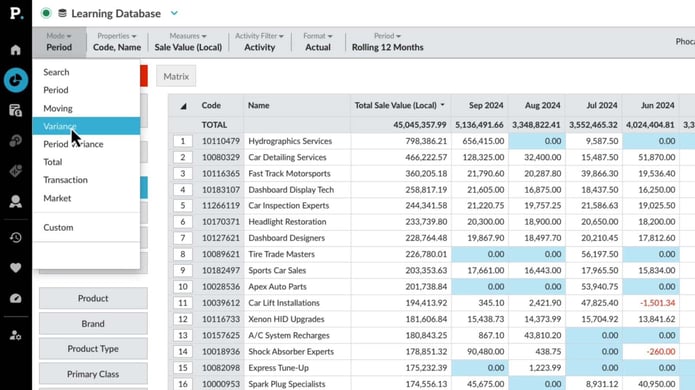
Use Matrix Variance and Matrix Share mode
Learn how to use Matrix Variance mode to compare data across different periods by adding columns for the previous period and variance—perfect for spotting trends month-over-month or year-over-year. You'll also see how Matrix Share mode transforms your data into percentages, making it easy to analyze ratios, like the share of Product X versus Product Y.
Supporting documentation
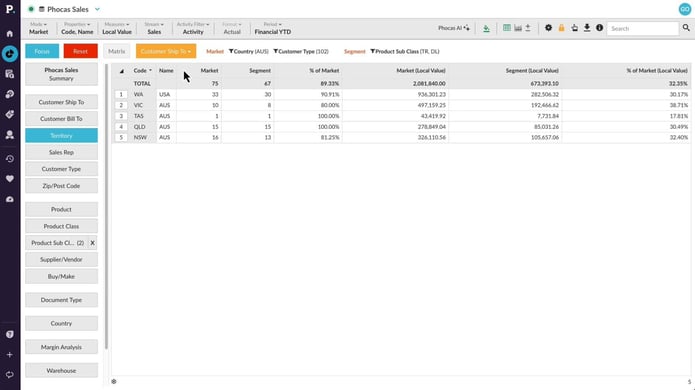
Use Market Mode to analyze market penetration
With Market Mode, you compare a market segment to the overall market using market mode. Learn how to define a market and a segment and how to specify what entities you want to count and compare.
Supporting documentation
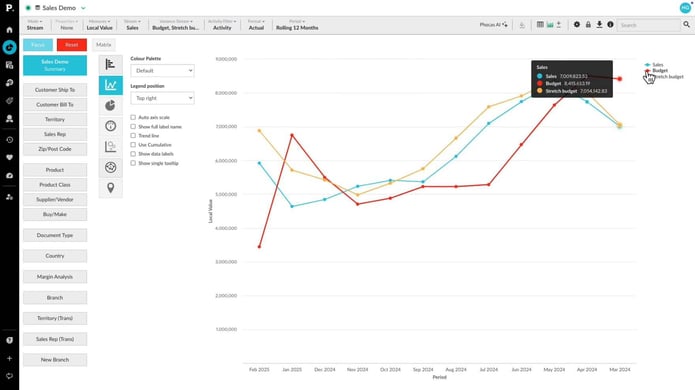
Compare multiple data streams
Learn how to compare multiple streams of data in Phocas, both in the grid and on a chart, and how to easily and quickly include variance data.
Supporting documentation
Show positive or negative variance
Learn how to switch to variance mode to see where results are improving or struggling. We’ll show you how to compare different periods and switch between customers, products, or any other dimension effortlessly.
Supporting documentation
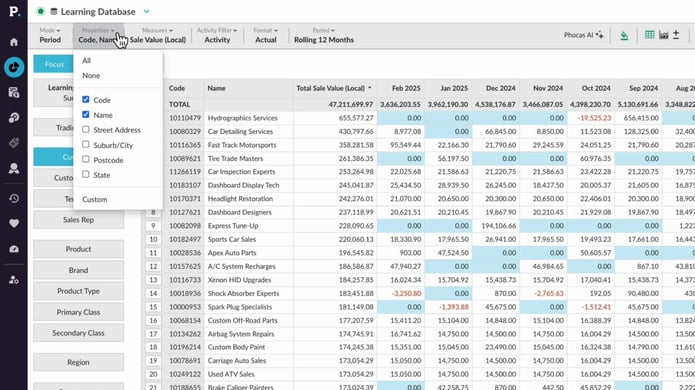
Sort and summarize your data
Learn how you can use the summary view and properties menu to summarize selected data, or narrow the view for a more detailed analysis.
Supporting documentation
Phocas product
Analytics 
Related learning modules
 Analytics
 Get started with Analytics
This module for beginners takes you through getting started in Phocas Analytics and doing some simple analysis to get fast results from your data. These videos introduce you to features that you will be using every day.
7 videos
15:33 min
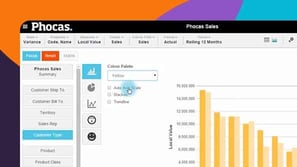 Analytics
 View data in charts and dashboards
Switching from grid to chart view opens up options for various graphical presentation of your data. This module covers basic chart setup through to advanced configuration, with a detailed look at some chart types.
6 videos
14:04 min
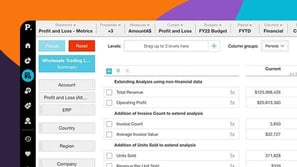 Analytics
 Answer important business questions
This module takes you through how to answer key business questions in Phocas Analytics. These videos cover analysing sales, tracking performance, managing inventory, and identifying opportunities using your data.
7 videos
14:53 min
Analytics Work more efficiently
This module takes you through key grid customization features in Phocas. These videos help you tailor your workspace and improve how you work with data.
5 videos
9:39 min
