View data in charts and dashboards
14:04 minutes total learning time
Switching from grid to chart view opens up options for various graphical presentation of your data. This module covers basic chart setup through to advanced configuration, with a detailed look at some chart types.
Phocas product  Analytics
Analytics 6 videos in this learning module
1
Visualize your data in a chart
1:22
2
Configure the chart options
3:27
3
Create KPI-style gauge, summary and bullet charts
3:25
4
Use dashboards
1:51
5
Create an interactive dashboard
3:17
6
Set a dashboard as your home page
0:42
6 videos in this learning module
1
Visualize your data in a chart
1:22
2
Configure the chart options
3:27
3
Create KPI-style gauge, summary and bullet charts
3:25
4
Use dashboards
1:51
5
Create an interactive dashboard
3:17
6
Set a dashboard as your home page
0:42
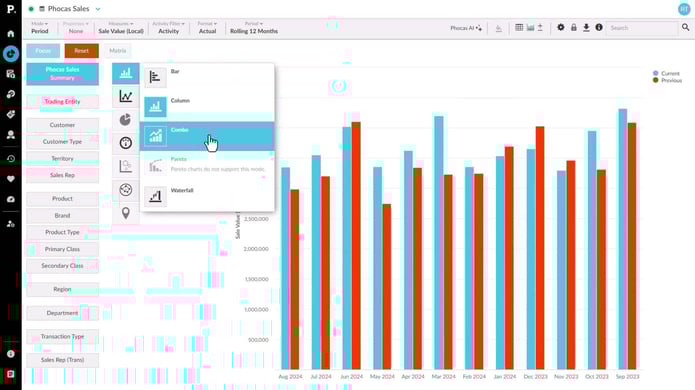
Visualize your data in a chart
Discover how you can use charts to quickly visualize your data and spot trends at a glance. Charts are especially helpful when dealing with large datasets, allowing you to get an easy visual overview without scrolling through endless columns and rows in the grid.
Supporting documentation
Configure the chart options
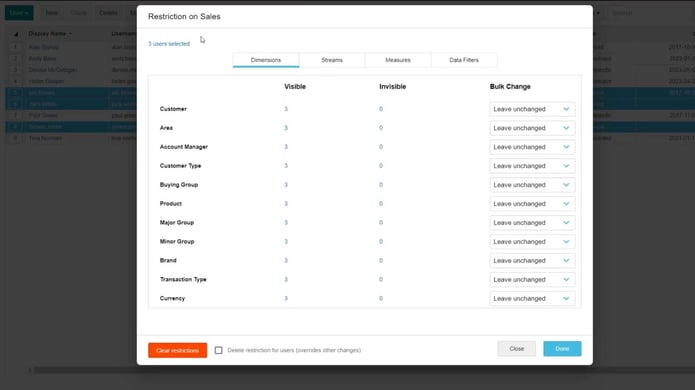
See how to change an axis starting point (using auto-axis scale), stack the chart values on top of each other rather than side by side or select and focus on a segment.
Supporting documentation
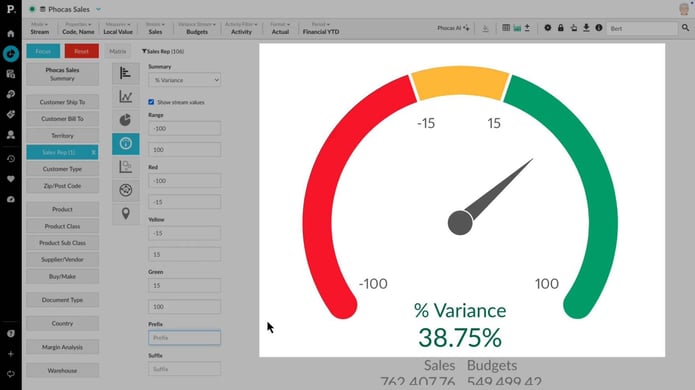
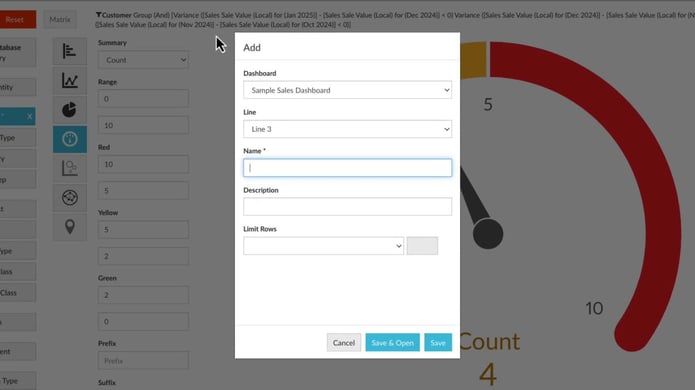
Create KPI-style gauge, summary and bullet charts
Discover how to track key performance indicators using KPI chart types in an Analytics database. In chart view, explore Gauge, Bullet, and Summary charts to visualize business goals and targets, ensuring performance insights are clear and easy to monitor.
Supporting documentation
Use dashboards
See just how user friendly a Phocas dashboard can be. Here we show you how to make some simple selections on a dashboard, focus, clear and reset.
Supporting documentation
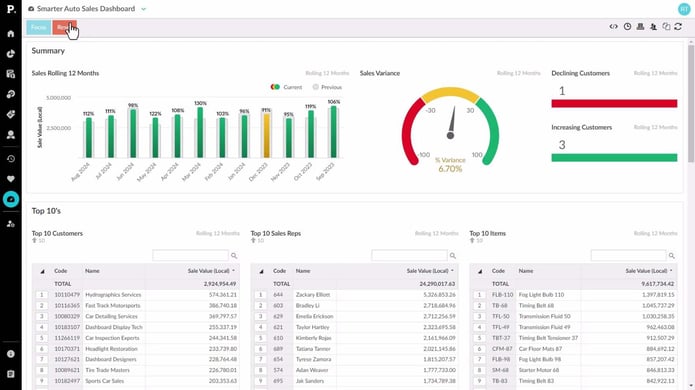
Create an interactive dashboard
Learn how to create dynamic and interactive dashboards to monitor key business KPIs. Start by setting up a dashboard and adding content, whether it's a favorite report or a custom visualization built from scratch.
Supporting documentation
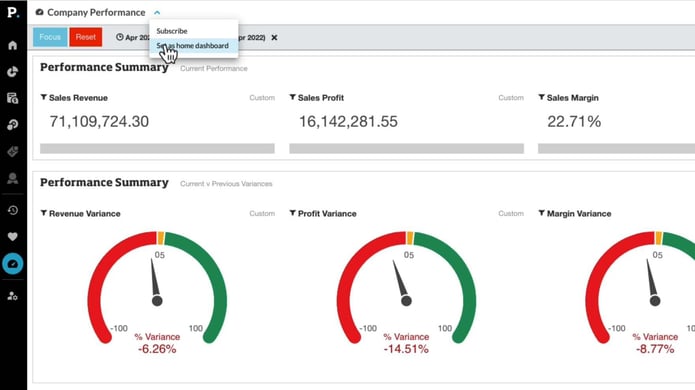
Set a dashboard as your home page
If you have a dashboard you keep coming back to, you might want to save it as your home screen. This video shows you how to do this, so that whenever you log in to Phocas that dashboard will be the first thing you see.
Supporting documentation
Phocas product
Analytics 
Related learning modules
 Analytics
 Get started with Analytics
This module for beginners takes you through getting started in Phocas Analytics and doing some simple analysis to get fast results from your data. These videos introduce you to features that you will be using every day.
7 videos
15:33 min
 Analytics
 Explore and analyze data
Learn how you can explore and analyze your data in Phocas Analytics. Discover how to compare data, refine your view, and use advanced tools to uncover insights and understand performance.
11 videos
27:48 min
 Analytics
 Answer important business questions
This module takes you through how to answer key business questions in Phocas Analytics. These videos cover analysing sales, tracking performance, managing inventory, and identifying opportunities using your data.
7 videos
14:53 min
Analytics Work more efficiently
This module takes you through key grid customization features in Phocas. These videos help you tailor your workspace and improve how you work with data.
5 videos
9:39 min
