Sales use cases
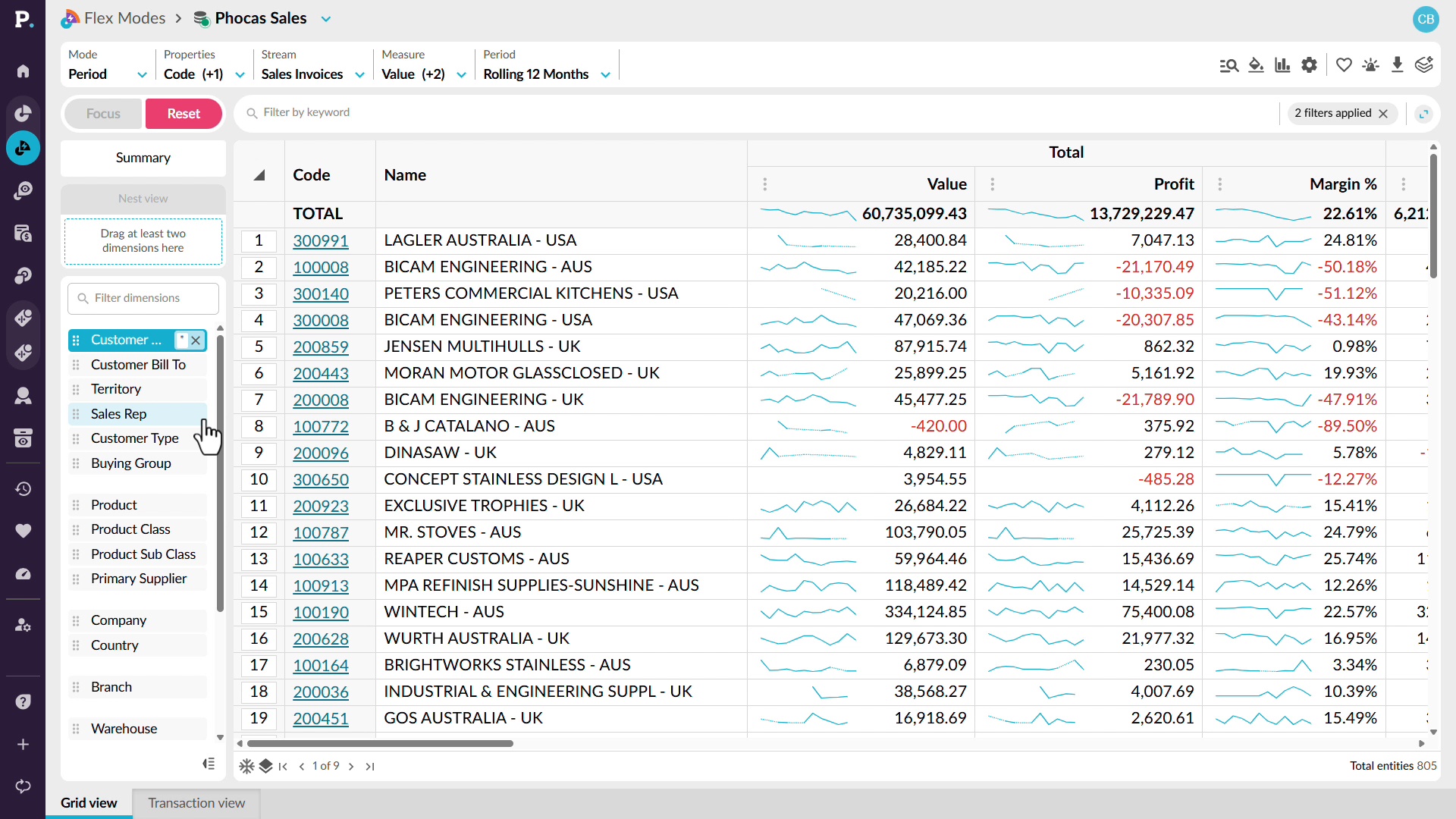
This module shows how sales teams use Analytics and Workspaces to track rep performance, spot churn risk and cross-sell gaps, and understand margin. Each video works through a real scenario.
 Analytics
5 videos in this learning module
Catch an off-track rep in time
Get your own answer in seconds
See churn risk across your whole patch
See cross-sell gaps across every account
See margin next to every sale
5 videos in this learning module
Catch an off-track rep in time
Get your own answer in seconds
See churn risk across your whole patch
See cross-sell gaps across every account
See margin next to every sale
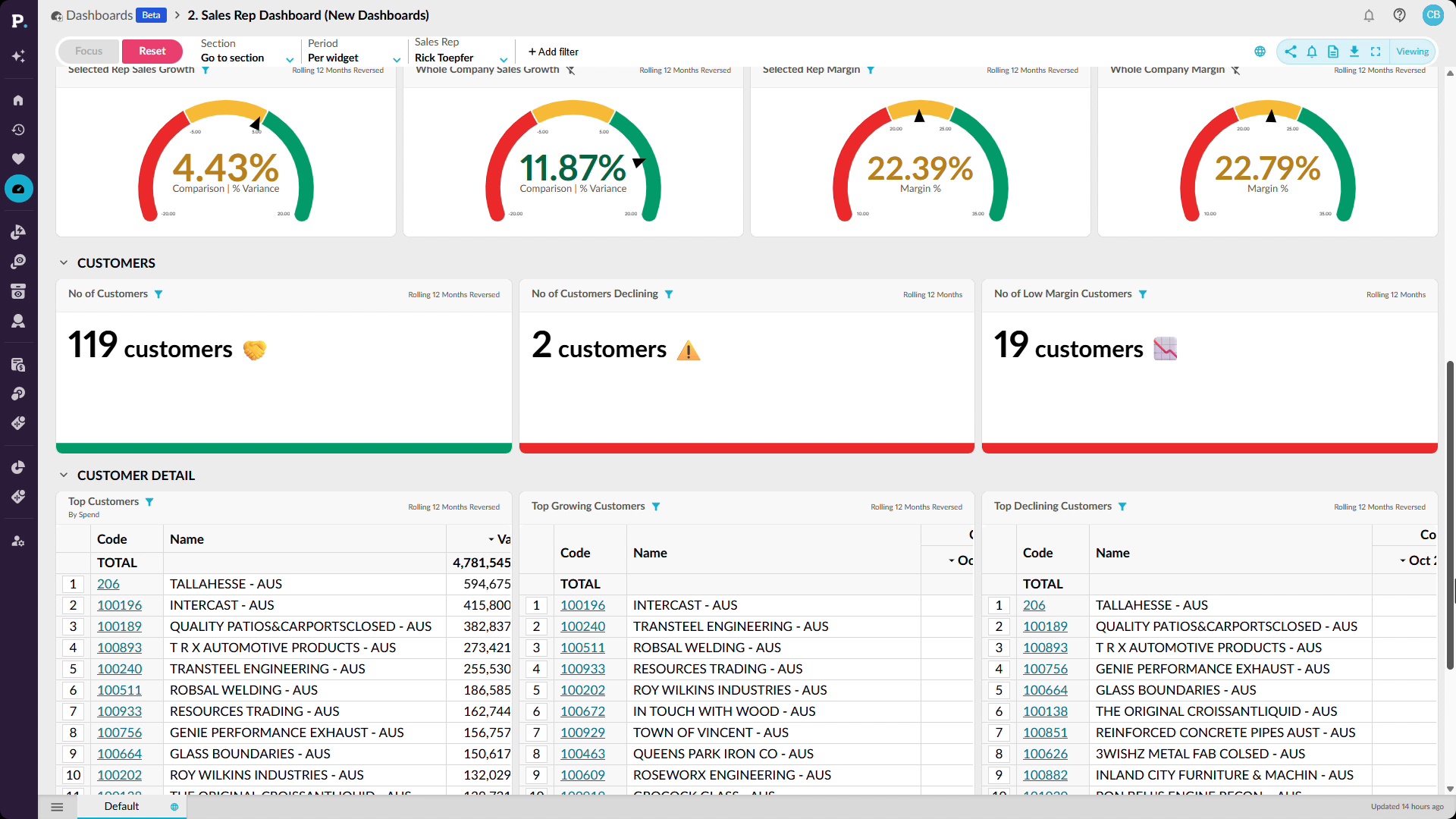
Catch an off-track rep in time
Use dashboards and detailed analysis to see how sales reps are performing against budget or quota. Start with a high-level view of performance, then filter the dashboard for an individual rep and change the reporting period to compare sales with budget year to date. From there, you can investigate where performance is falling behind and save, share, or add the results to a dashboard. This makes it easier to spot issues early and focus attention on the reps who may need support.
Supporting documentation
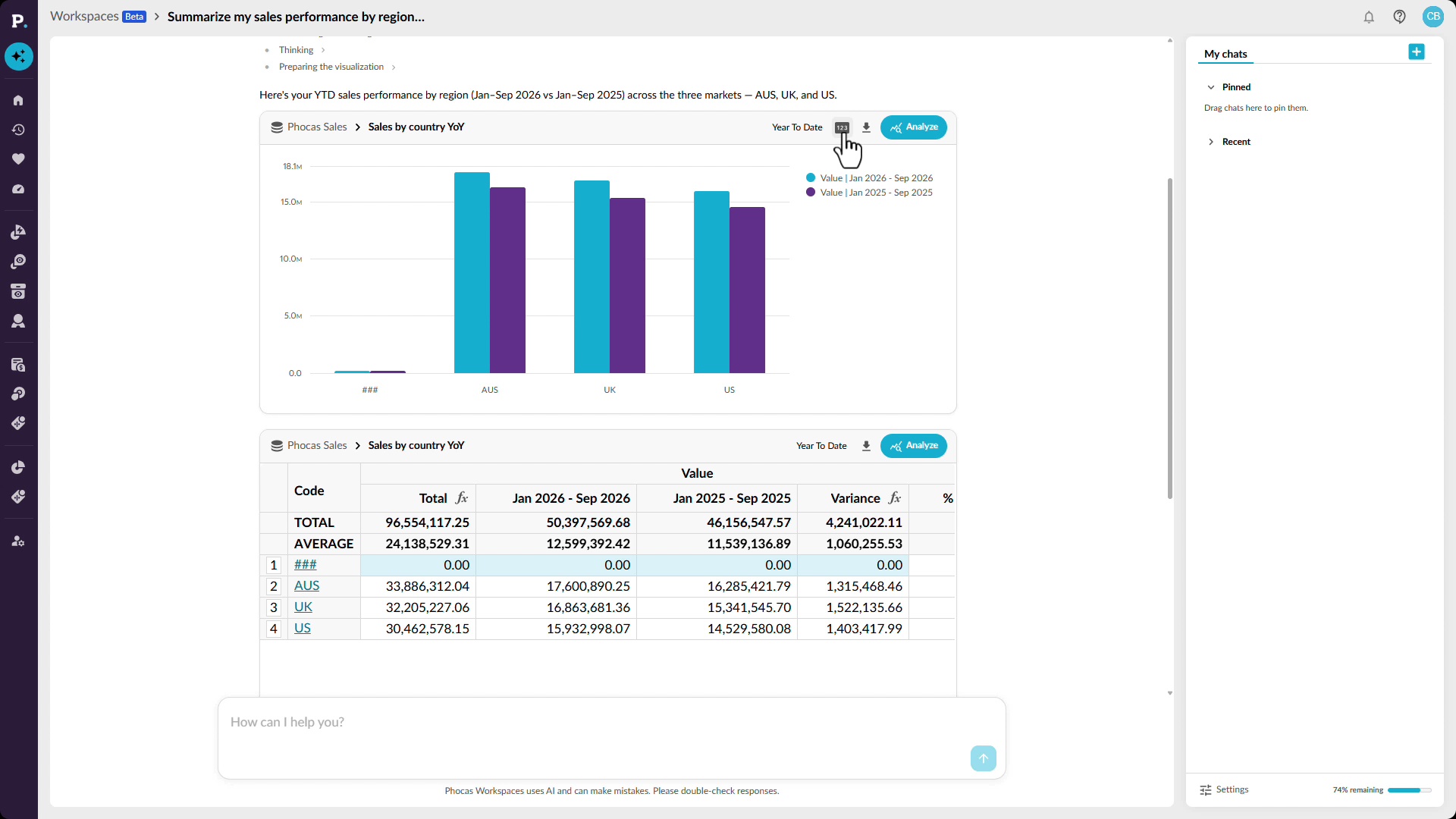
Get your own answer in seconds
Ask questions about your data in plain language and get answers directly in Workspaces. See how conversational AI can return a chart or grid, highlight relevant figures, and provide observations that help explain the result. You can continue the analysis by asking follow-up questions or opening the result for a closer look. When you have what you need, you can save it as a favorite, add it to a dashboard, or export it to share with your team.
Supporting documentation
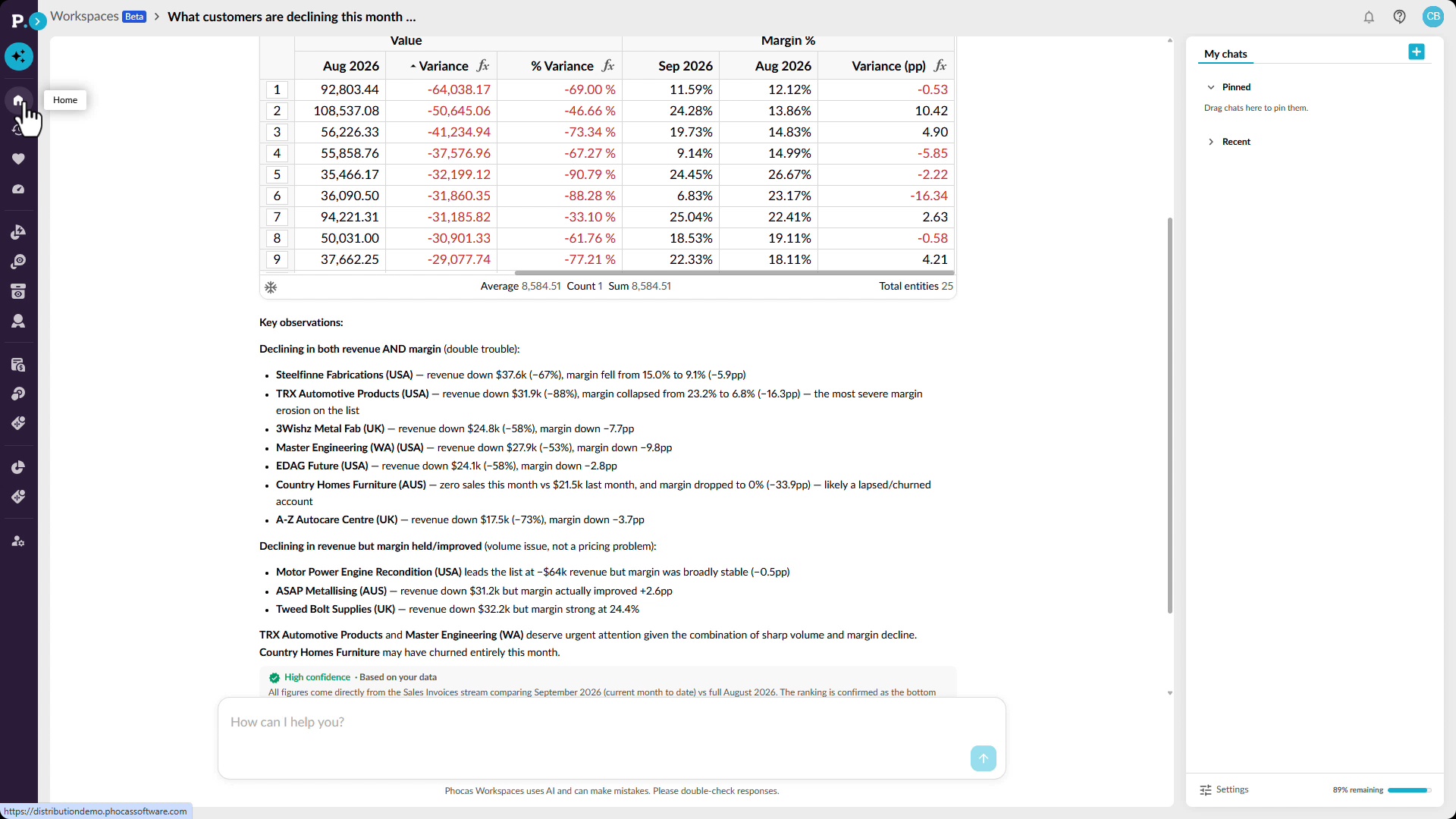
See churn risk across your whole patch
Spot customers showing signs of decline before the problem becomes more significant. See how Workspaces can use conversational AI to identify customers with falling sales or margin and surface observations that can help sales reps decide where to focus their attention. You can then examine performance across consecutive periods to find customers whose sales have been declining over several months. The resulting analysis can be saved and revisited as new data arrives, helping you keep track of changing customer behavior over time.
Supporting documentation
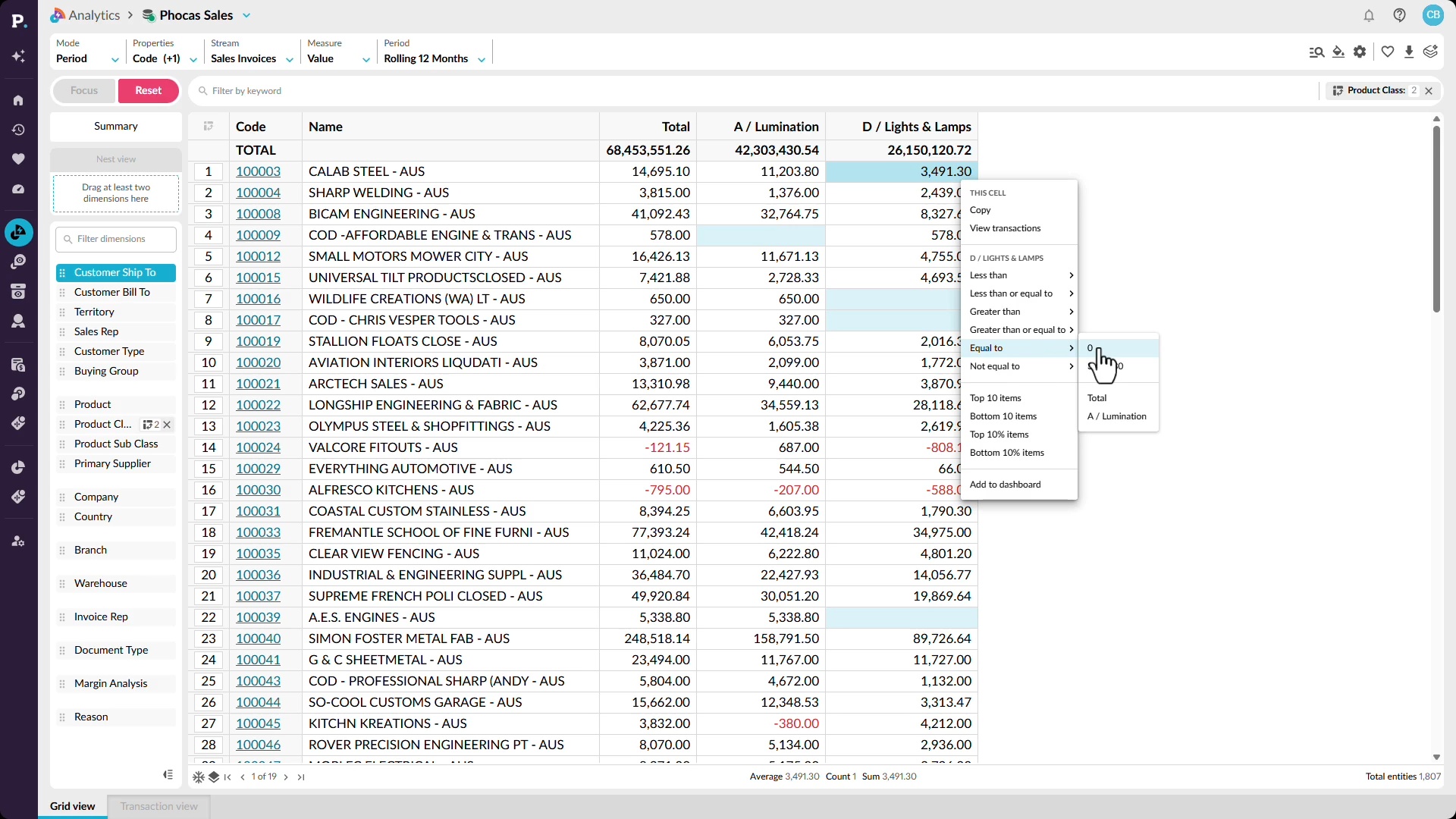
See cross-sell gaps across every account
Find cross-sell opportunities by looking for gaps in what customers are buying. See how Workspaces can identify customers purchasing from one product category but not another and return a list of accounts that may have an opportunity. You can then explore the same pattern across your wider customer base and filter the data to focus on specific category combinations. This gives you a repeatable way to find accounts where related products or categories are missing from the current sales mix.
Supporting documentation
See margin next to every sale
Look beyond sales revenue to understand the profitability behind your results. See how to add profit and margin alongside sales so you can compare revenue and profitability in the same analysis. You can identify periods where margin is falling, move into customer-level detail, and sort the results to find the accounts contributing most to the change. From there, drill into the underlying transactions to identify low-margin or unprofitable sales and review the discounts or individual transactions behind them.
Supporting documentation
Analytics 
Related learning modules
 Analytics
Get started with Analytics
This beginner-friendly module walks you through getting started in Analytics and shows you how to run simple analyses for quick insights. Learn how to explore your data and see how the different modes and features give you the flexibility to view, compare, and analyze your information in ways that work best for you.
 Analytics
Use Analytics
 Analytics
Finance use cases
This module shows how finance teams use Analytics to chase receivables, understand margin, and prepare for reviews. Each video works through a real scenario, from aging analysis to dashboards.
 Analytics
Operations use cases
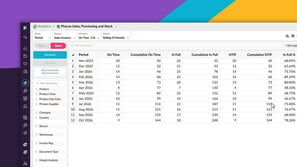
This module shows how operations teams use Analytics to manage inventory and supply. Each video works through a real scenario, including weeks of cover, stock variances, on-time in-full delivery, dead stock, and supplier negotiations.
