Use Flex Modes
 Flex Modes
 9 videos in this learning module
Compare data in a matrix
View transactions
Create a nested view
Save and share favorites
Use alerts
Create an advanced filter
Apply conditional formatting
Add and manage columns
Copy or export data
9 videos in this learning module
Compare data in a matrix
View transactions
Create a nested view
Save and share favorites
Use alerts
Create an advanced filter
Apply conditional formatting
Add and manage columns
Copy or export data
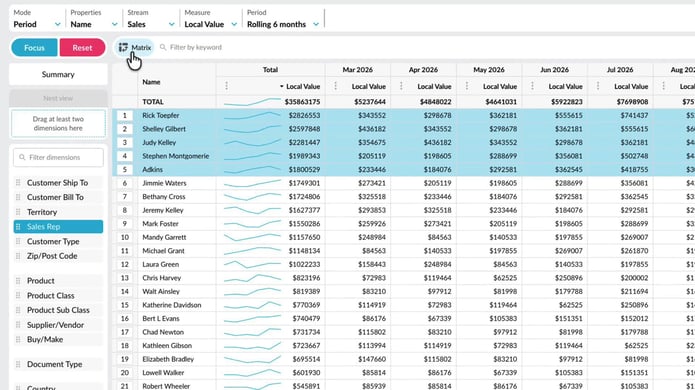
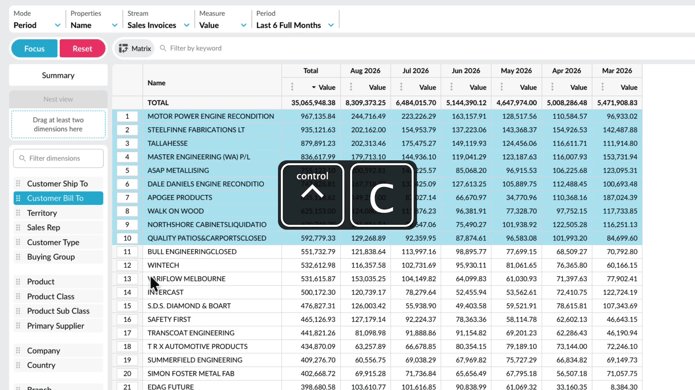
Compare data in a matrix
Learn how to filter and pivot rows at the same time, letting you view two dimensions side by side in a matrix. This makes it easy to compare your data and quickly spot any differences.
Supporting documentation
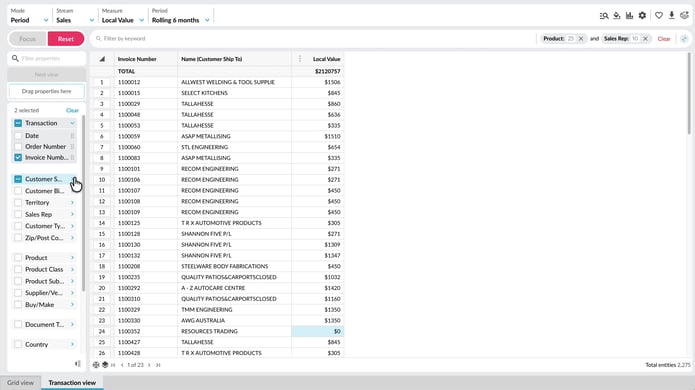
View transactions
Learn how to work with transaction-level data in Phocas to investigate the detail behind your analysis. Explore the difference between Transaction view and Transaction mode, add transaction and dimension properties, sort and nest data, apply filters, and create calculations. Working at this level helps you trace results back to individual records, isolate specific invoices, and organize transaction data so you can investigate results in more detail.
Supporting documentation
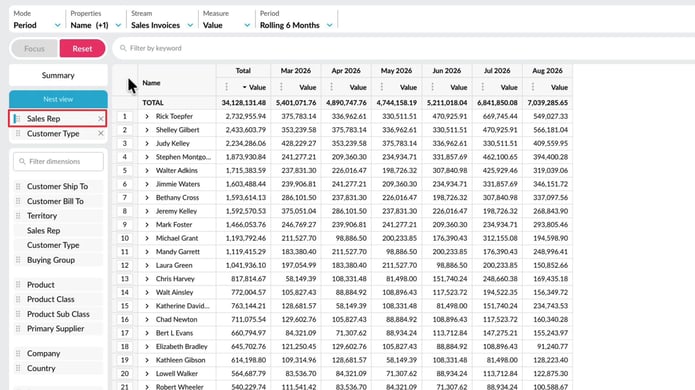
Create a nested view
With the nest view feature in Flex Modes, you can add dimensions as levels in the grid, making your data easier to interpret. This lets you see how different items contribute to the overall results and build reports where you define the hierarchy of the data on display.
Supporting documentation
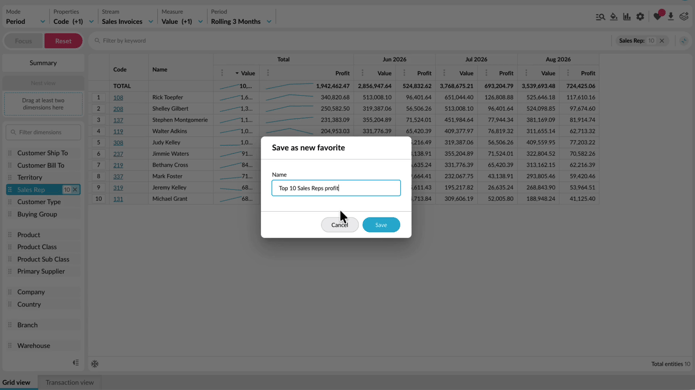
Save and share favorites
Learn how to save useful analysis views as favorites. This tutorial shows you how to create, update, share, and reuse favorites, as well as subscribe to receive them by email on a schedule.
Supporting documentation
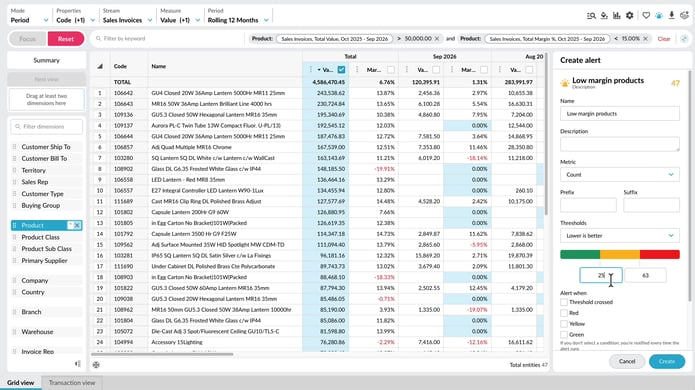
Use alerts
Learn how to create and manage alerts in Phocas to keep track of important results and quickly see when something needs your attention. Set the metric to monitor, define red, yellow, and green thresholds, choose when notifications are triggered, and set up email delivery. You’ll also see how to test alerts before creating them, find them on the homepage, subscribe to shared alerts, and restore deleted alerts when needed.
Supporting documentation
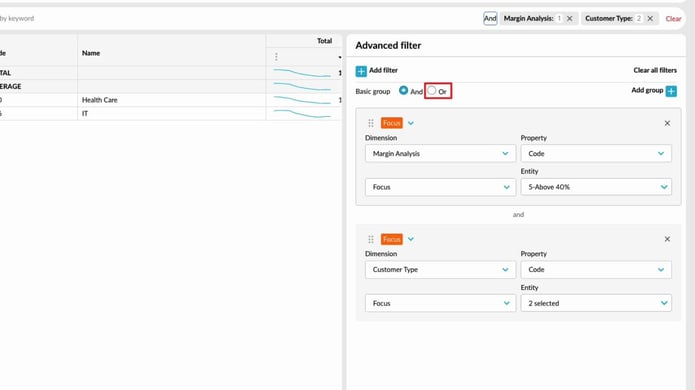
Create an advanced filter
Learn how to use the Advanced Filter to take your analysis further and answer more complex questions. It’s a powerful way to refine your search results and uncover deeper insights in your data.
Supporting documentation
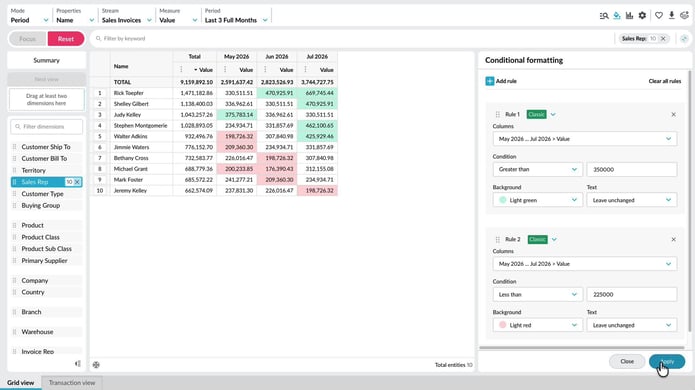
Apply conditional formatting
Supporting documentation
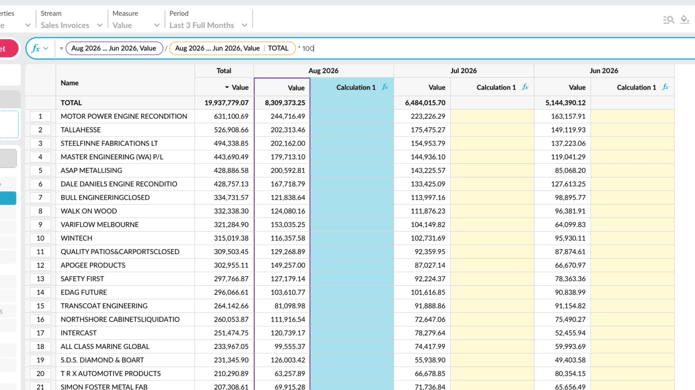
Add and manage columns
Learn how to add and manage columns in the grid to shape your analysis. This tutorial covers adding measure and calculation columns, adjusting number formats, and organizing or removing columns so the grid shows the information you need.
Supporting documentation
Copy or export data
Learn how to copy or export data from the grid when you want to continue working with it outside Phocas. See how to copy selected cells or rows into a spreadsheet, or export a wider set of data as a CSV or XLSX file. You’ll also see how Excel exports retain features such as conditional formatting and nested rows, helping you carry more of your current view into Excel.
Supporting documentation
Flex Modes 
Related learning modules
 Flex Modes
 Get started with Flex Modes
This beginner-friendly module walks you through getting started in Flex Modes and shows you how to run simple analyses for quick insights. Learn how to explore your data with Flex Modes and see how the different modes and features give you the flexibility to view, compare, and analyze your information in ways that work best for you.
