Create a 'low margin' alert

Learn how to use Advanced Search to find products that meet margin and sales criteria, such as margin below 15% and sales above 50,000, then create an alert from the results. You'll set the traffic light thresholds, find the alert on your homepage, and subscribe to get updates at the frequency or trigger you choose.
Supporting documentation


Related video tutorials
 Dashboards
Add a widget to a dashboard
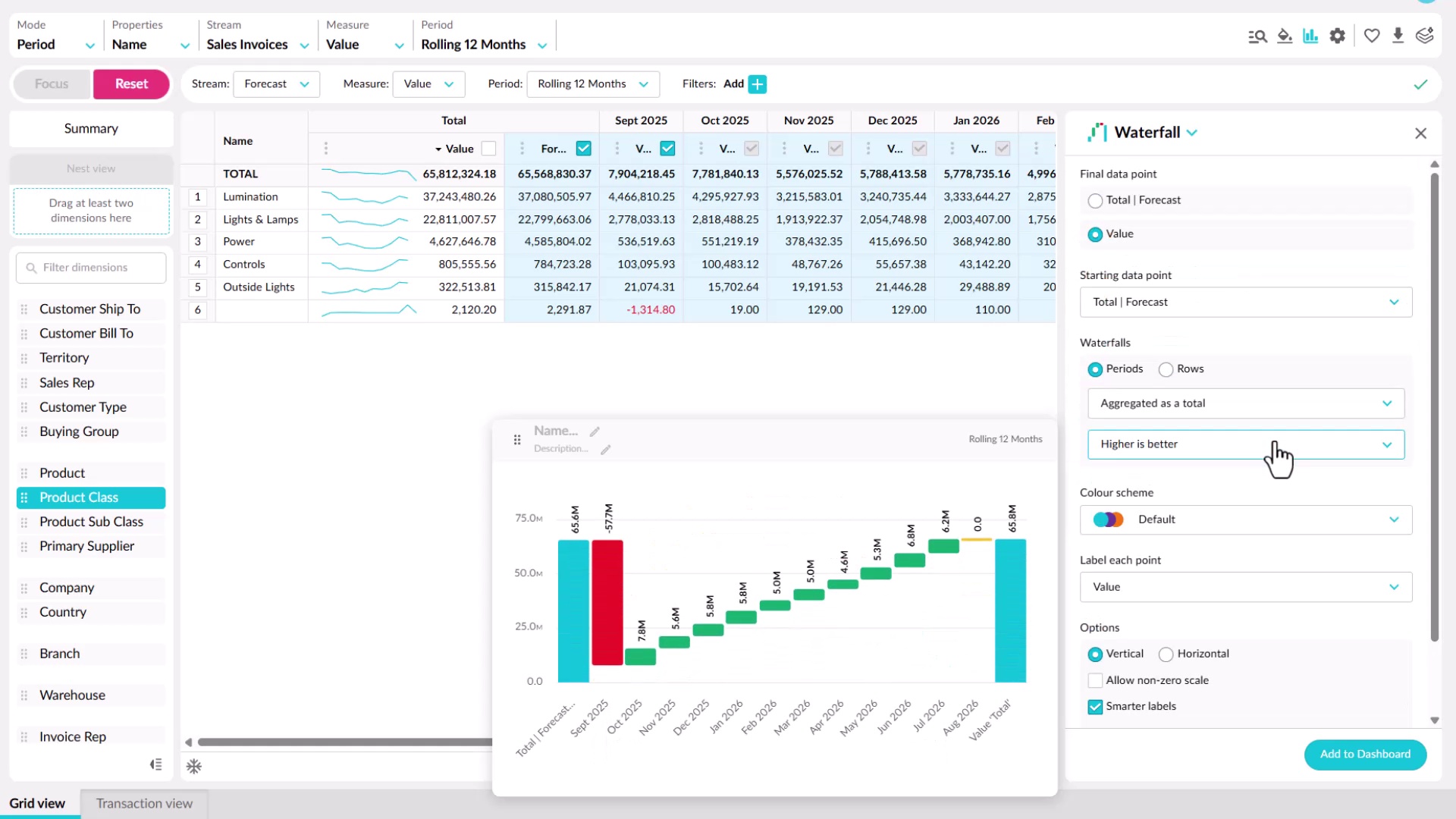
Learn how to add a widget from a dashboard or from Analytics or Financial Statements. You'll choose a chart type for what you want to show, such as bar, line, pie, value card, gauge, or waterfall, set options like colors and whether it responds to filters, then name it and add it to an existing or new dashboard.
 Dashboards
Filter your dashboard
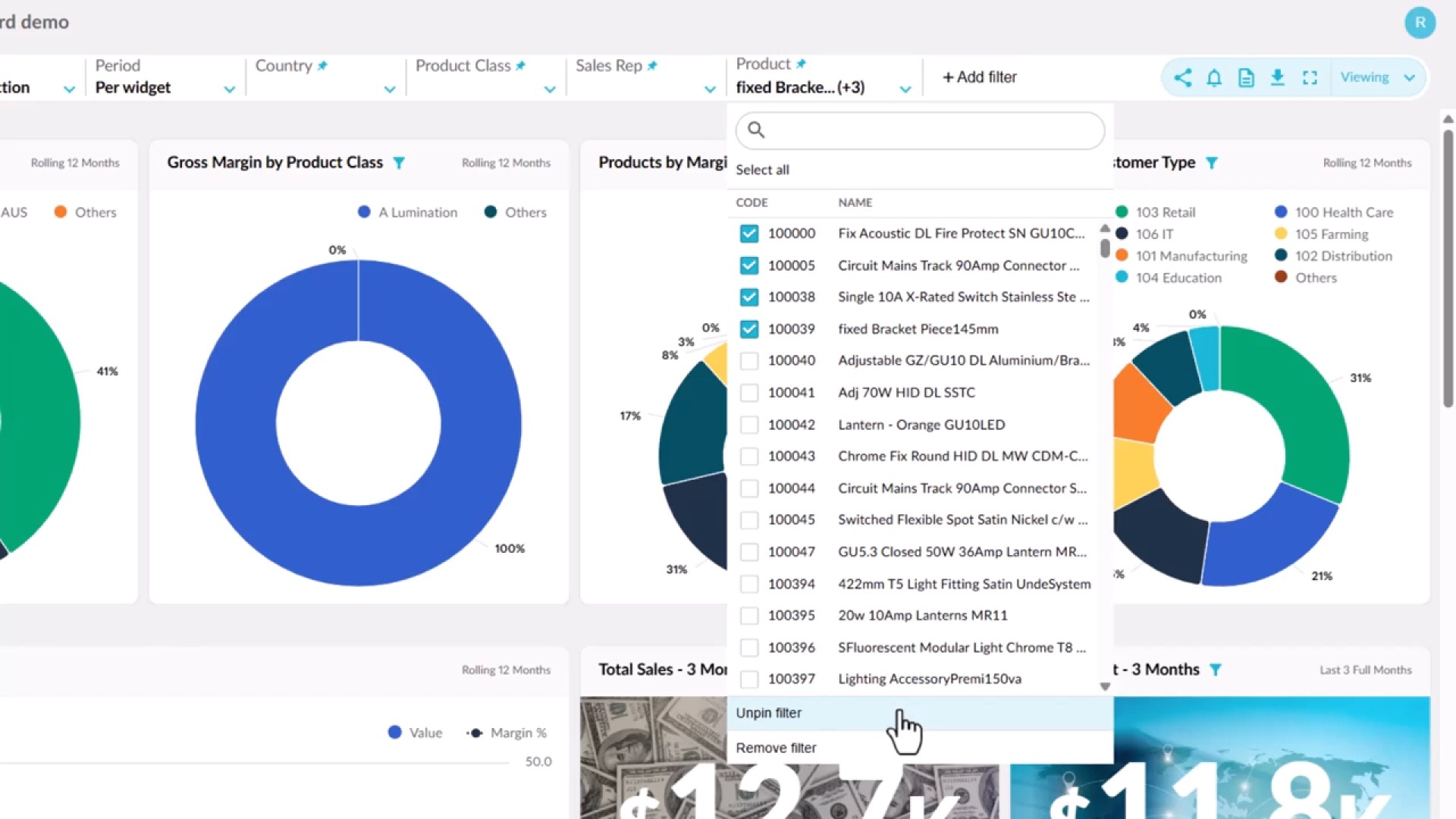
Learn how connected widgets highlight the same entity across a dashboard, and how Focus filters everything down to your selection. You'll add and pin your own filters, see which widgets respond to them, and apply a single period across every widget, then use Reset to return to the default view.
 Dashboards
Edit a dashboard
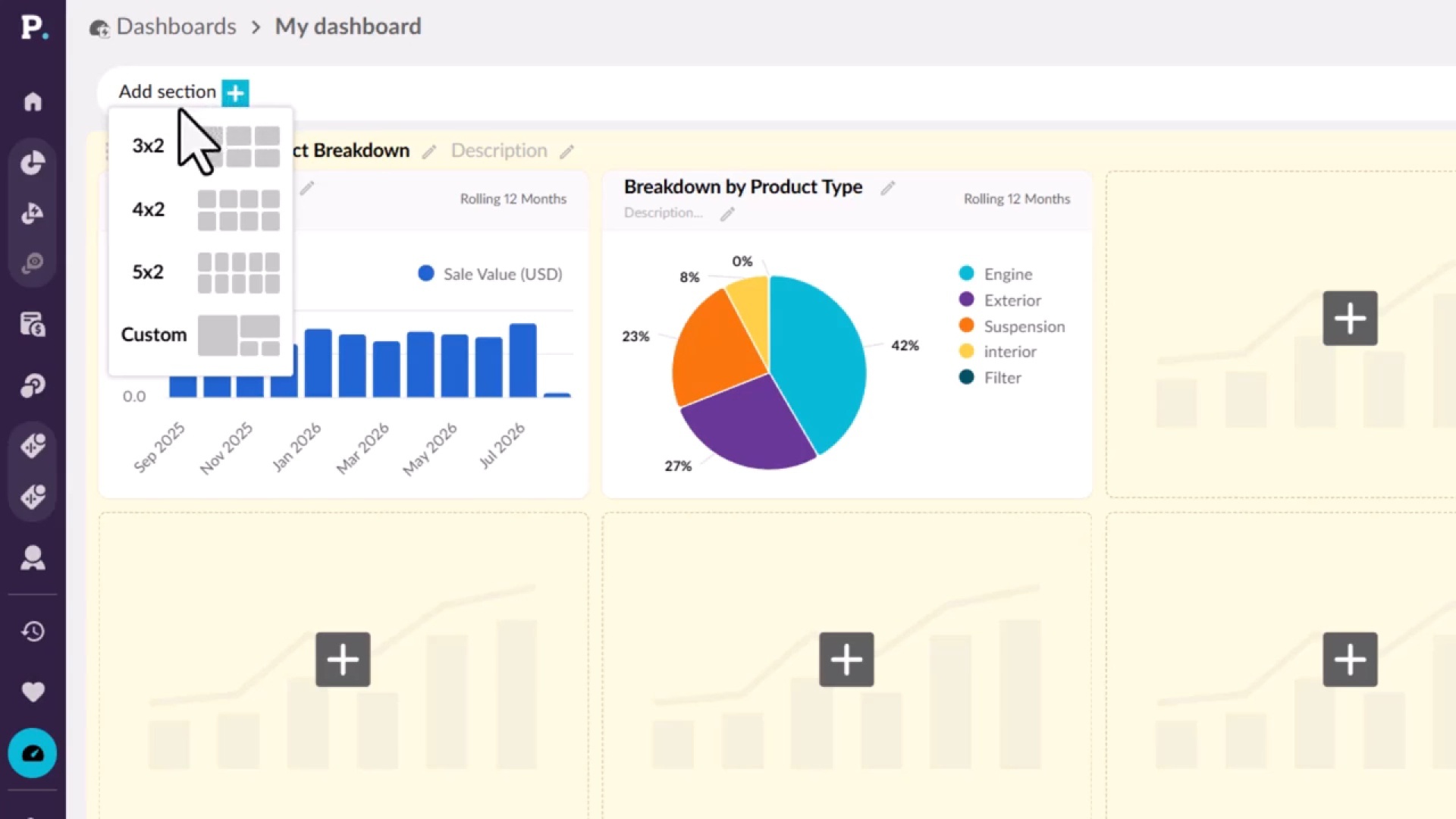
Learn how to shape a dashboard in edit mode, if you have permission to edit it. You'll add sections with preset or custom layouts, add and manage widgets, split a dashboard into tabs, and format its appearance. Your changes stay private until you publish them, and each publish saves a revision you can restore.
 Dashboards
Create a dashboard
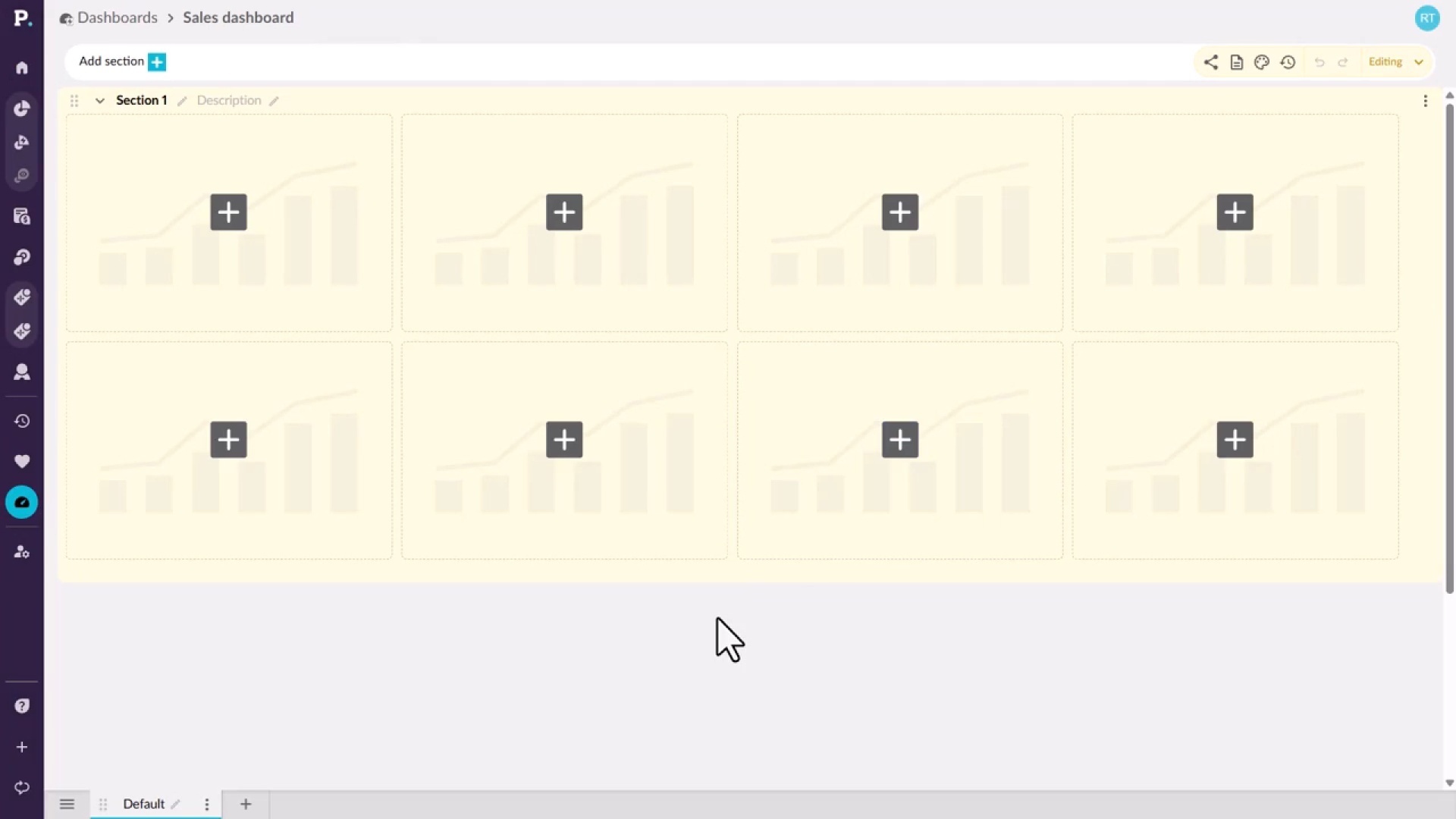
Learn how to start a new dashboard from the Dashboards tab on the homepage or from the side navigation menu. You give it a name and an optional description, which appears under the name on the homepage, then create it and open it, ready to build.
