Create a dashboard
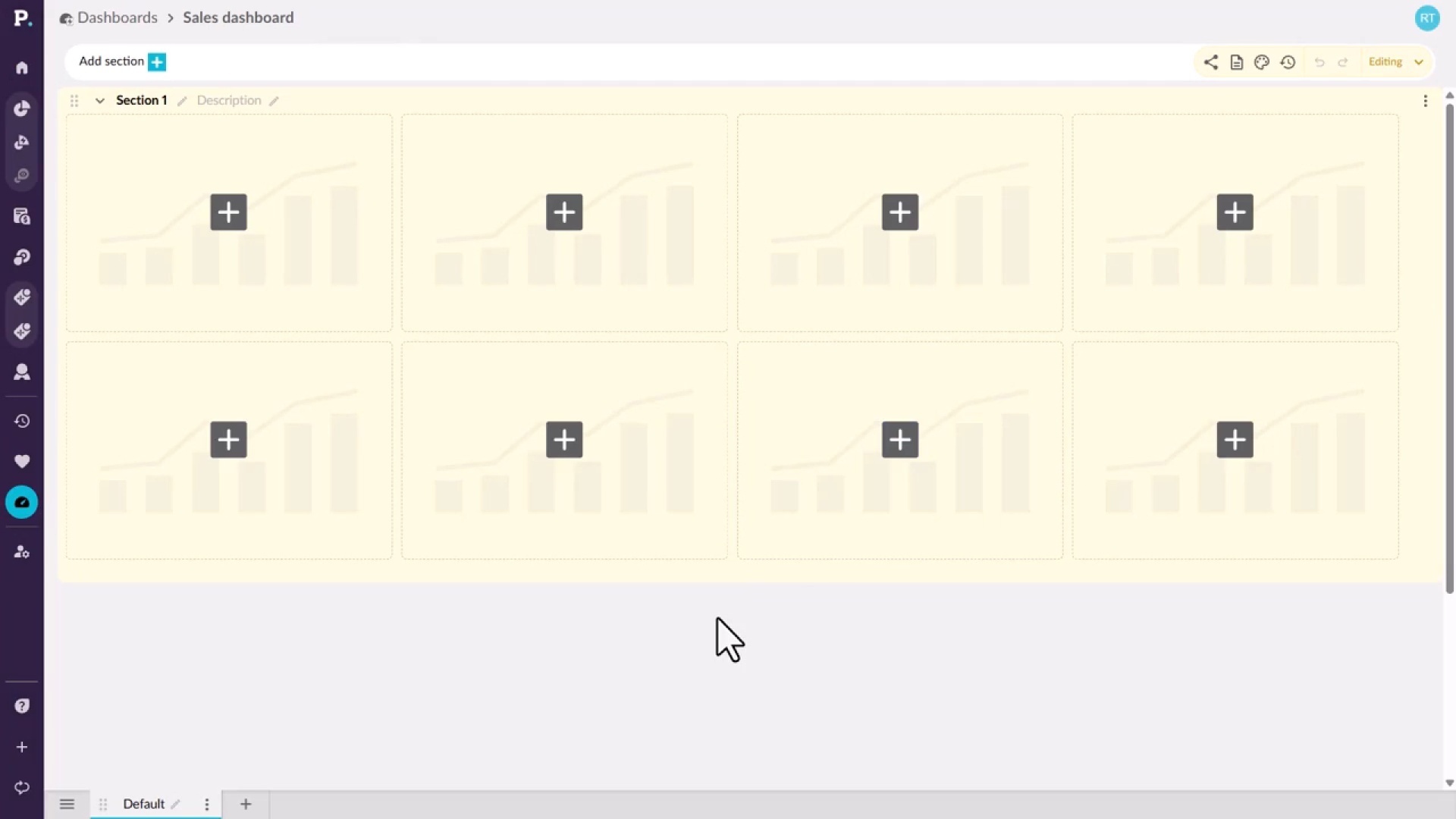
Learn how to start a new dashboard from the Dashboards tab on the homepage or from the side navigation menu. You give it a name and an optional description, which appears under the name on the homepage, then create it and open it, ready to build.
Supporting documentation
 Dashboards

Related video tutorials
 Analytics (Classic)
Homepage at a glance
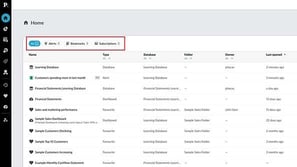
Learn how to find your way around the homepage, from the All, Alerts, Dashboards, Bookmarks, and Subscriptions tabs to search, filters, and sorting. You'll also see how to share, bookmark, or edit items from the row menu and restore deleted items within 45 days.
 Platform
Set a dashboard as your home page
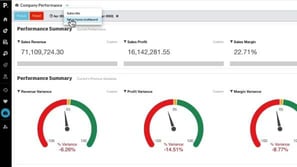
Learn how to save an important dashboard as your home page. Open the dashboard, use the arrow next to its name to choose Set as Home Dashboard, and confirm. The next time you log in to Phocas, that dashboard opens first, so you can get straight to the information you check most.
 Dashboards
Add a widget to a dashboard
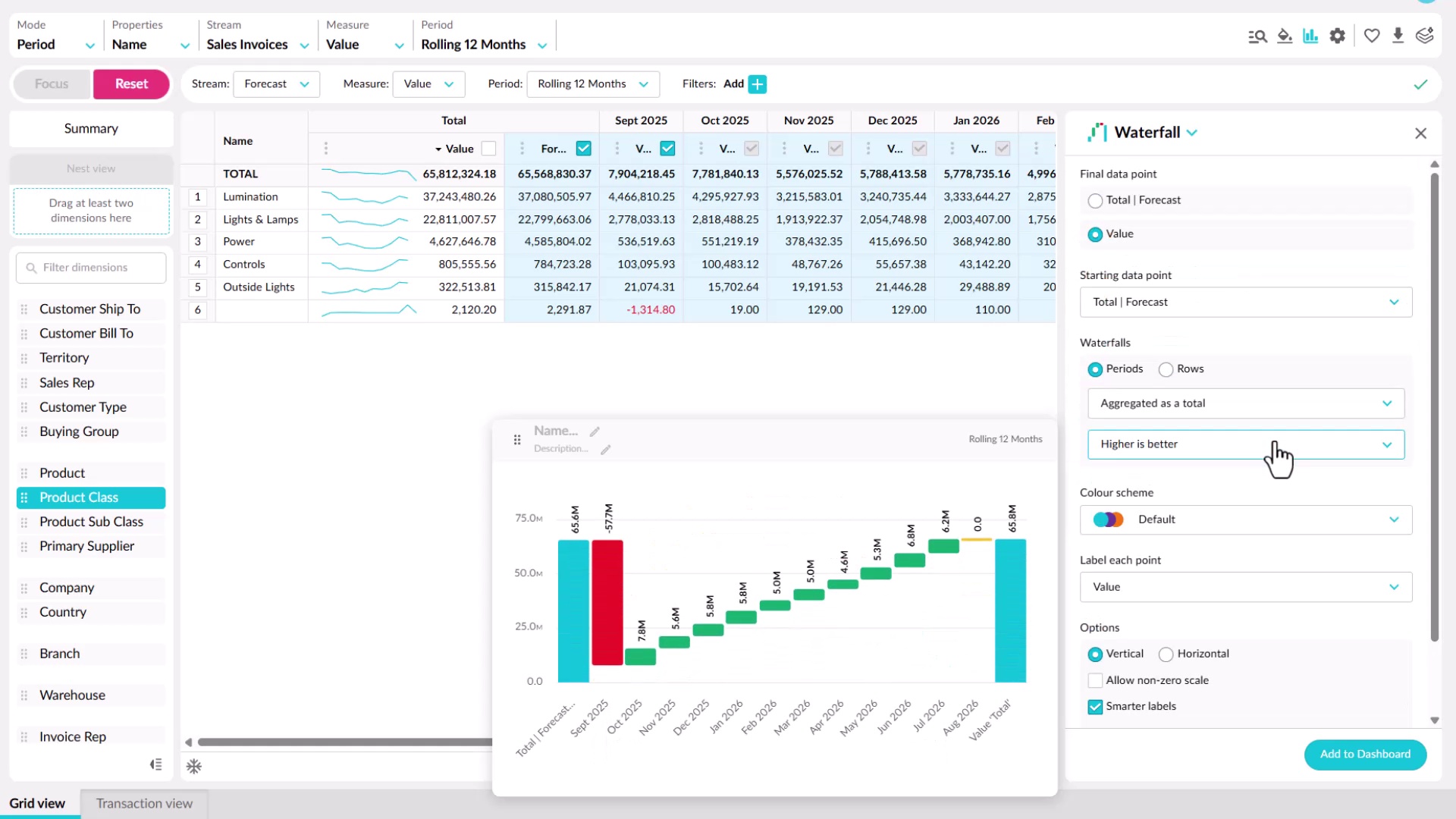
Learn how to add a widget from a dashboard or from Analytics or Financial Statements. You'll choose a chart type for what you want to show, such as bar, line, pie, value card, gauge, or waterfall, set options like colors and whether it responds to filters, then name it and add it to an existing or new dashboard.
 Dashboards
Filter your dashboard
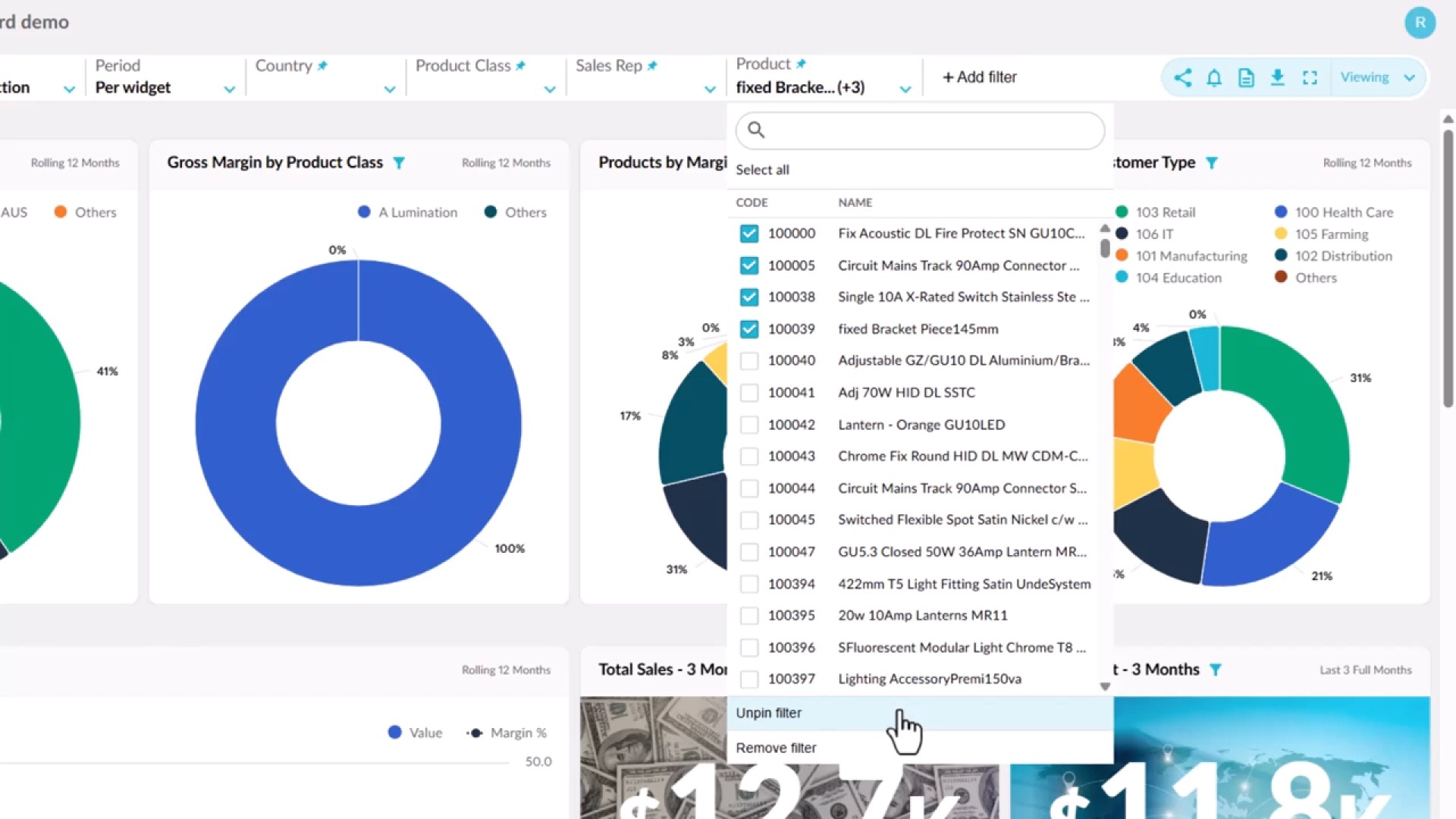
Learn how connected widgets highlight the same entity across a dashboard, and how Focus filters everything down to your selection. You'll add and pin your own filters, see which widgets respond to them, and apply a single period across every widget, then use Reset to return to the default view.
