View and explore dashboards
2:29 min
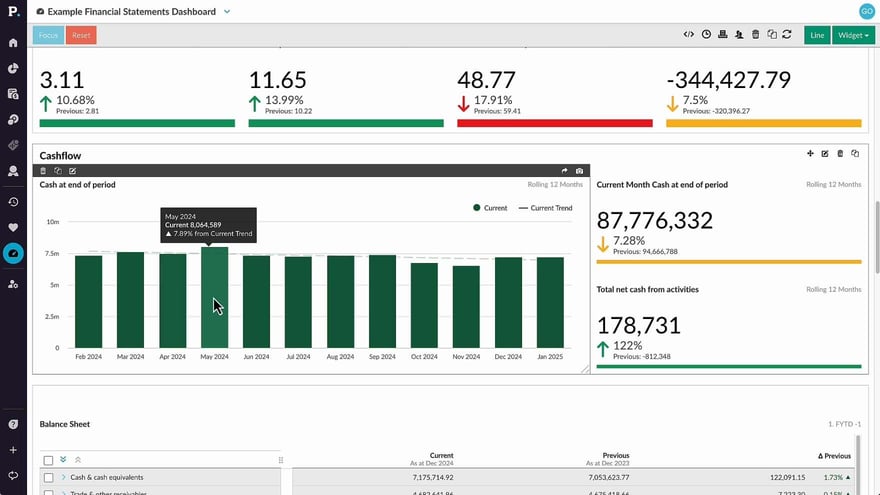
Discover just how user-friendly a Phocas Financial Statements dashboard can be! Learn how to make simple selections, narrow your focus, clear filters, and reset the dashboard with ease.
Supporting documentation
Phocas product  Financial Statements
Financial Statements Category

Related video tutorials
 Financial Statements
 Filter data (Financial Statements)
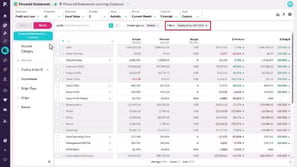
Filtering helps you move from a broad view of your financial statements to a sharper level of detail. You can narrow the data by keyword or by using dimensions like department or product, which enables you to focus on specific segments or categories. By applying filters, you can drill deeper into your financial statements and gain a clearer understanding of your data.
1:43 min
 Financial Statements
 Add financial analysis to a dashboard
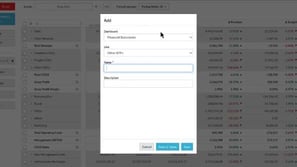
Add the views and visualizations you use often to a dashboard for quick and easy insights.
2:24 min
 Platform
 Use dashboards
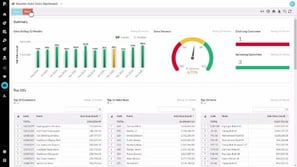
See just how user friendly a Phocas dashboard can be. Here we show you how to make some simple selections on a dashboard, focus, clear and reset.
1:51 min
.png?width=297&height=167&name=thumbnail%20(10).png) Financial Statements
Financial Statements Edit a financial statement
Learn how to edit an existing financial statement to suit your business needs.
3:53 min
