Save and share favorites
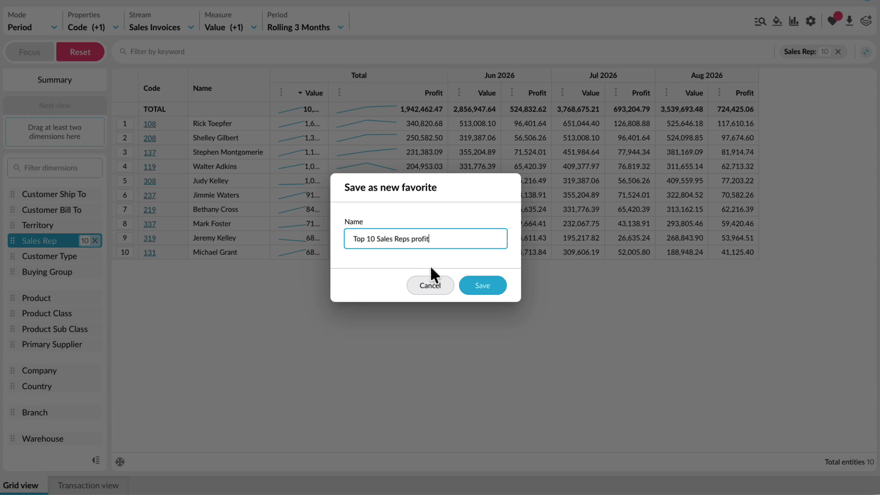
Learn how to save an analysis view as a favorite so you can return to it without setting everything up again. You'll see how to save, update, and delete favorites, share them with other users, save a copy as a new favorite, and subscribe to receive one by email on a schedule.
Supporting documentation

Related video tutorials
 Analytics
Homepage at a glance
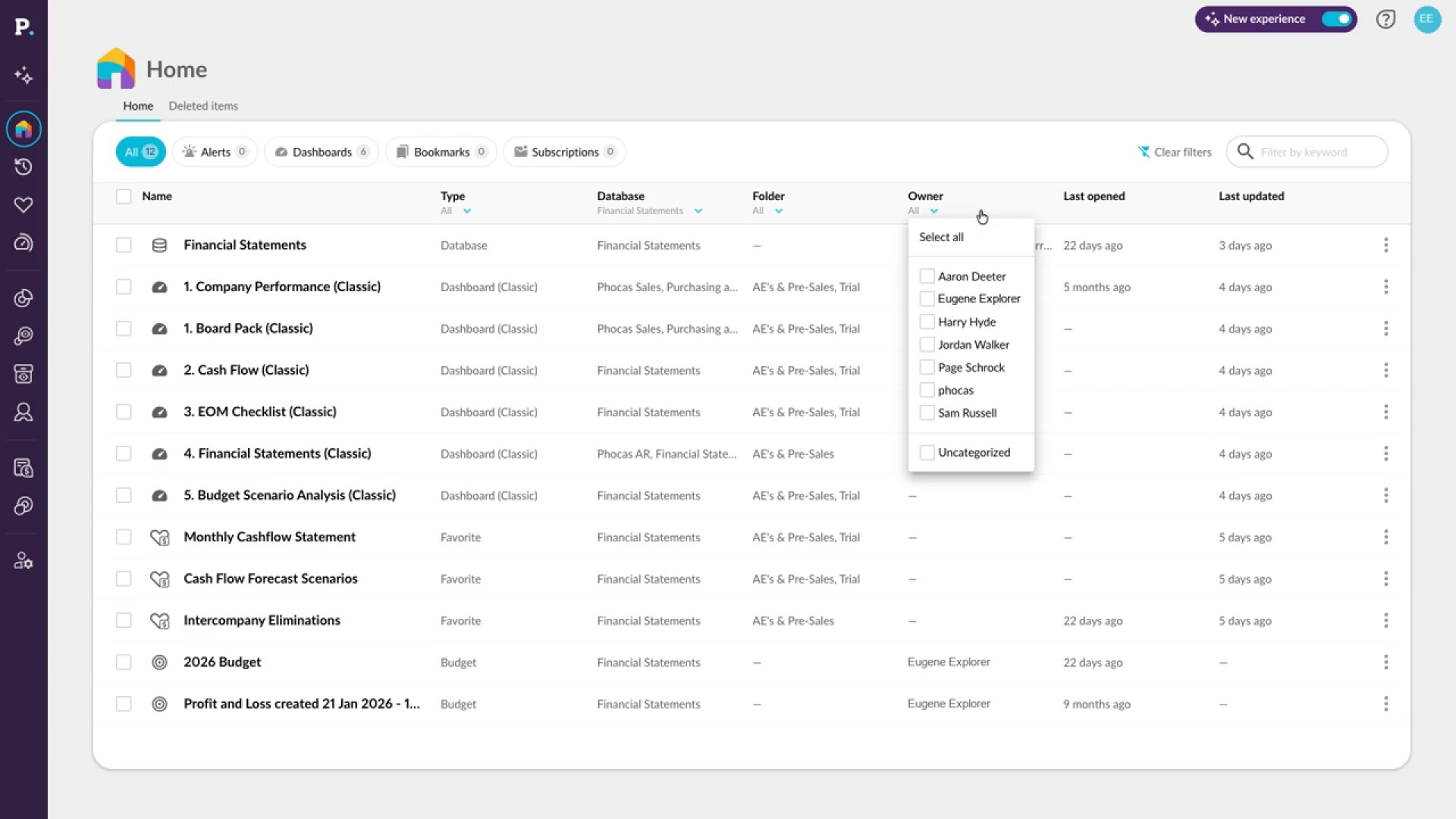
Learn how to find your way around the homepage, from the All, Alerts, Dashboards, Bookmarks, and Subscriptions tabs to search, filters, and sorting. You'll also see how to share, bookmark, or edit items from the row menu and restore deleted items within 45 days.

 Analytics (Classic)
Save a favorite
Learn how to save a favorite from a view you've set up, such as the top ten products for the current month. You'll name it, add a description, choose the period it opens in, and share it with folders or specific users, then find it again in the menu or on your homepage.
 Dashboards
Create a dashboard
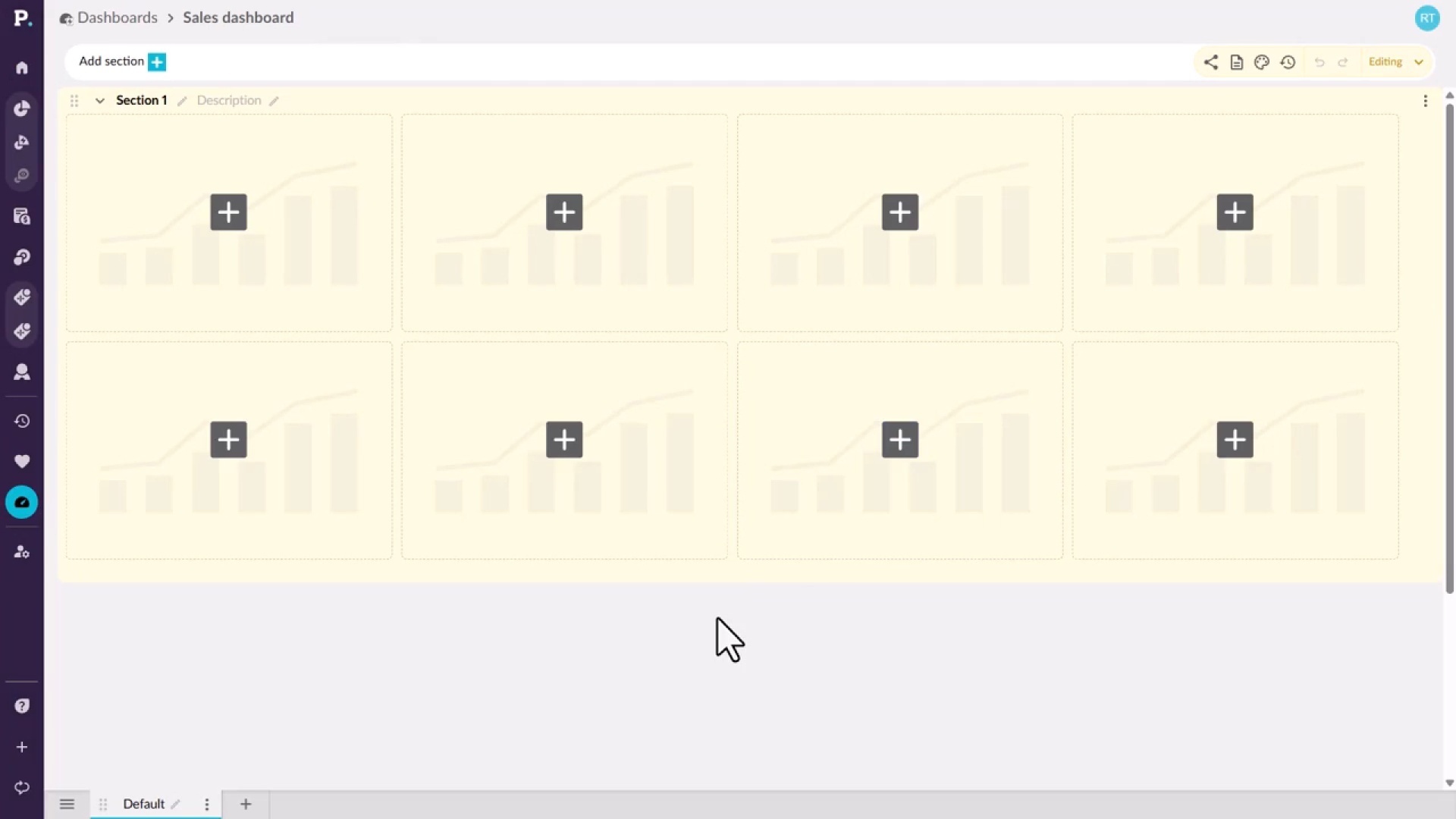
Learn how to start a new dashboard from the Dashboards tab on the homepage or from the side navigation menu. You give it a name and an optional description, which appears under the name on the homepage, then create it and open it, ready to build.
 Analytics
Get your own answer in seconds
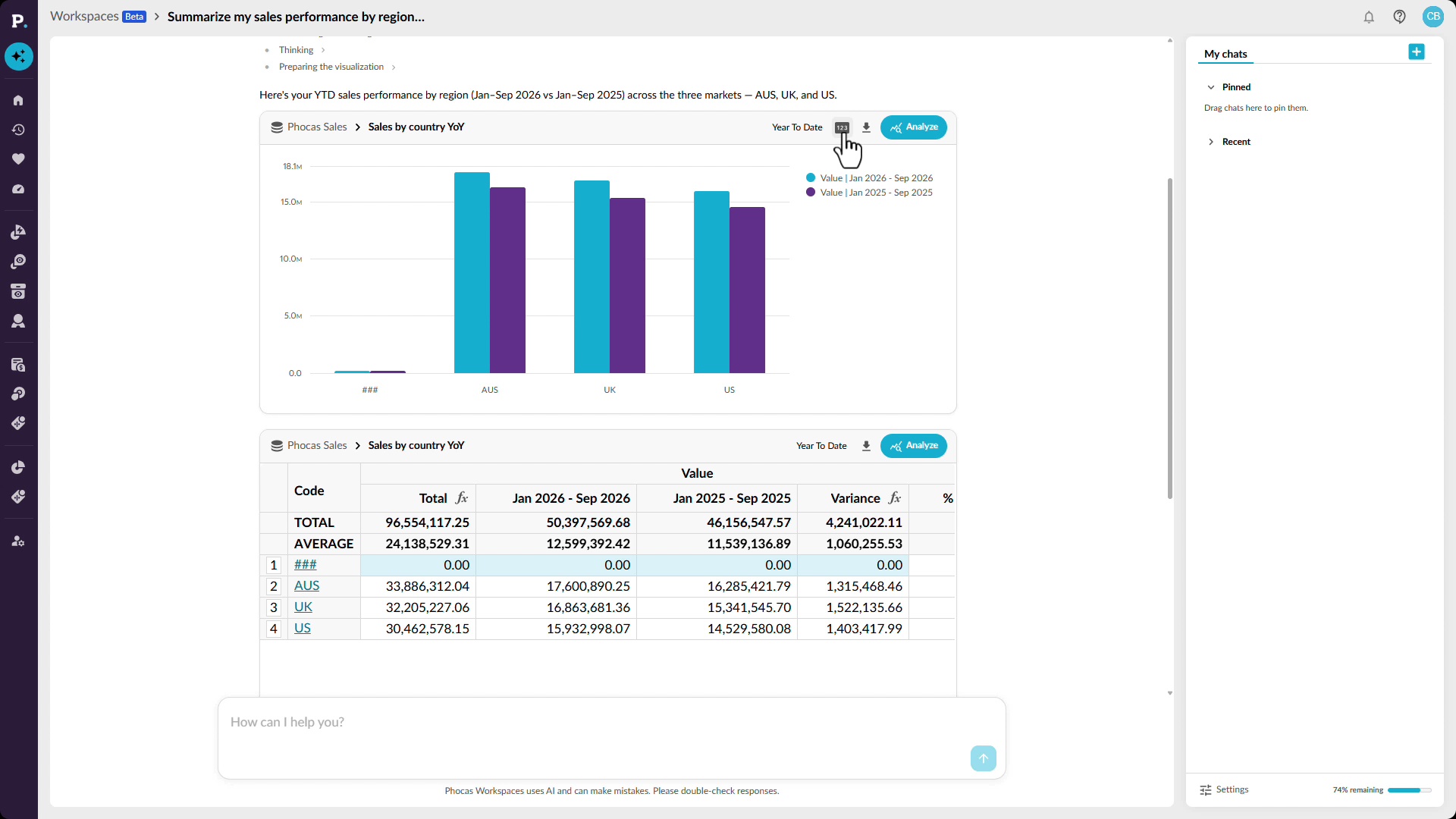
Learn how to answer a sales performance question yourself by asking Workspaces in plain language, such as a regional comparison of this year against last. You get a chart, a grid with figures like profitability, and a confidence score, and you can open the full report to dig into what's driving the trends. Save it as a favorite, add it to a dashboard, or export it.
